
Set your availability, the trial class and your packs.
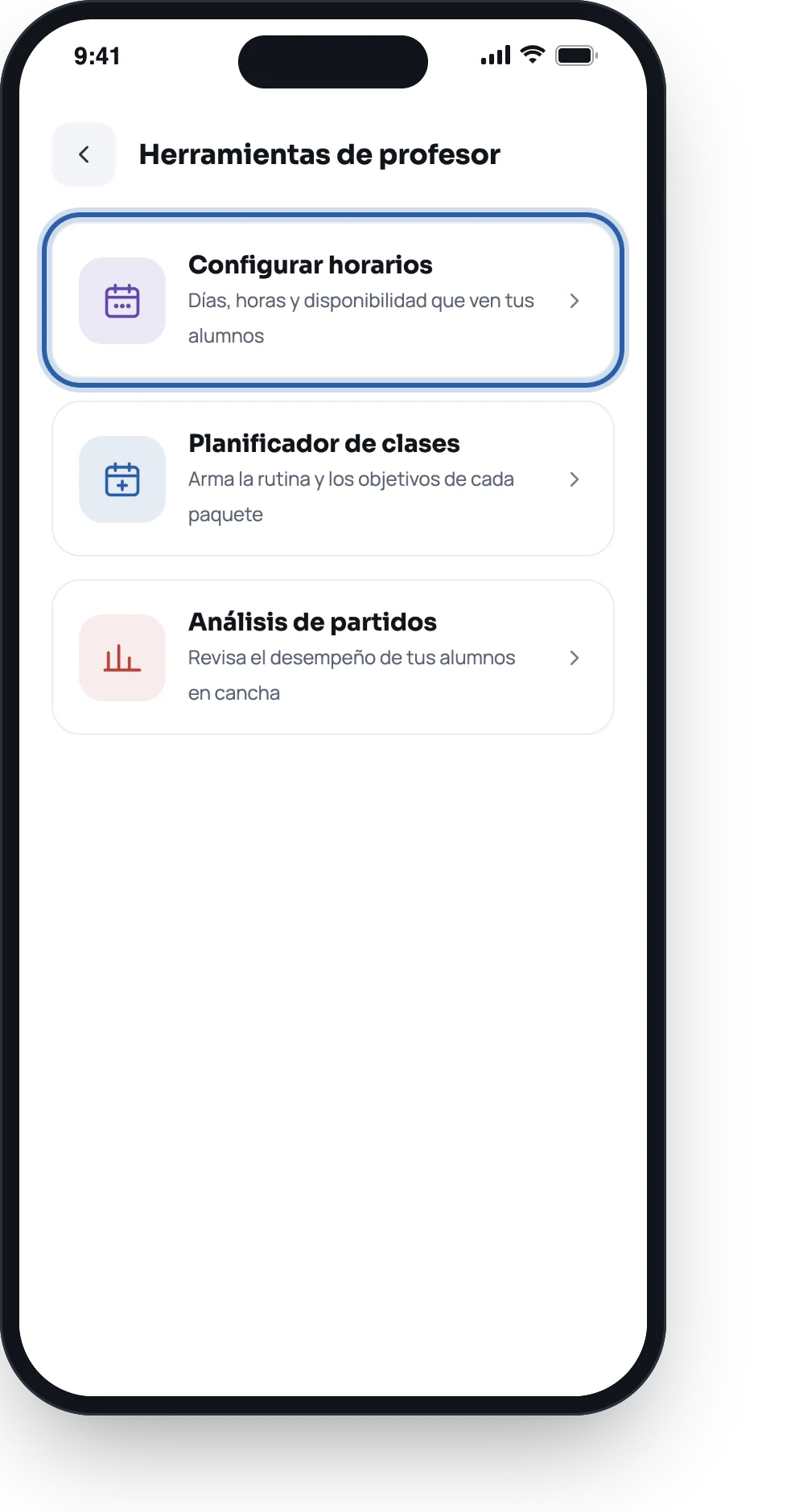
In Coach tools tap Set up hours.
Add the days and hours when you teach. Everything you set here is exactly what your students see when they look for you.
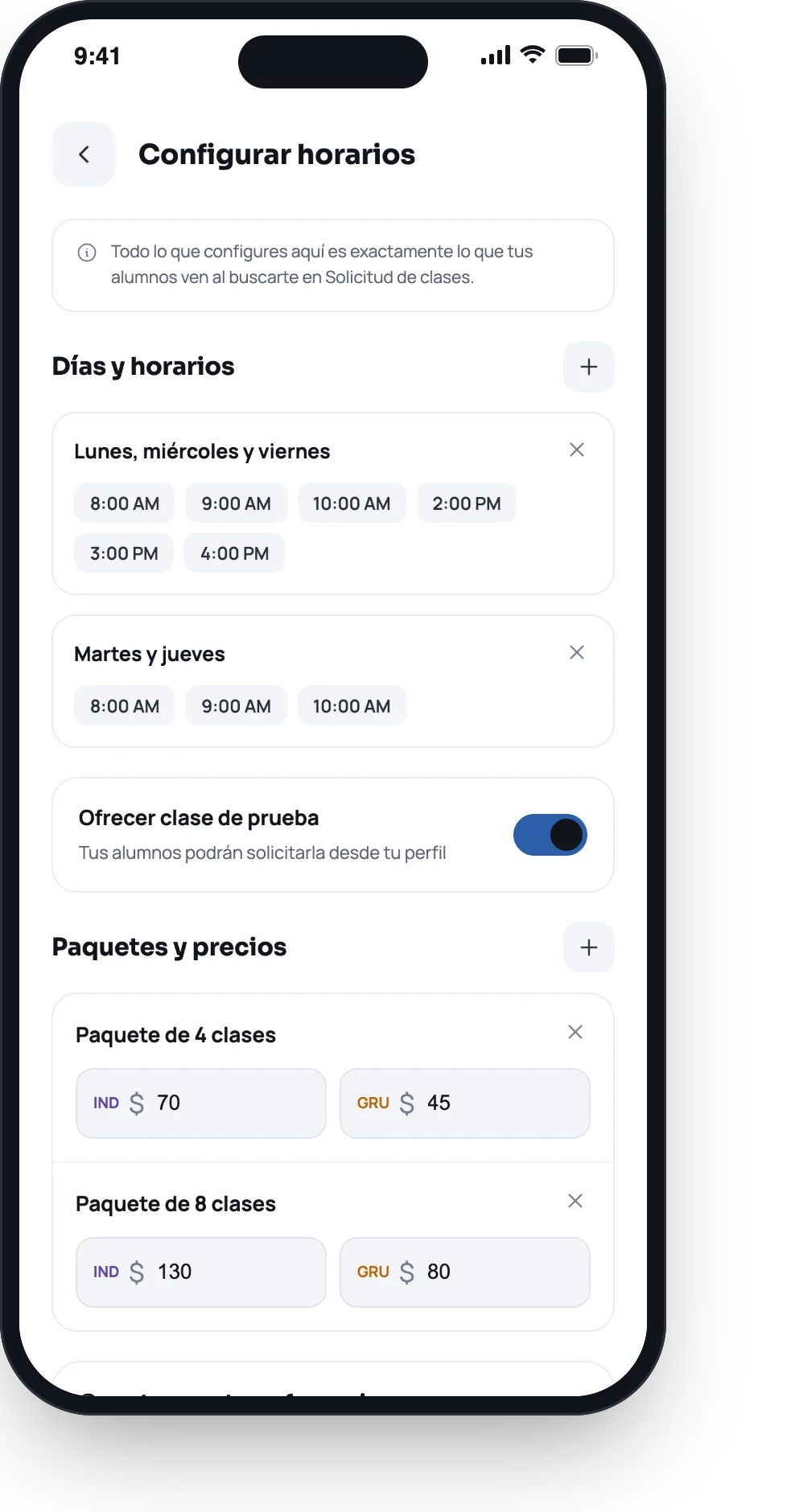
Turn on the trial class if you want to offer it and set the price of your 4- and 8-class packs, private (IND) or group (GRU).
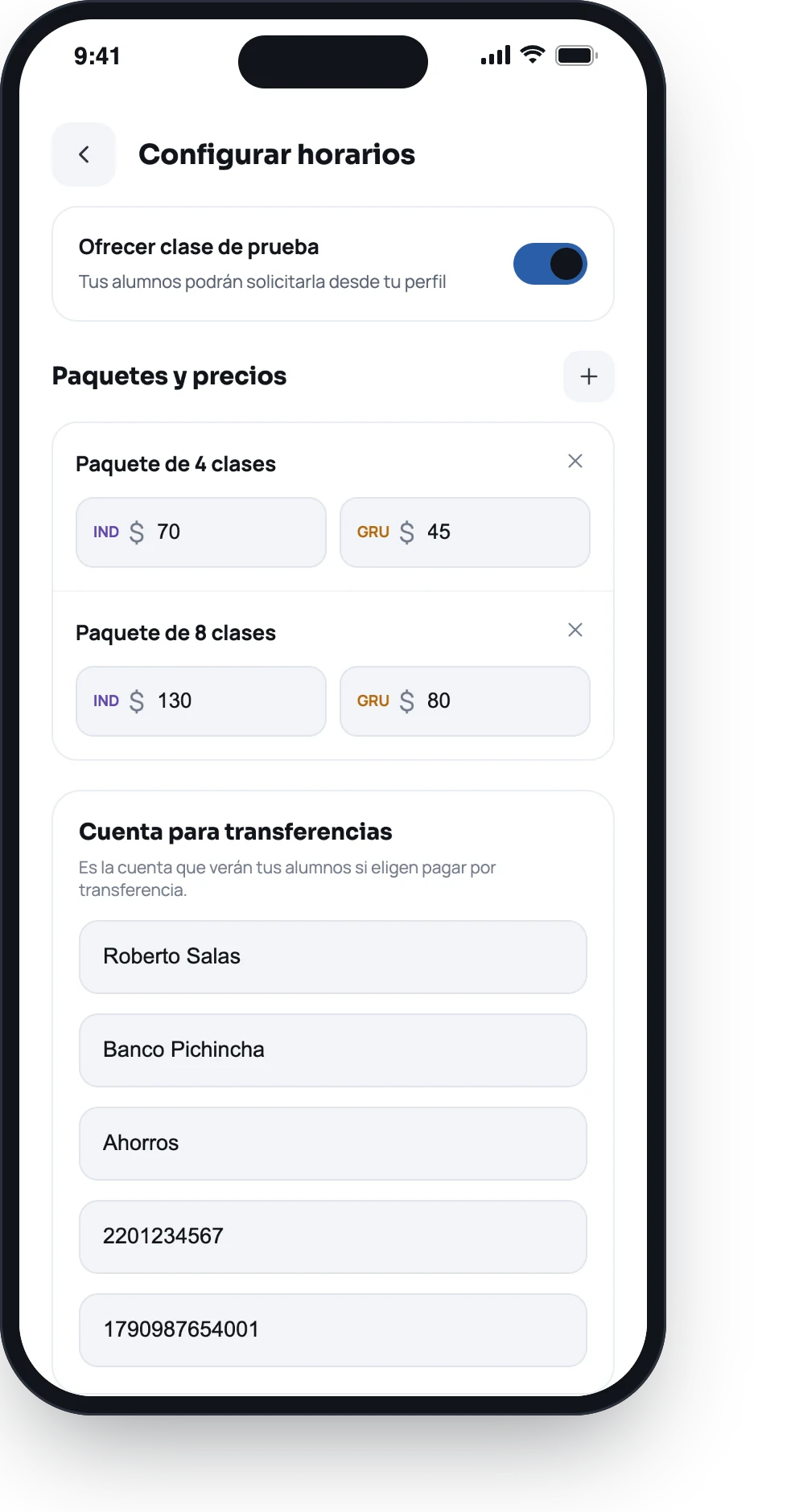
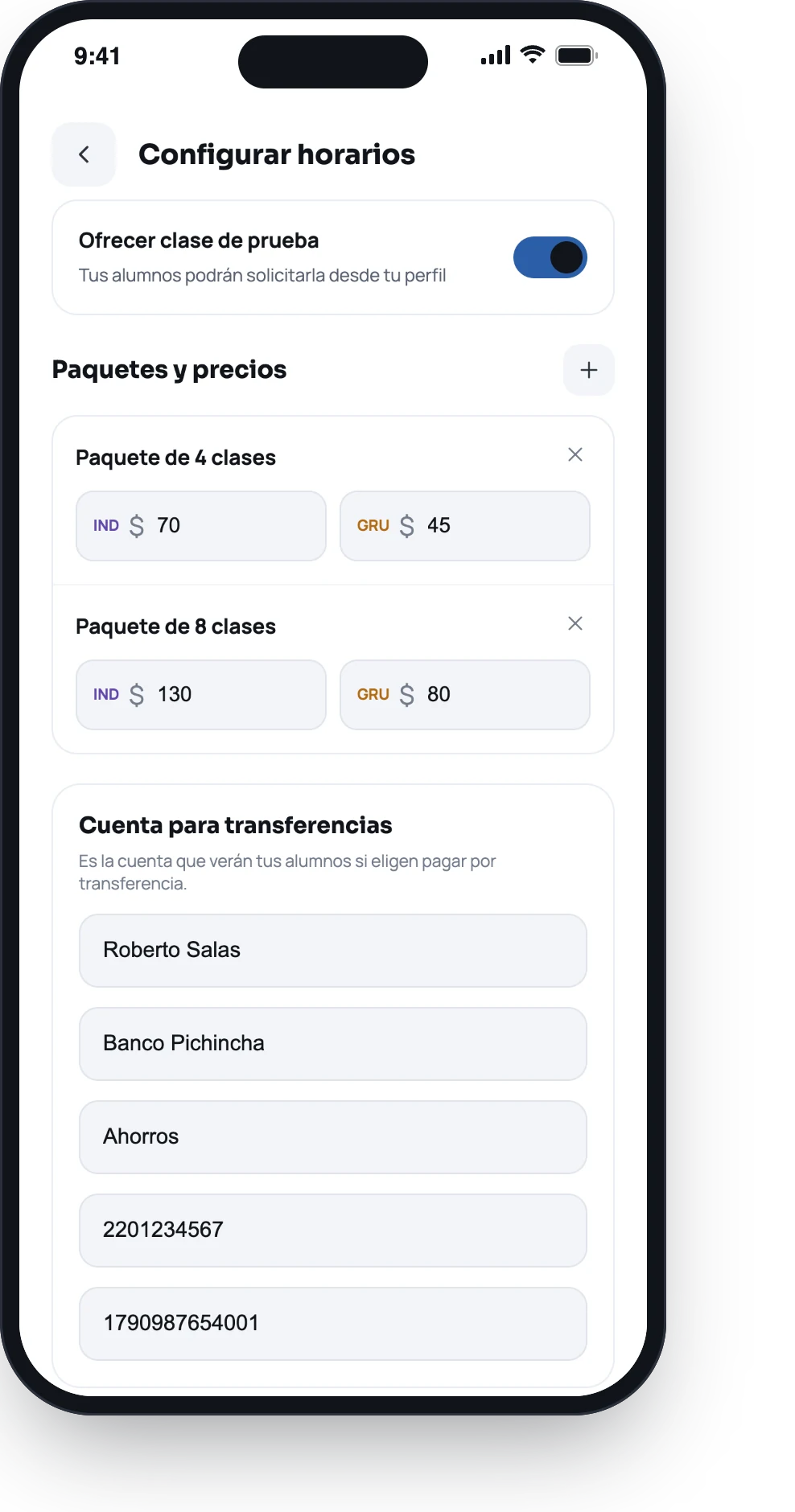
Add the account your students will see if they pay by bank transfer and tap Save changes.
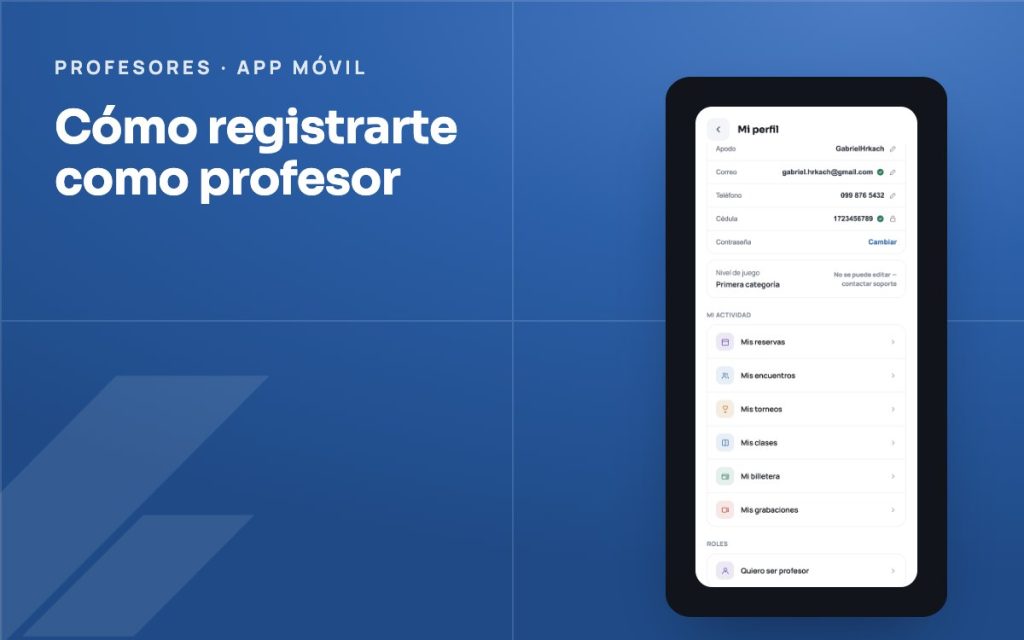 How to register as a coachRequest the coach role and build your professional profile.View tutorial
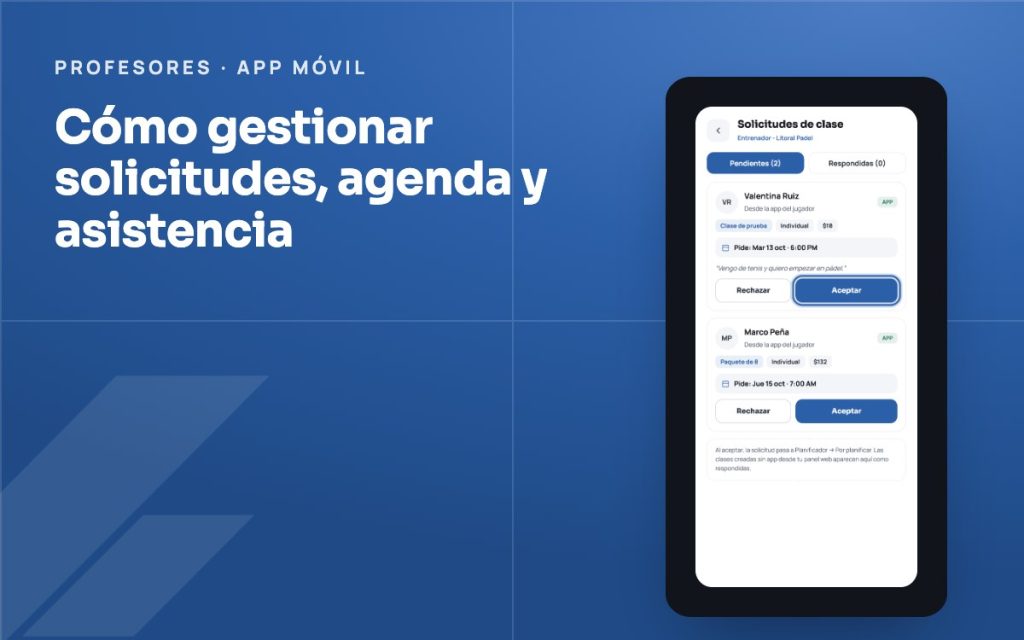 How to manage requests, schedule and attendanceAccept students, check your schedule and take attendance for each class.View tutorial
 How to plan your students' classesCreate training plans and track the progress of each pack.View tutorial