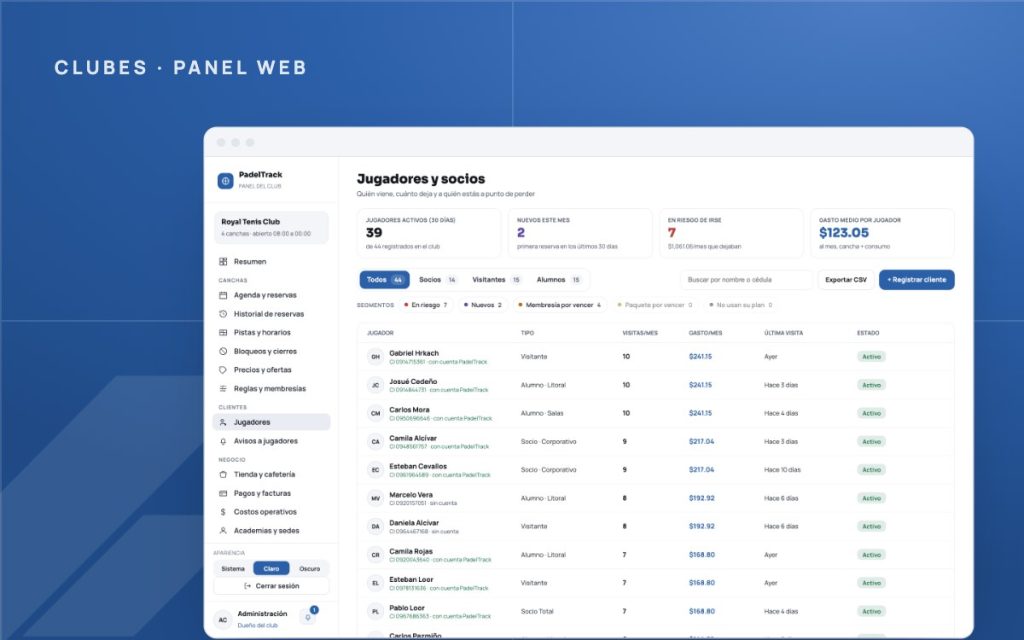
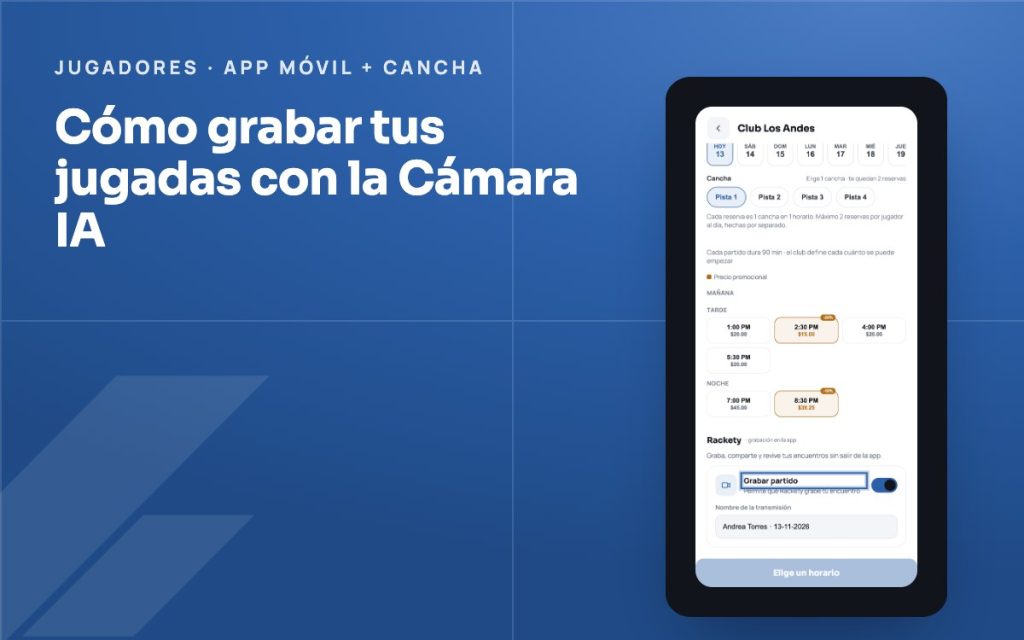
Step-by-step guides with the real screens of the app and the web dashboards. Choose whether you're a player, coach or club.
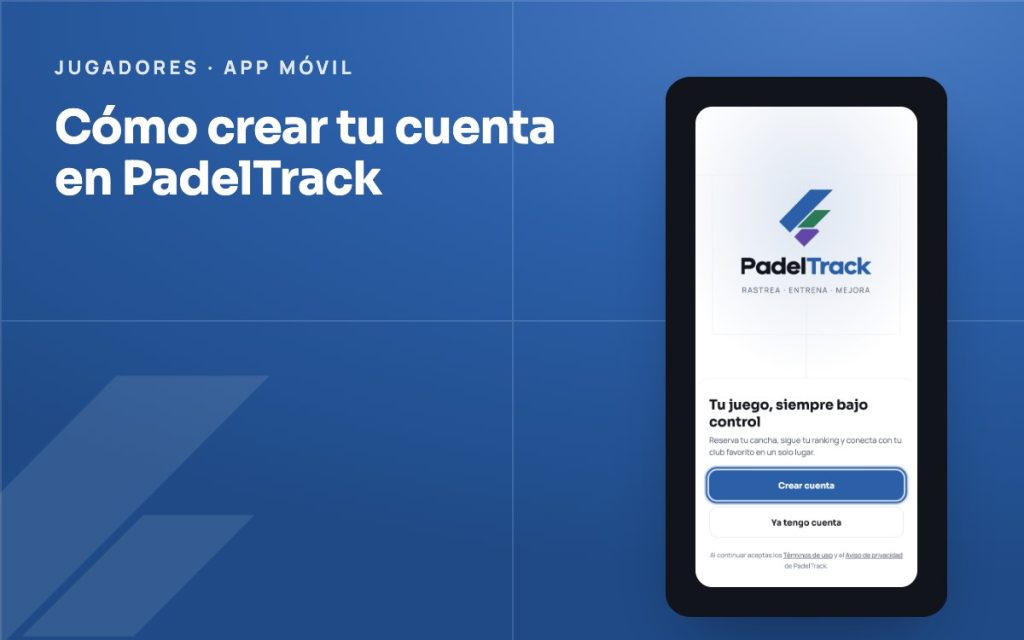
Mobile app · 8 stepsHow to create your PadelTrack accountSign up, verify your email and choose your category in a few minutes.View tutorial →
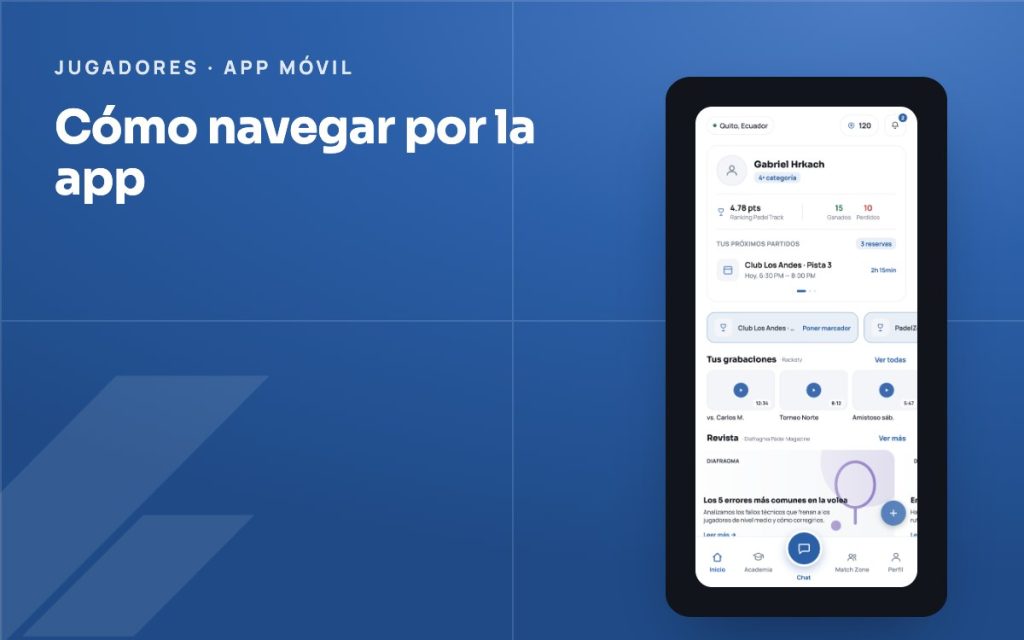
Mobile app · 5 stepsHow to find your way around the appGet to know the home screen, the bottom menu, notifications and your profile.View tutorial →
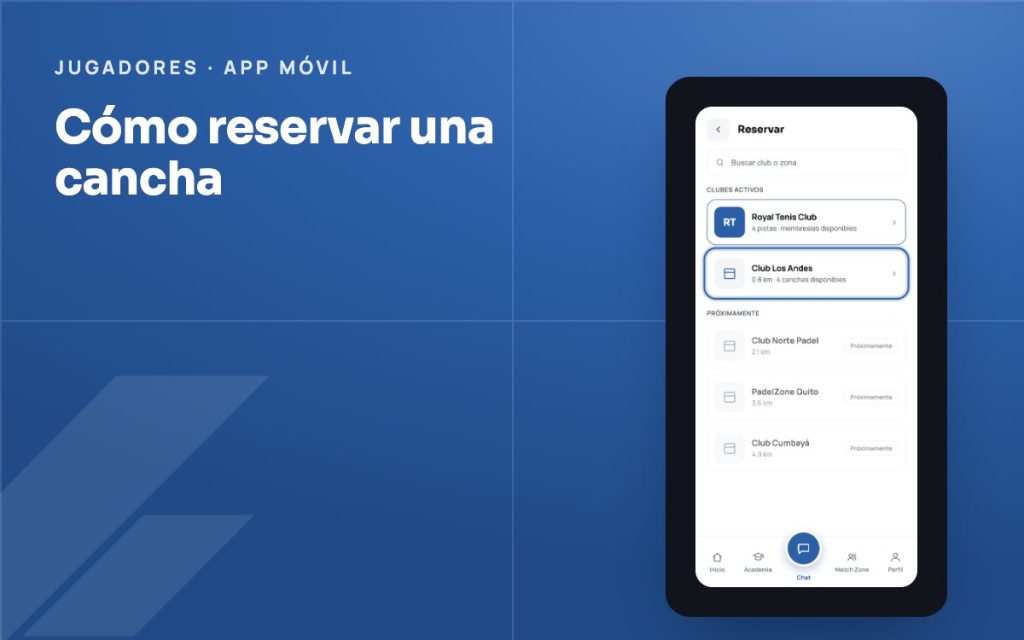
Mobile app · 6 stepsHow to book a courtChoose the club, day, court and time, invite your partners and pay.View tutorial →
Mobile app + court · 4 stepsHow to record your plays with the AI CameraTurn on recording, make the triangle gesture and watch your videos.View tutorial →
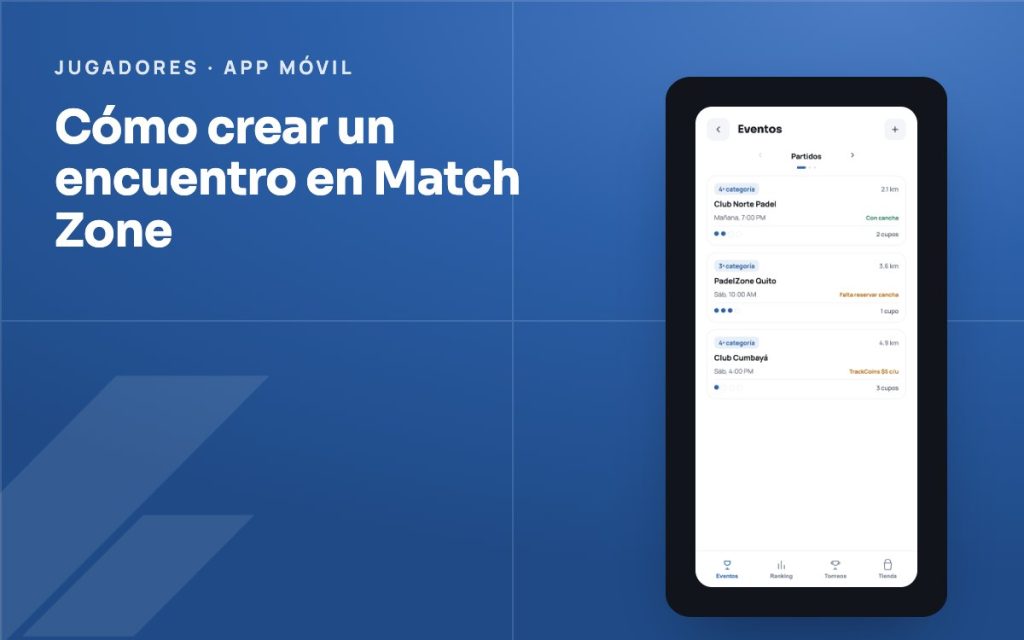
Mobile app · 5 stepsHow to create a game in Match ZoneSet up a match, find players at your level and earn ranking points.View tutorial →
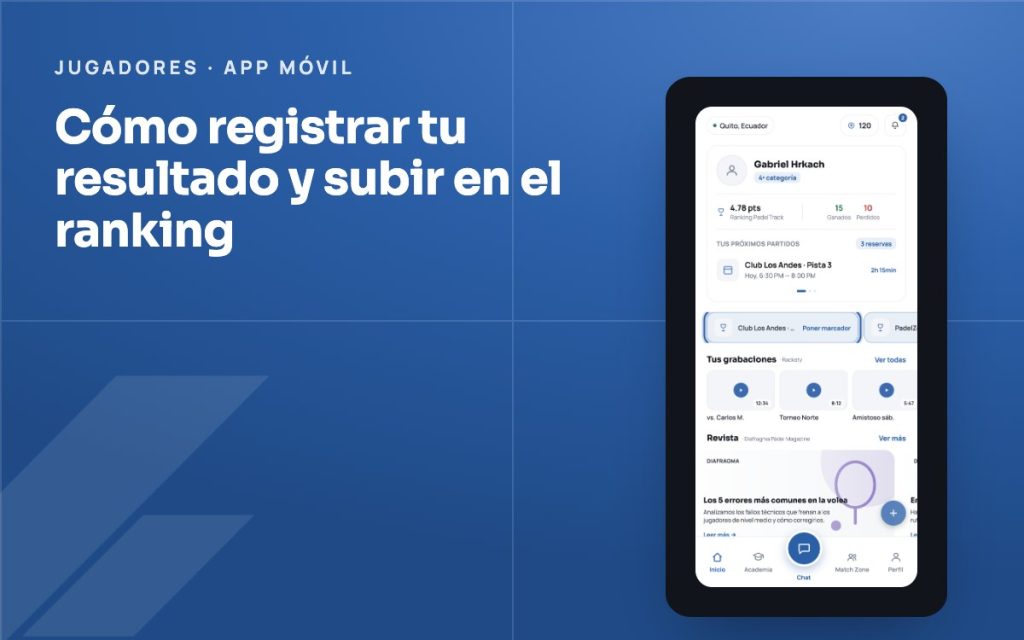
Mobile app · 3 stepsHow to record your result and climb the rankingEnter the score by sets and see how far you are from moving up a category.View tutorial →
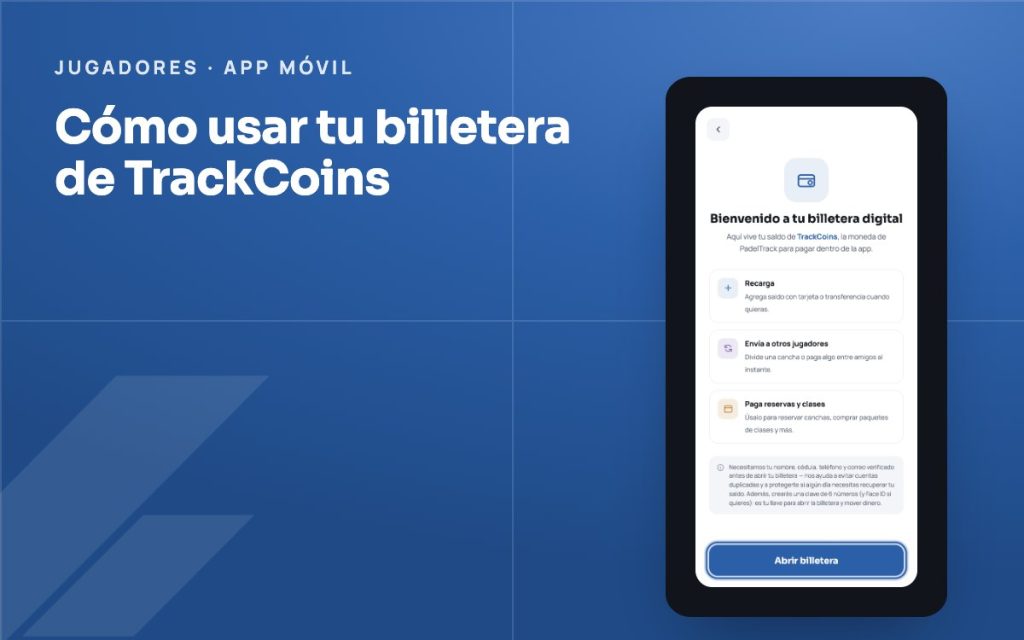
Mobile app · 6 stepsHow to use your TrackCoins walletOpen your wallet, top up your balance and send TrackCoins to other players.View tutorial →
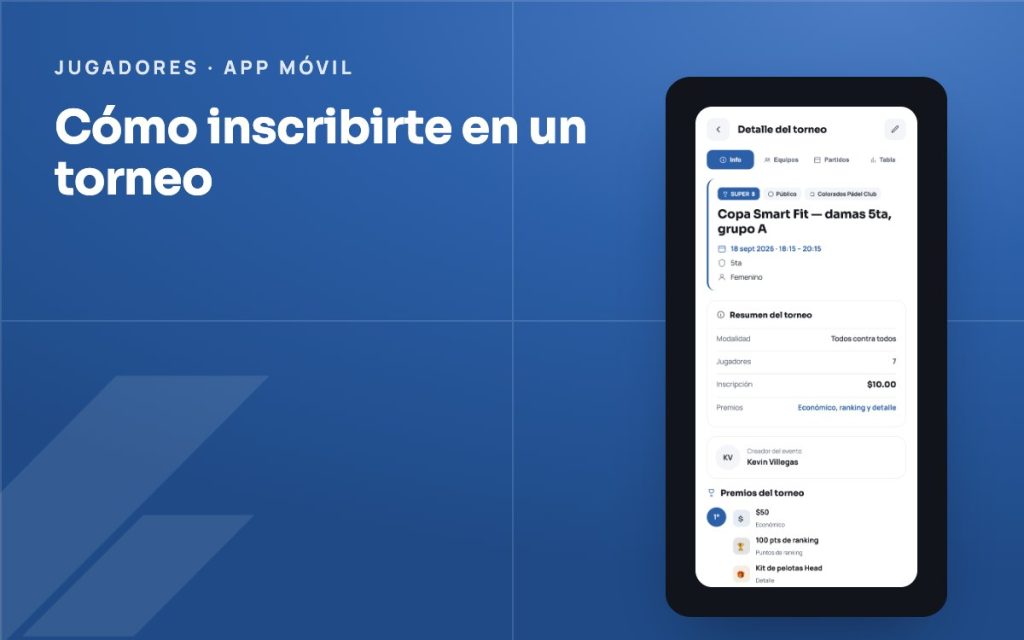
Mobile app · 3 stepsHow to sign up for a tournamentCheck the tournament, choose your category and follow your matches.View tutorial →
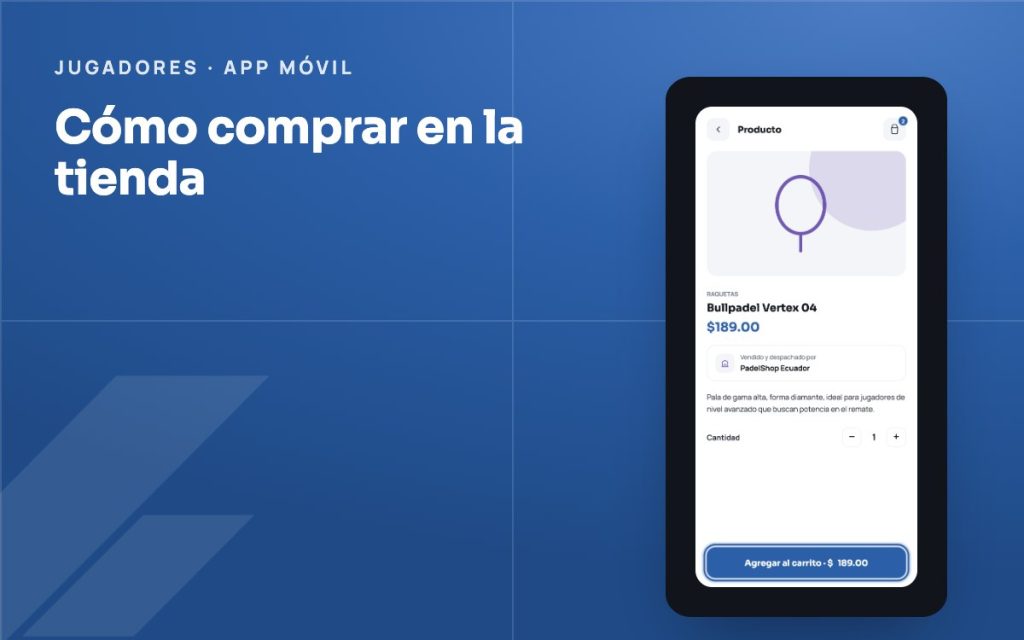
Mobile app · 4 stepsHow to shop in the storeAdd products to your cart, pay and arrange delivery with the seller.View tutorial →
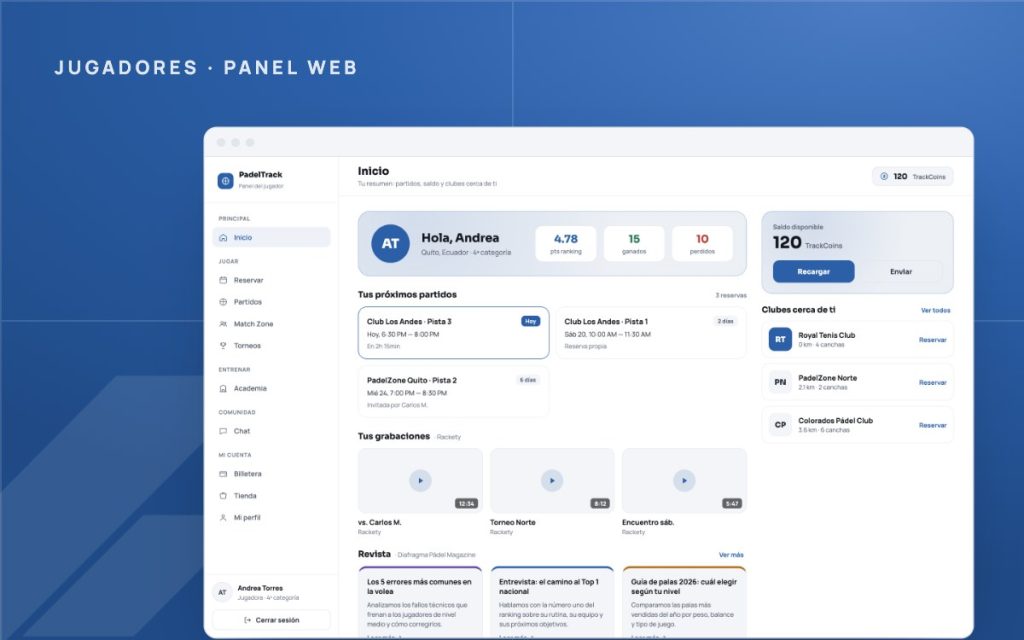
Web dashboard · 4 stepsHow to use PadelTrack from your computerYour home, matches, Match Zone and tournaments in the player web dashboard.View tutorial →
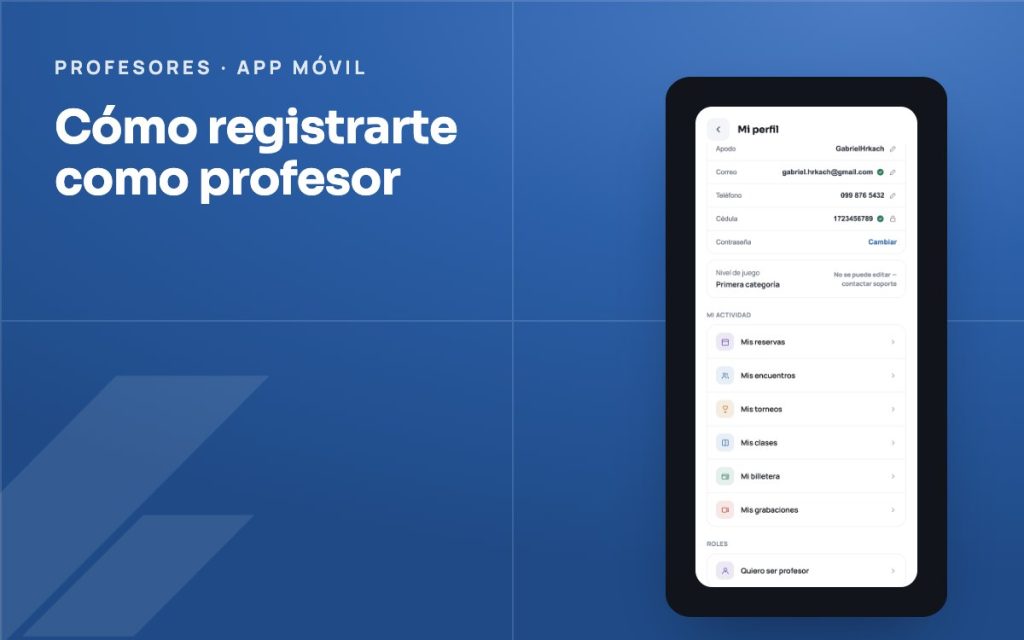
Mobile app · 4 stepsHow to register as a coachRequest the coach role and build your professional profile.View tutorial →
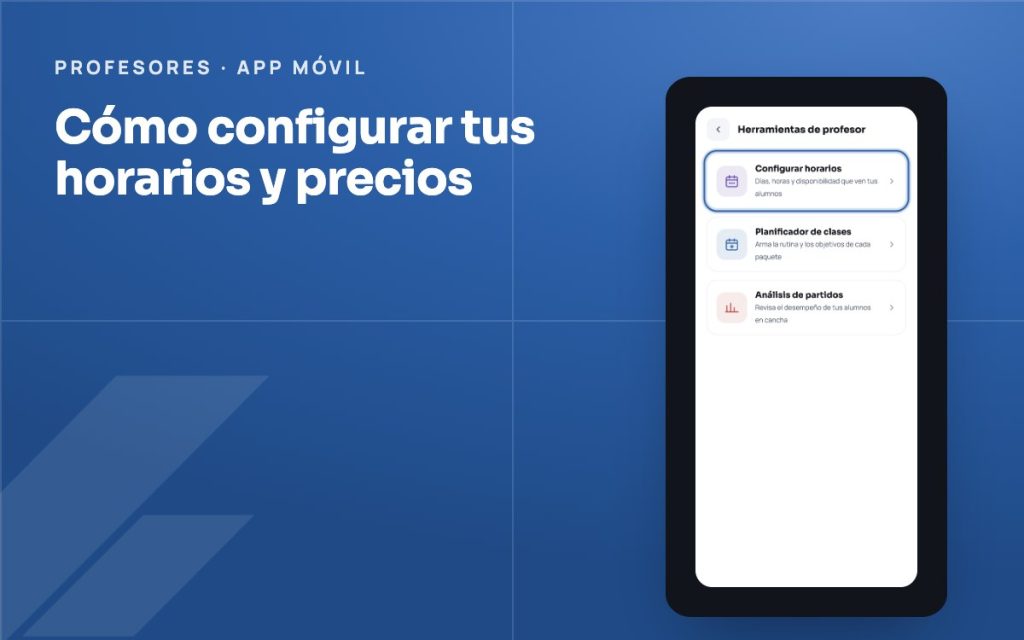
Mobile app · 4 stepsHow to set your hours and pricesSet your availability, the trial class and your packs.View tutorial →
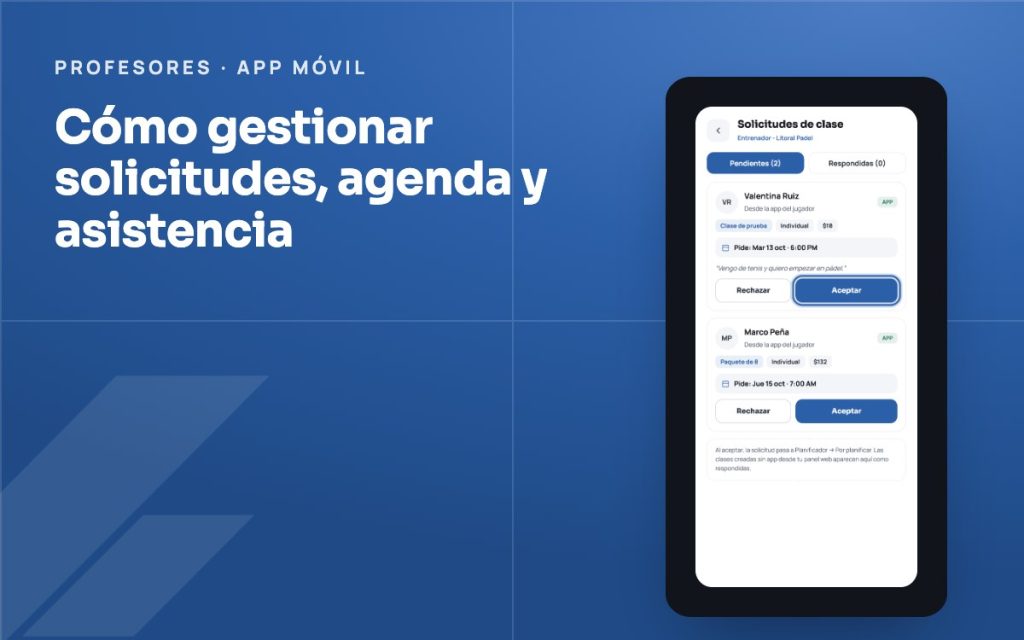
Mobile app · 3 stepsHow to manage requests, schedule and attendanceAccept students, check your schedule and take attendance for each class.View tutorial →
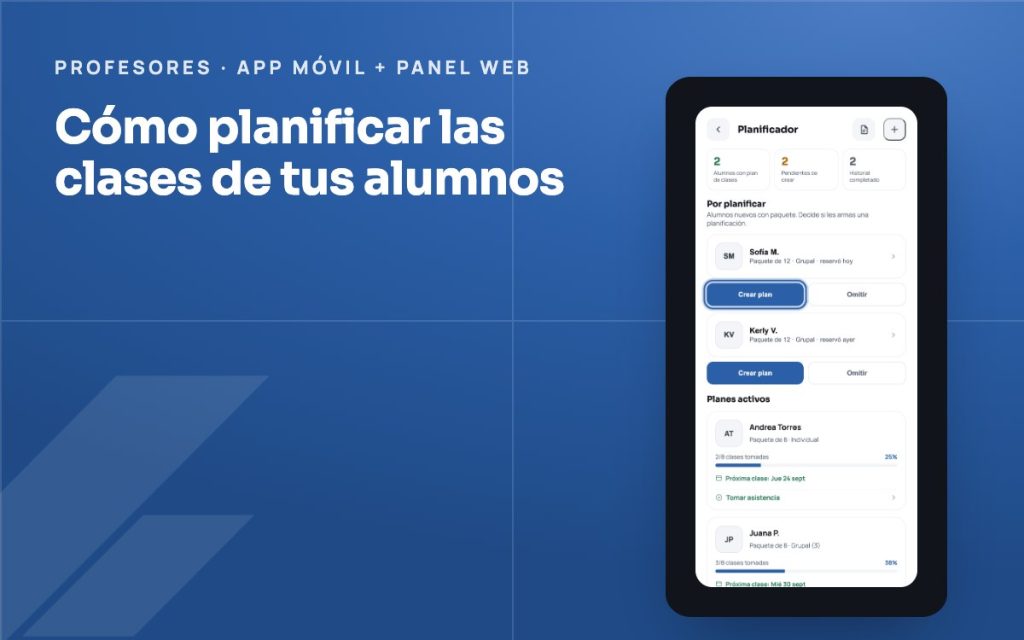
Mobile app + web dashboard · 3 stepsHow to plan your students' classesCreate training plans and track the progress of each pack.View tutorial →
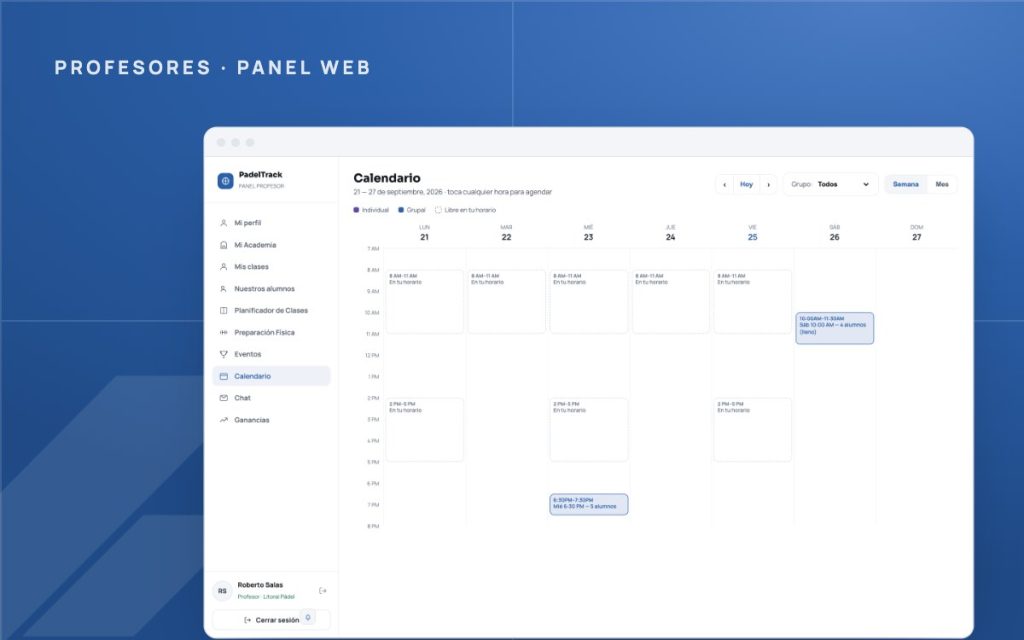
Web dashboard · 4 stepsHow to use the coach web dashboardCalendar, students, fitness training and earnings from your computer.View tutorial →
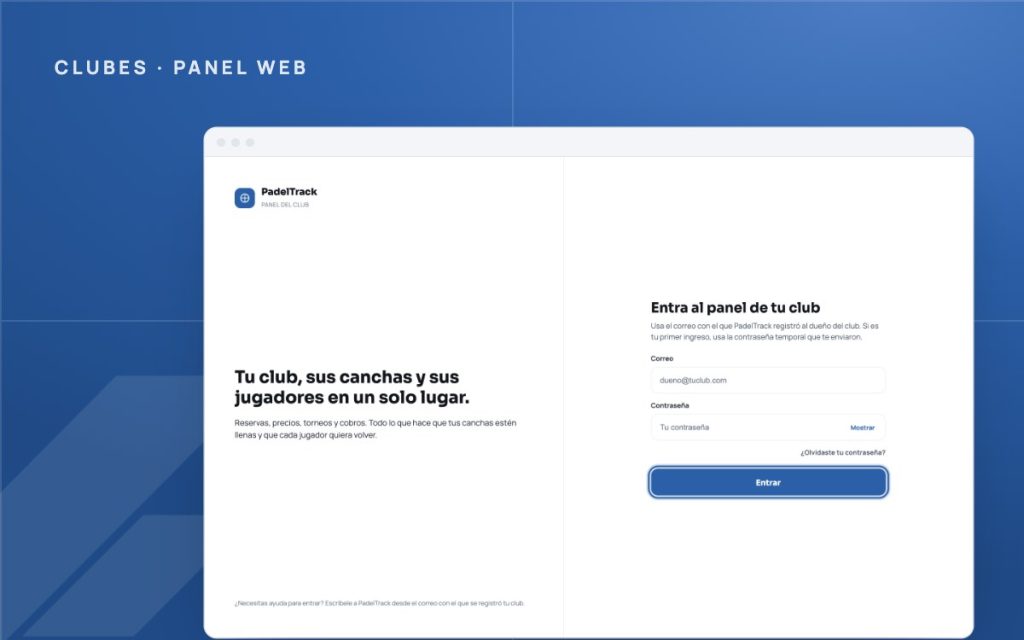
Web dashboard · 3 stepsHow to log in to your club dashboardOpen the web dashboard and understand your club's overview.View tutorial →
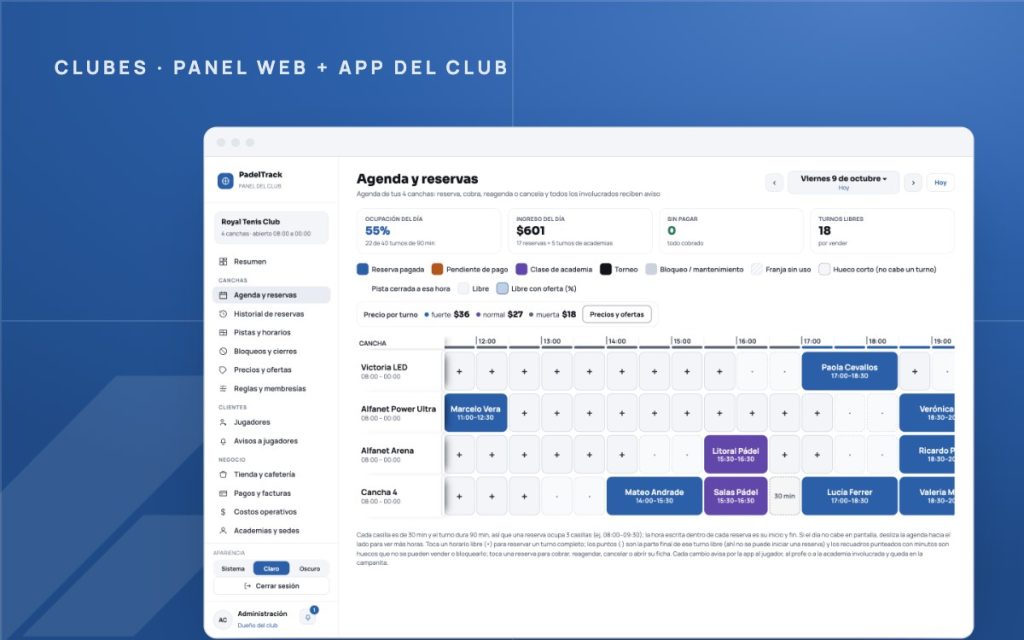
Web dashboard + club app · 4 stepsHow to manage the schedule and bookingsBook, charge, reschedule or cancel from your courts' schedule.View tutorial →
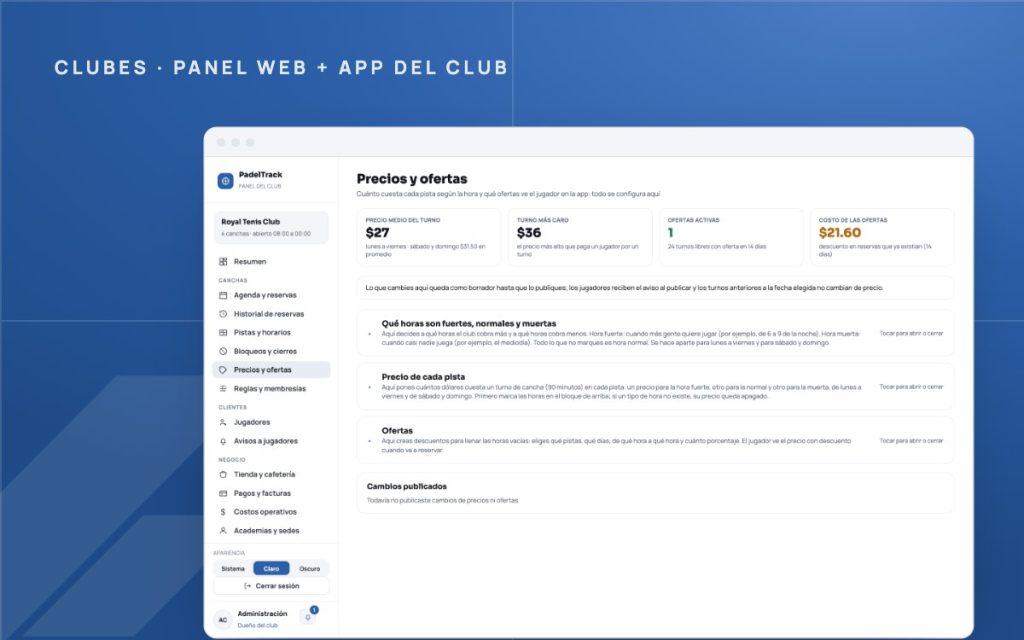
Web dashboard + club app · 4 stepsHow to set up prices, blocks and rulesPeak and off-peak hours, offers, closures and cancellation policy.View tutorial →
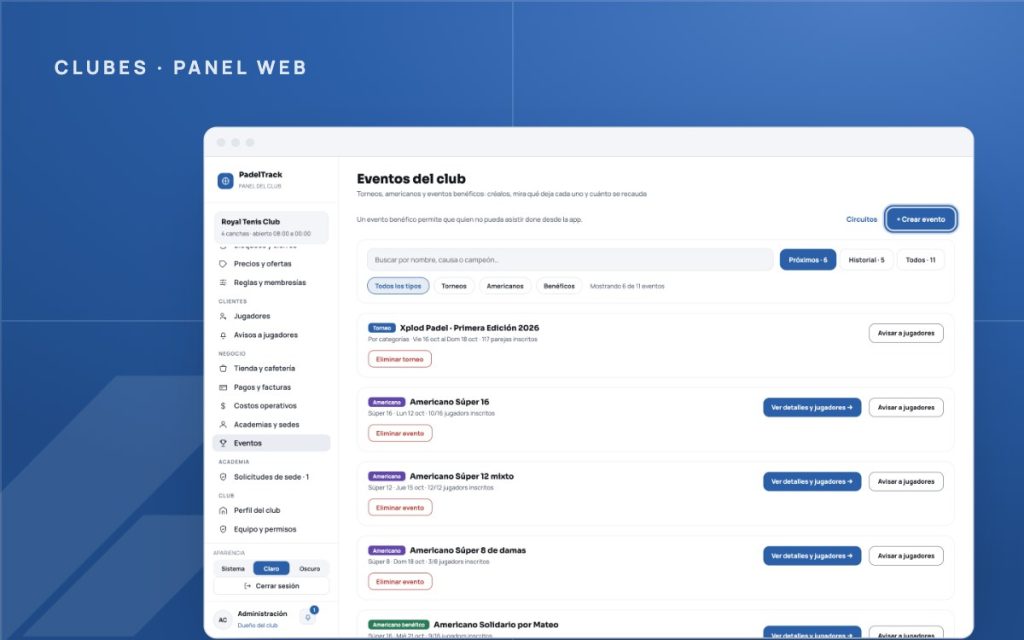
Web dashboard · 7 stepsHow to create a tournament at your clubInformation, dates, categories, entrants, bracket and prizes.View tutorial →
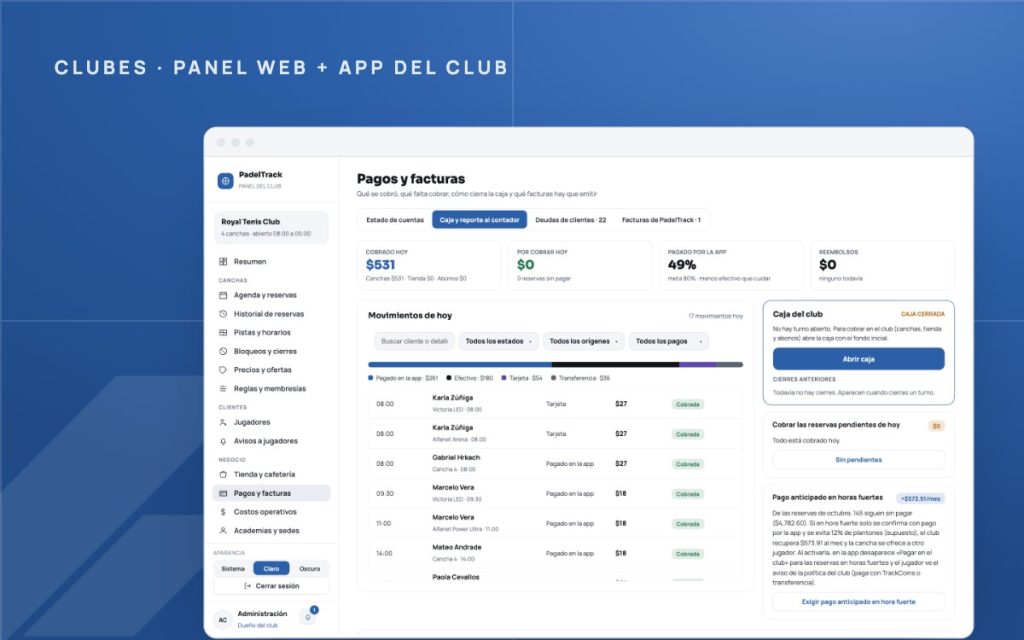
Web dashboard + club app · 4 stepsHow to handle payments, cash register and debtsThe day's transactions, the shift's cash register and what customers owe you.View tutorial →
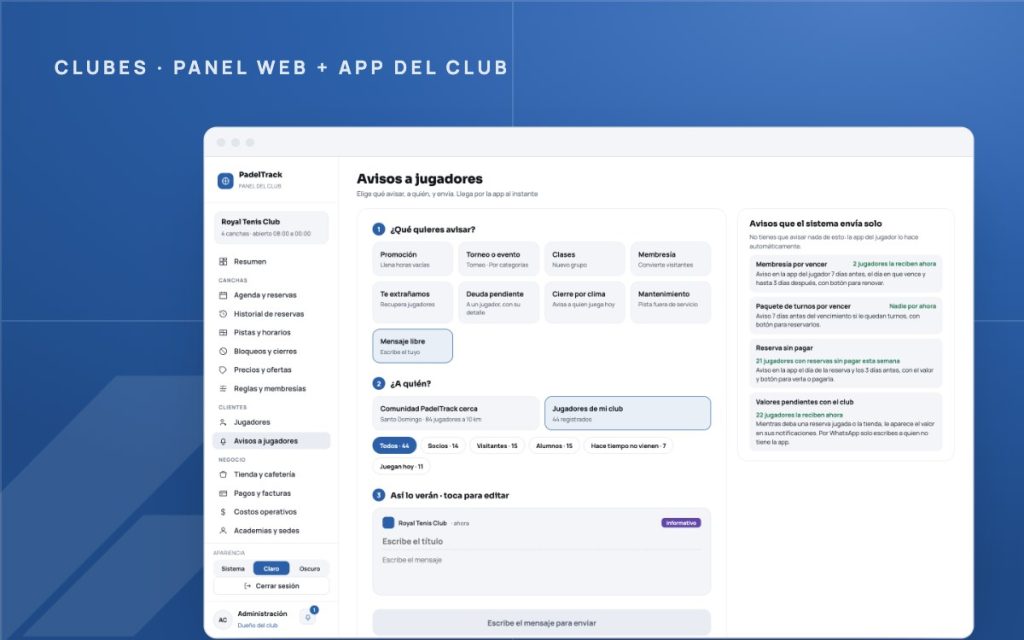
Web dashboard + club app · 3 stepsHow to send announcements to your playersPromotions, tournaments, classes or closures: choose what to announce and to whom.View tutorial →
Web dashboard · 3 stepsHow to get to know your players and your academyActive players, players at risk and the club's own academy.View tutorial →If you didn't find what you were looking for or need personalized help,
contact us. Our team will be happy to assist you.