
Accept students, check your schedule and take attendance for each class.
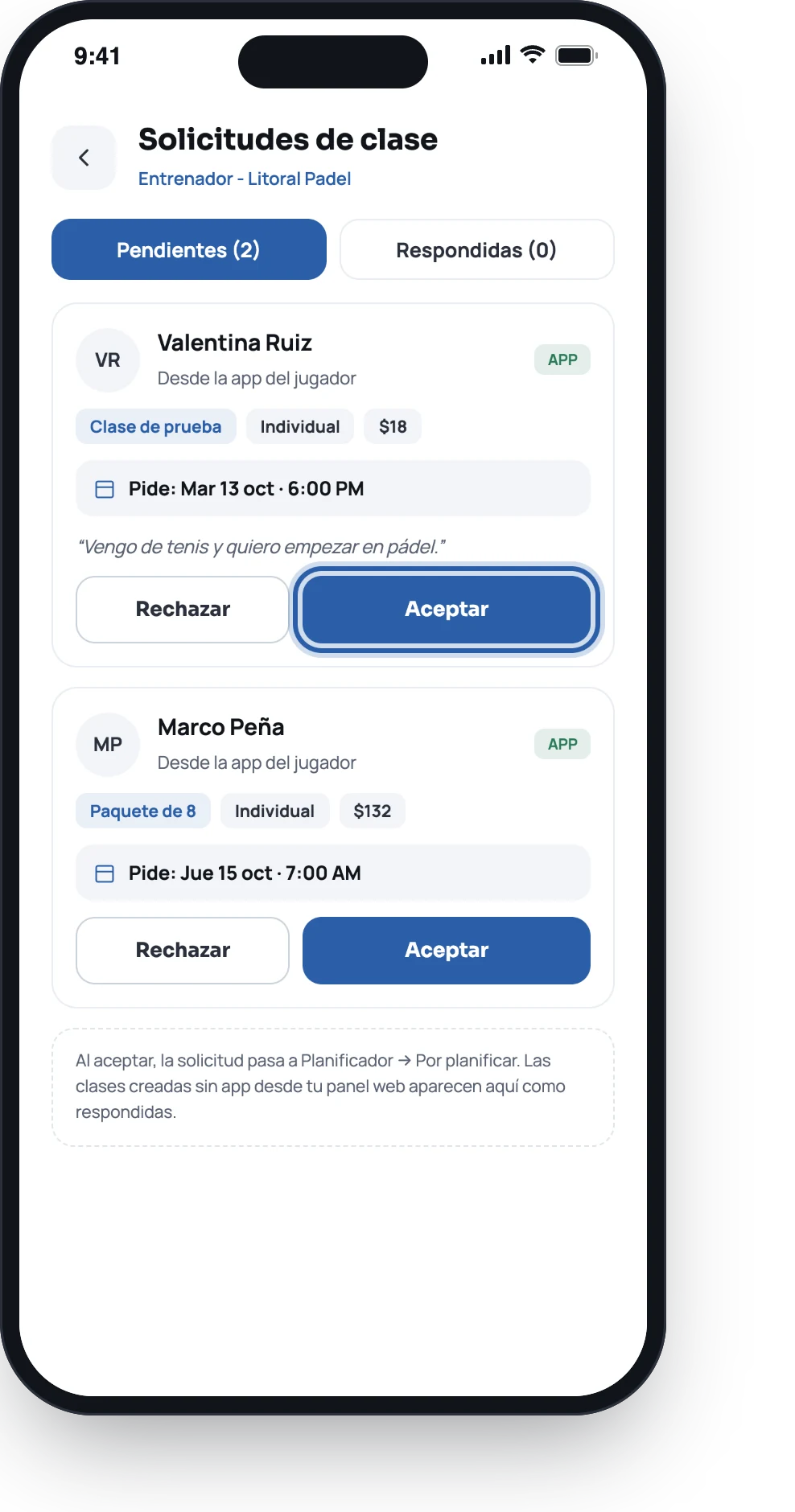
This is where the classes players request arrive, with the type, price and date. When you accept, the student moves to your planner.
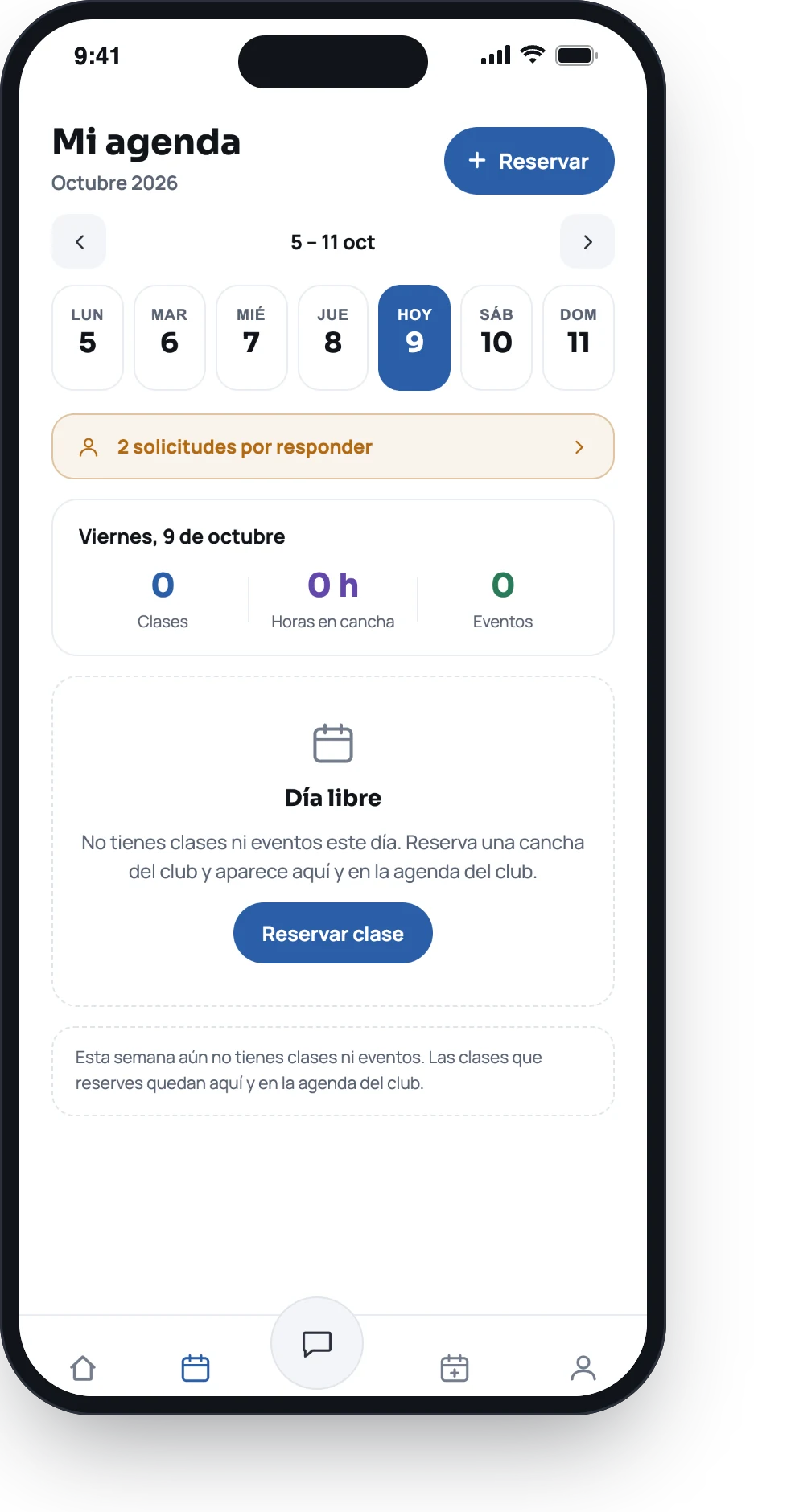
Check your week: classes, court hours and events. With Book class you book a club court and it shows up here and in the club's schedule.
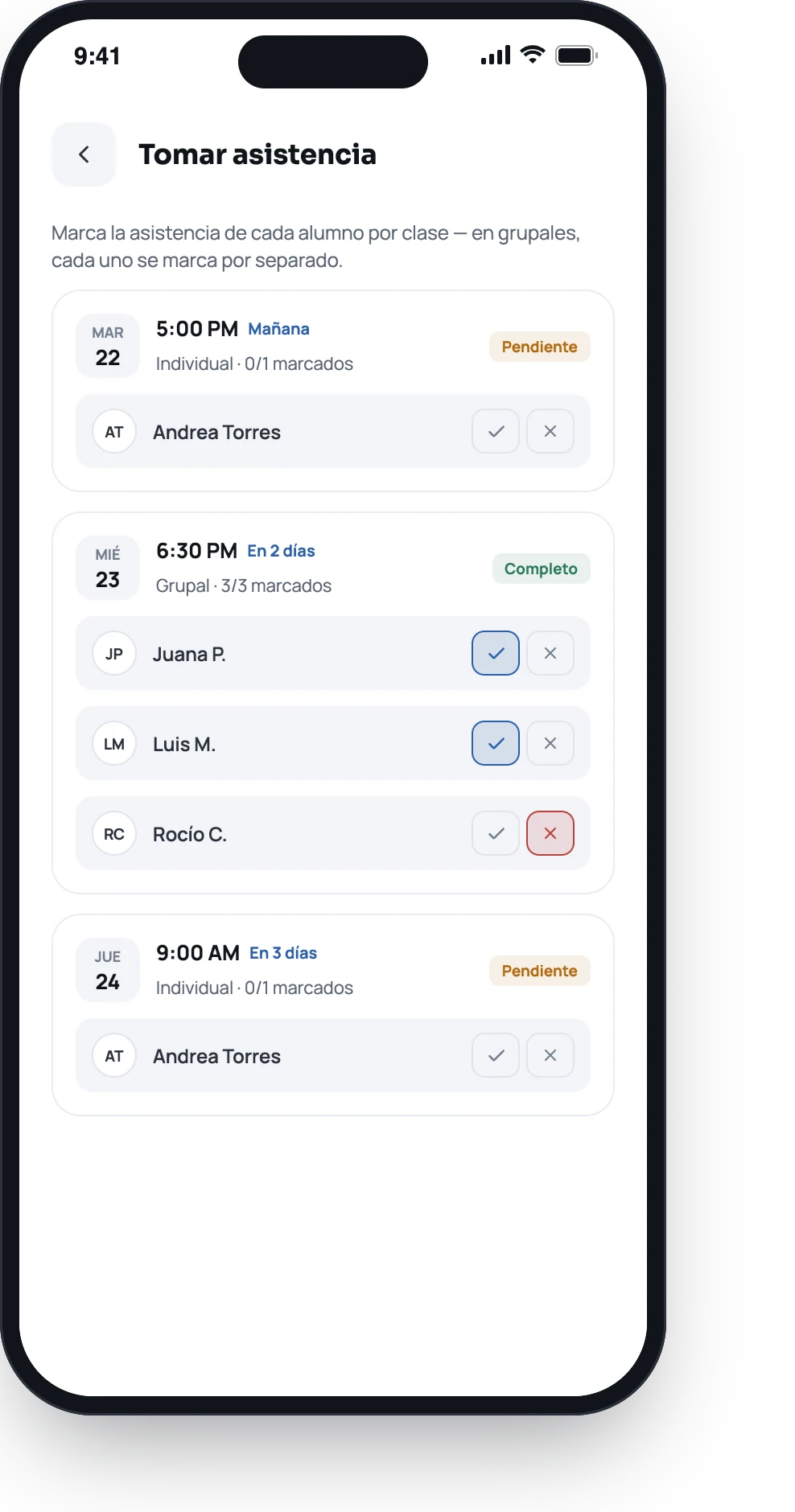
Mark each student's attendance per class. In group classes, each one is marked separately.
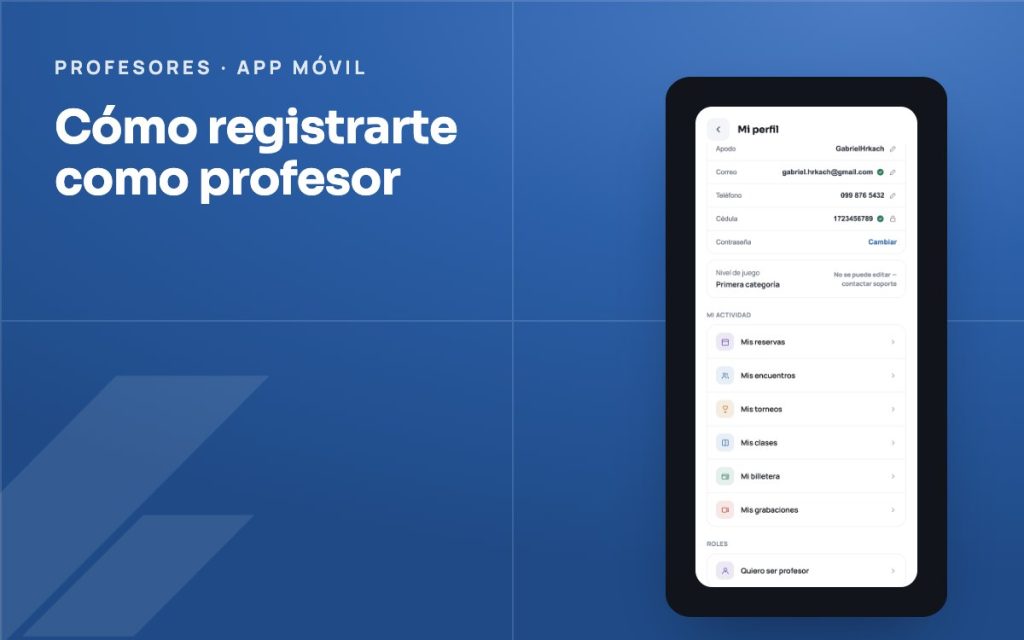 How to register as a coachRequest the coach role and build your professional profile.View tutorial
 How to set your hours and pricesSet your availability, the trial class and your packs.View tutorial
 How to plan your students' classesCreate training plans and track the progress of each pack.View tutorial