
Book, charge, reschedule or cancel from your courts' schedule.
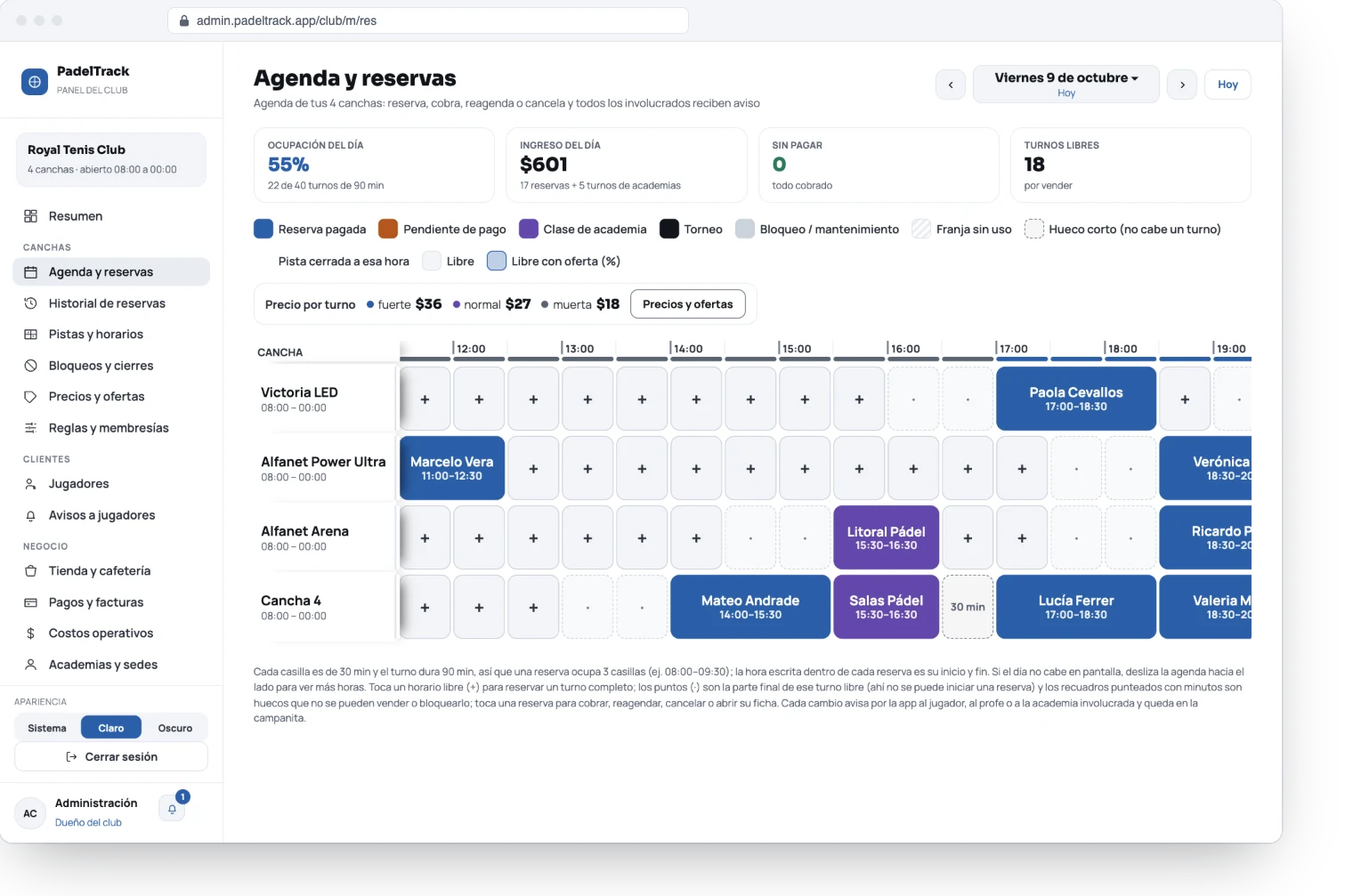
In Schedule and bookings you see all your courts by hour, color-coded for paid and pending bookings, classes, tournaments and blocks. Book, charge, reschedule or cancel: everyone involved is notified.
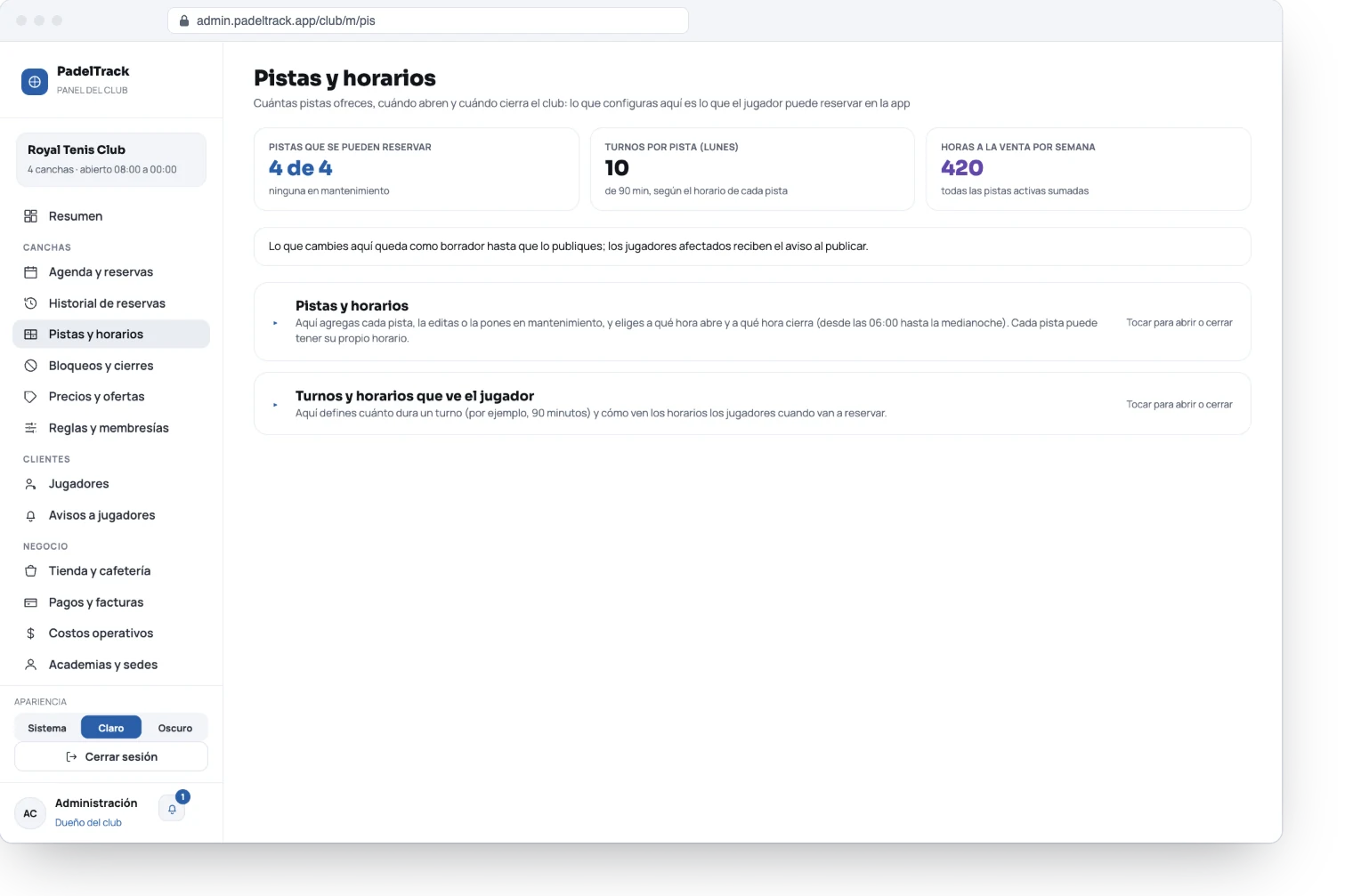
Add or edit your courts, put them under maintenance and set what time each one opens and closes, and how long each slot lasts.
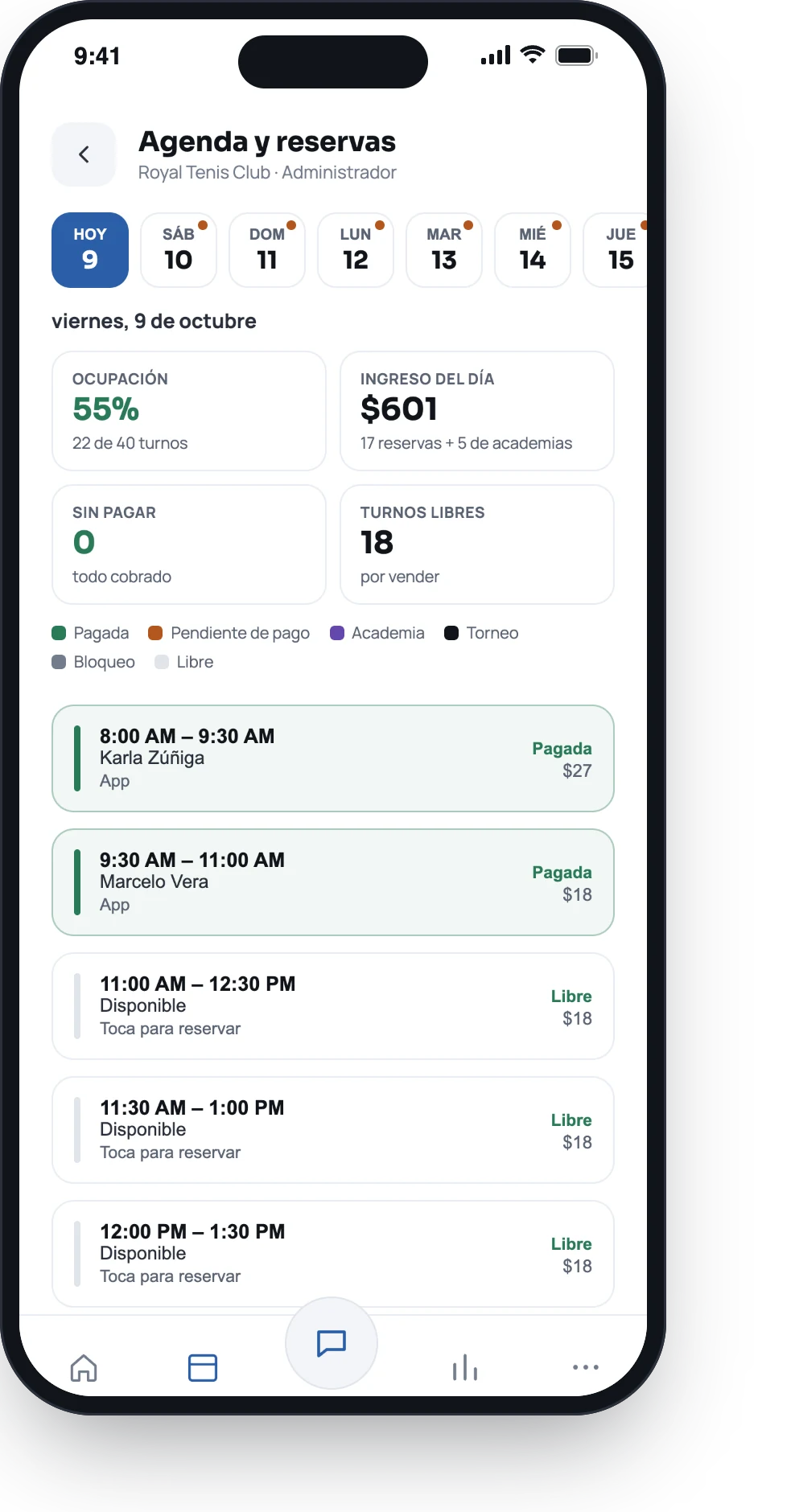
With the app in club mode you see the day's schedule, occupancy, revenue and the free slots left to sell.
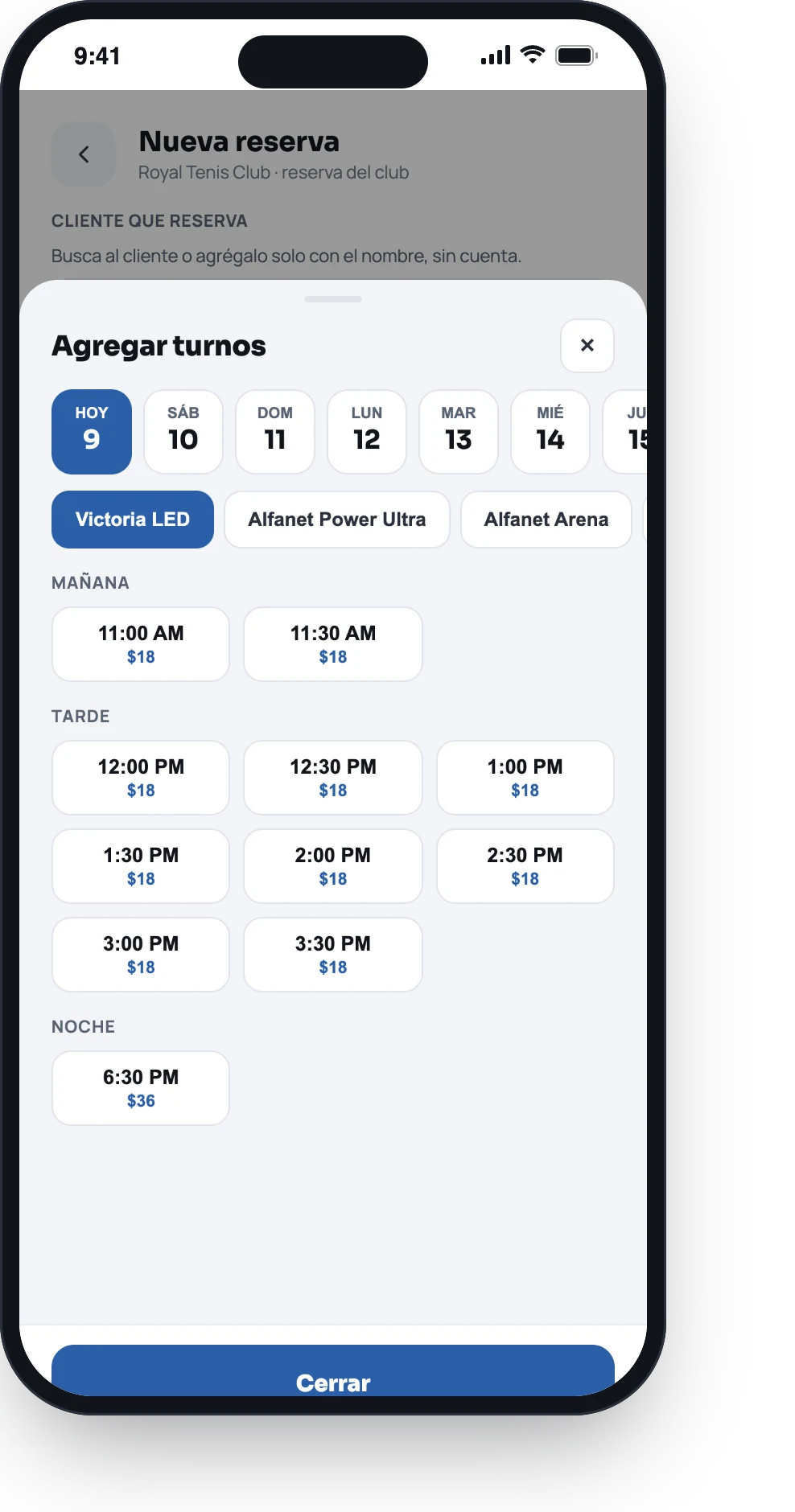
Create a booking for a customer, even if they don't have an account: choose the slot, the other players and how they'll pay (cash, bank transfer or at the club).
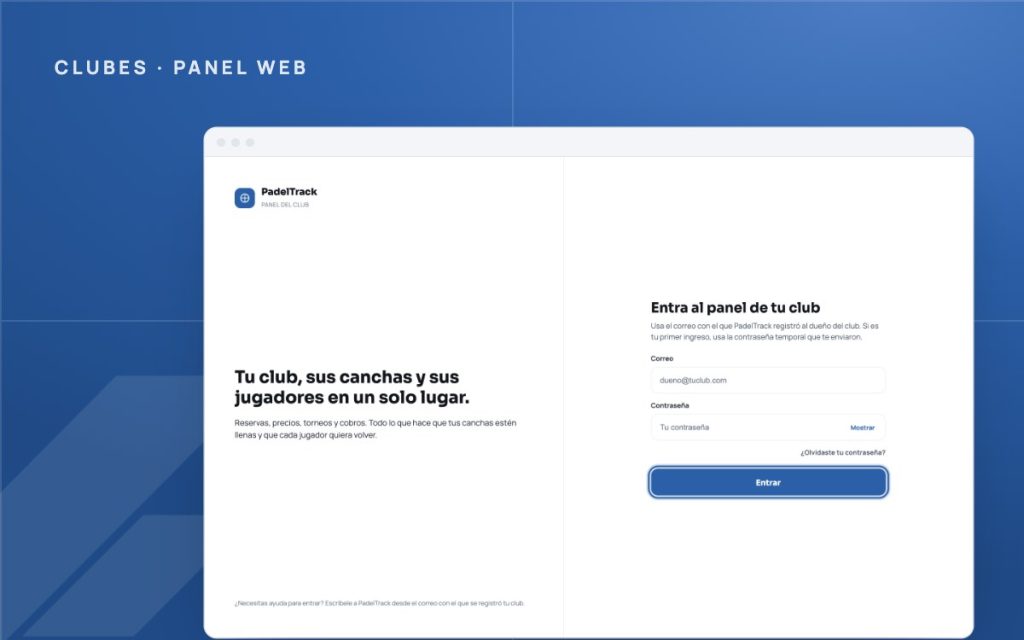 How to log in to your club dashboardOpen the web dashboard and understand your club's overview.View tutorial
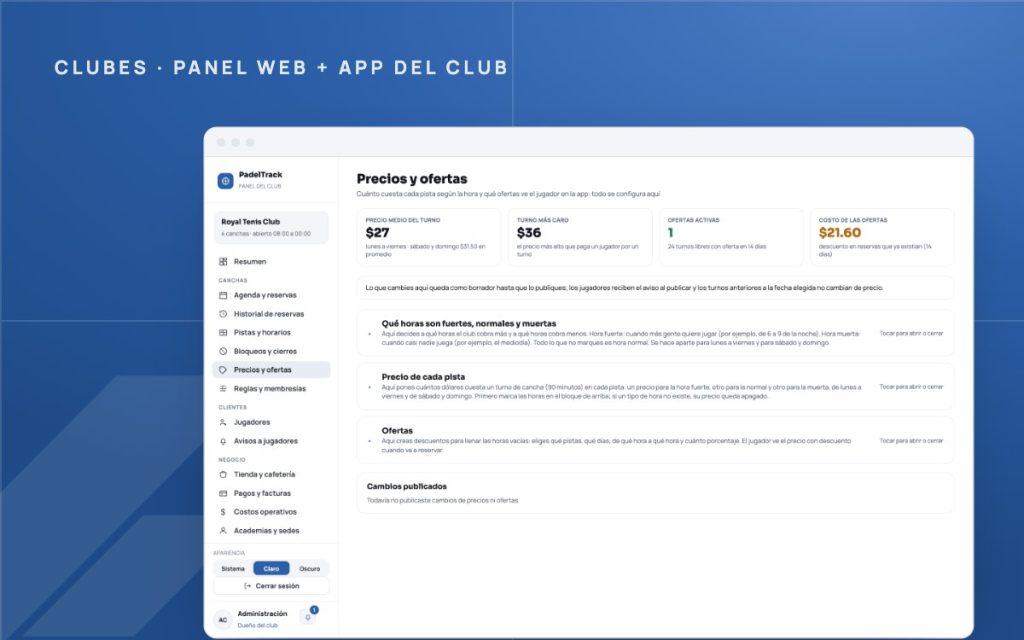 How to set up prices, blocks and rulesPeak and off-peak hours, offers, closures and cancellation policy.View tutorial
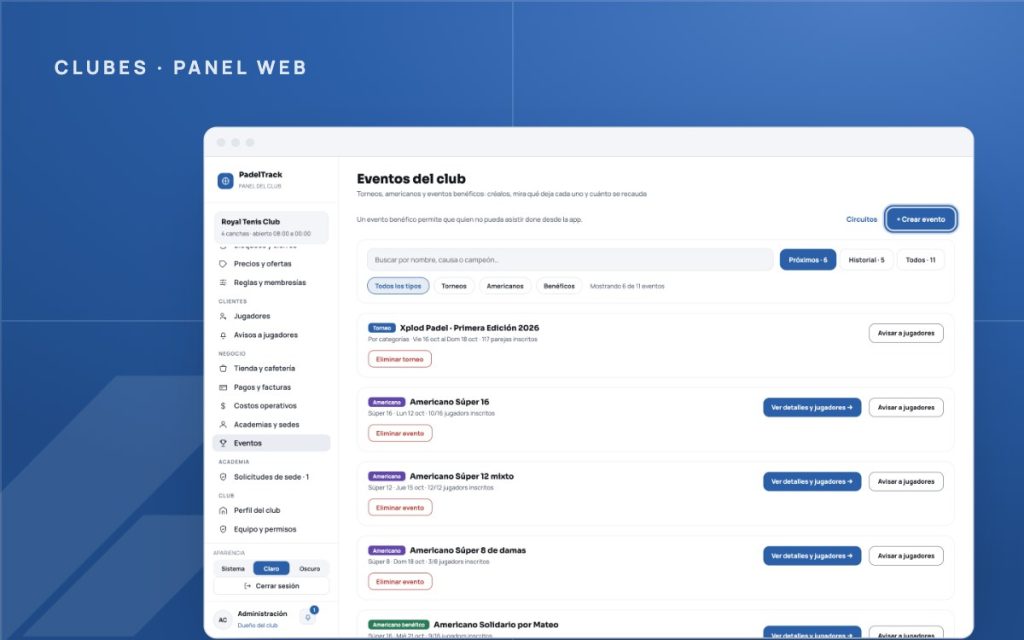 How to create a tournament at your clubInformation, dates, categories, entrants, bracket and prizes.View tutorial