
Information, dates, categories, entrants, bracket and prizes.
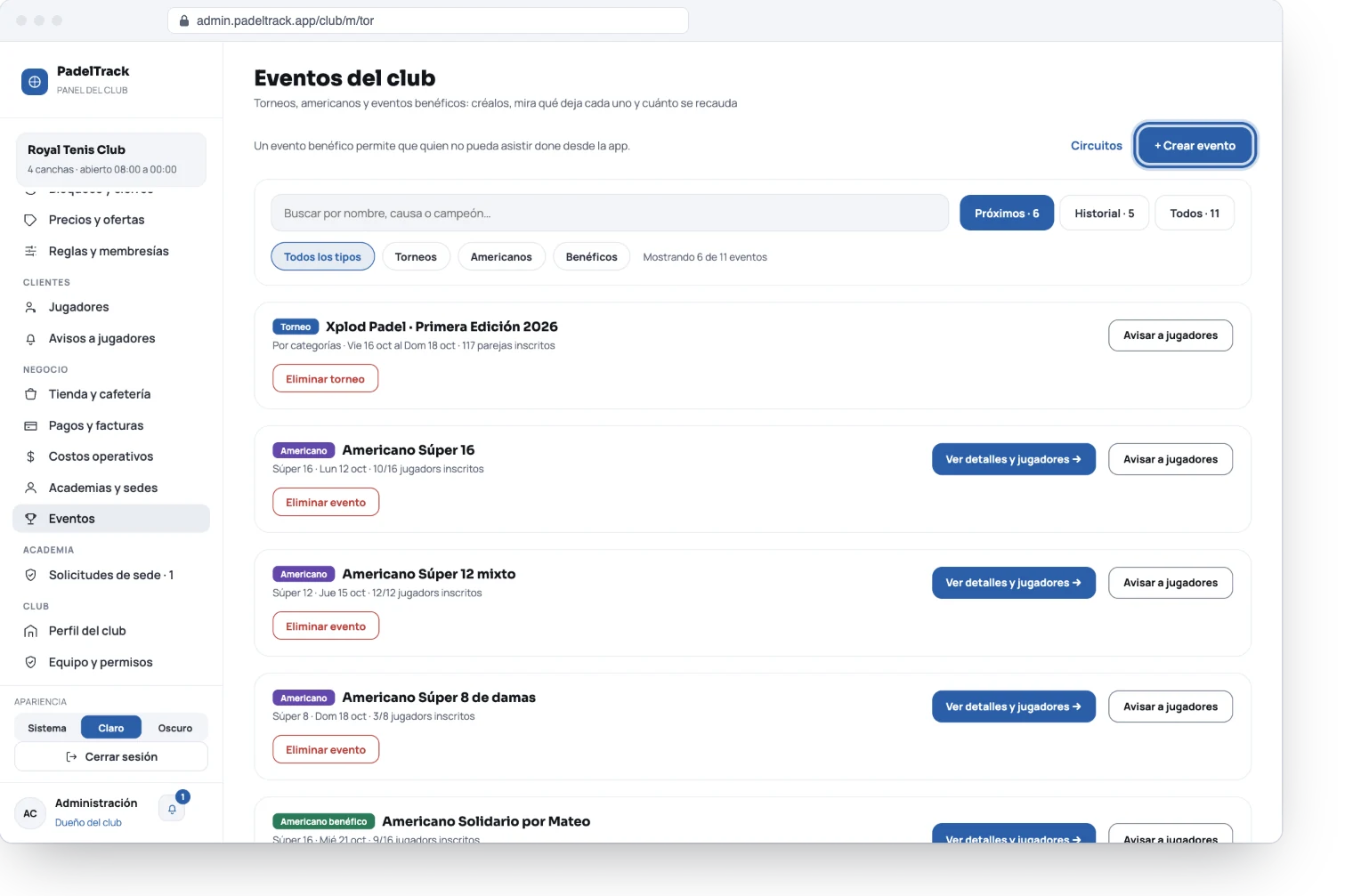
In Events you see your tournaments, Americanos and charity events and how much each one raises. Tap + Create event. Formal tournaments can only be created from the web dashboard.
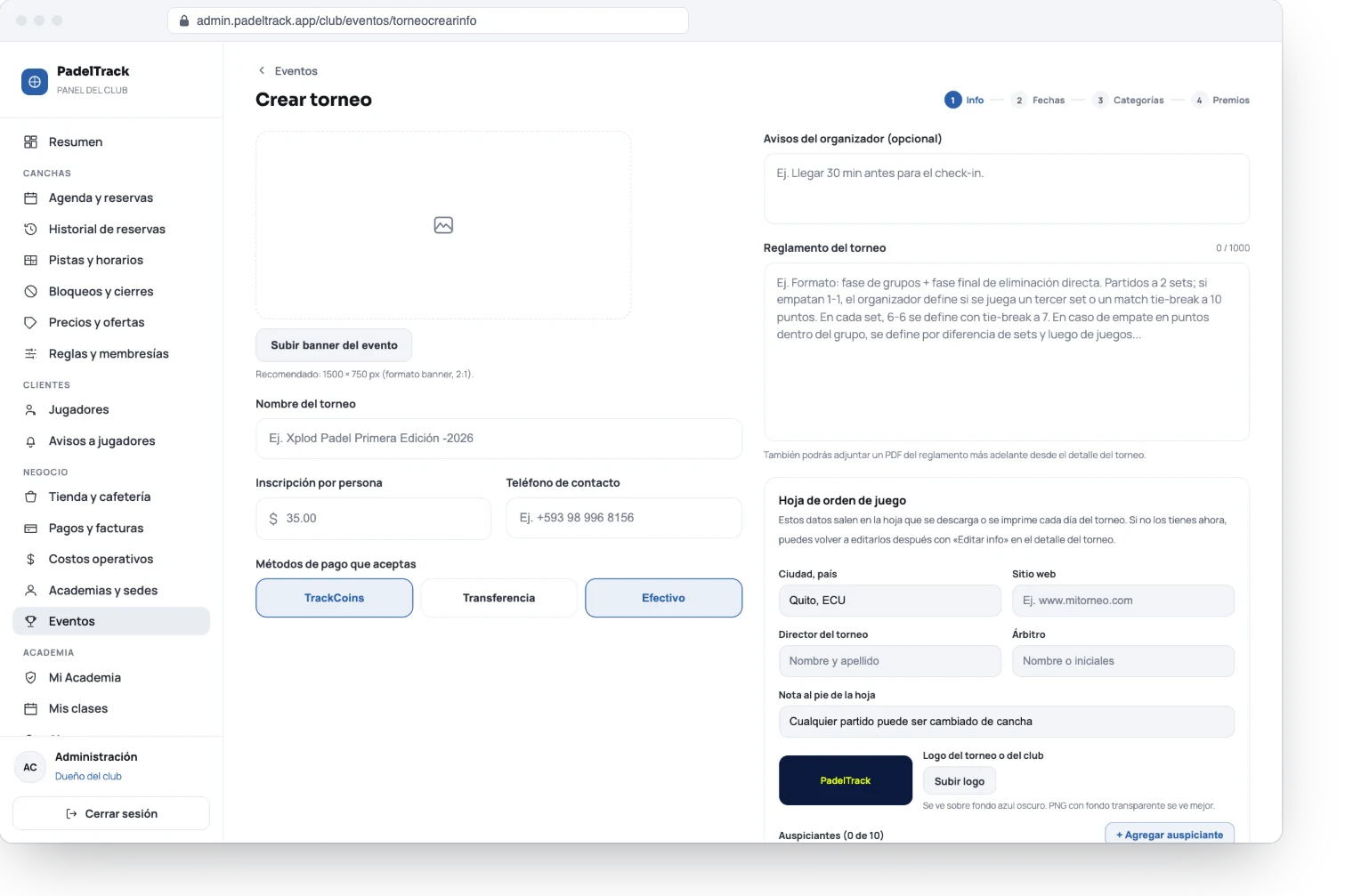
Upload the photo, give it a name, the entry fee per person, the payment method and the rules.
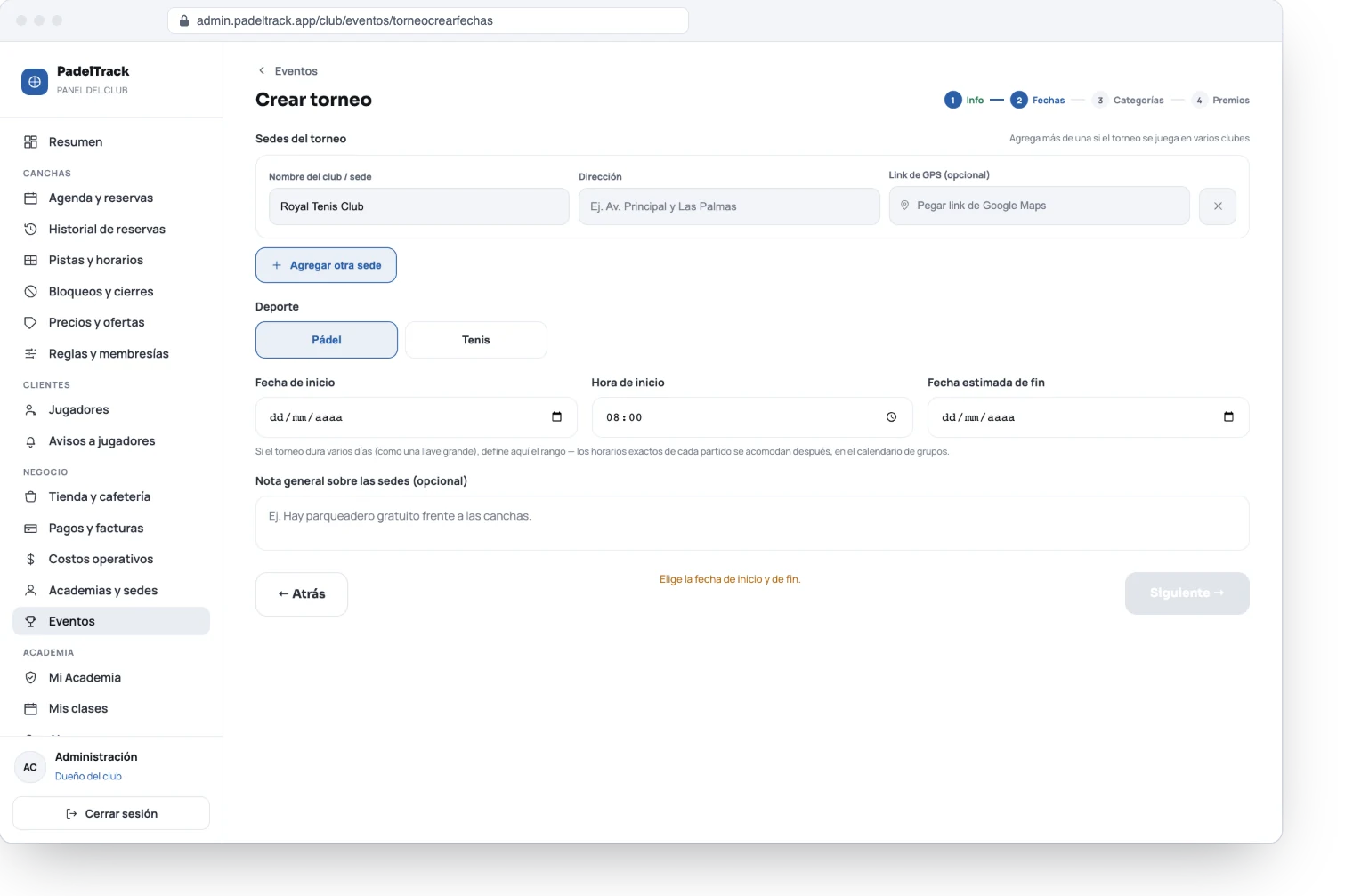
Set the days, times and courts the tournament will use.
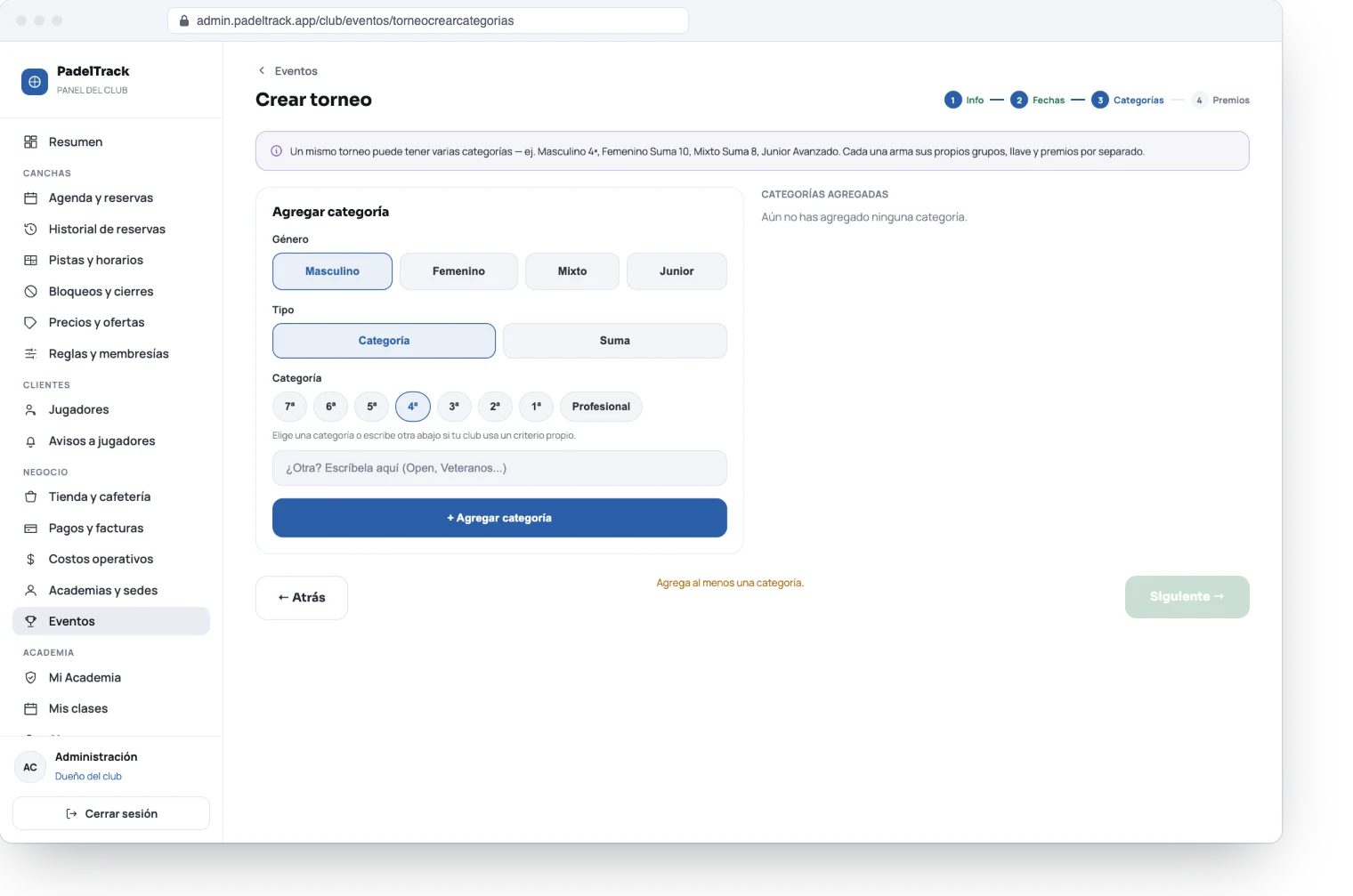
Add the categories (men's, women's or mixed, and the level) and the maximum number of pairs per category.
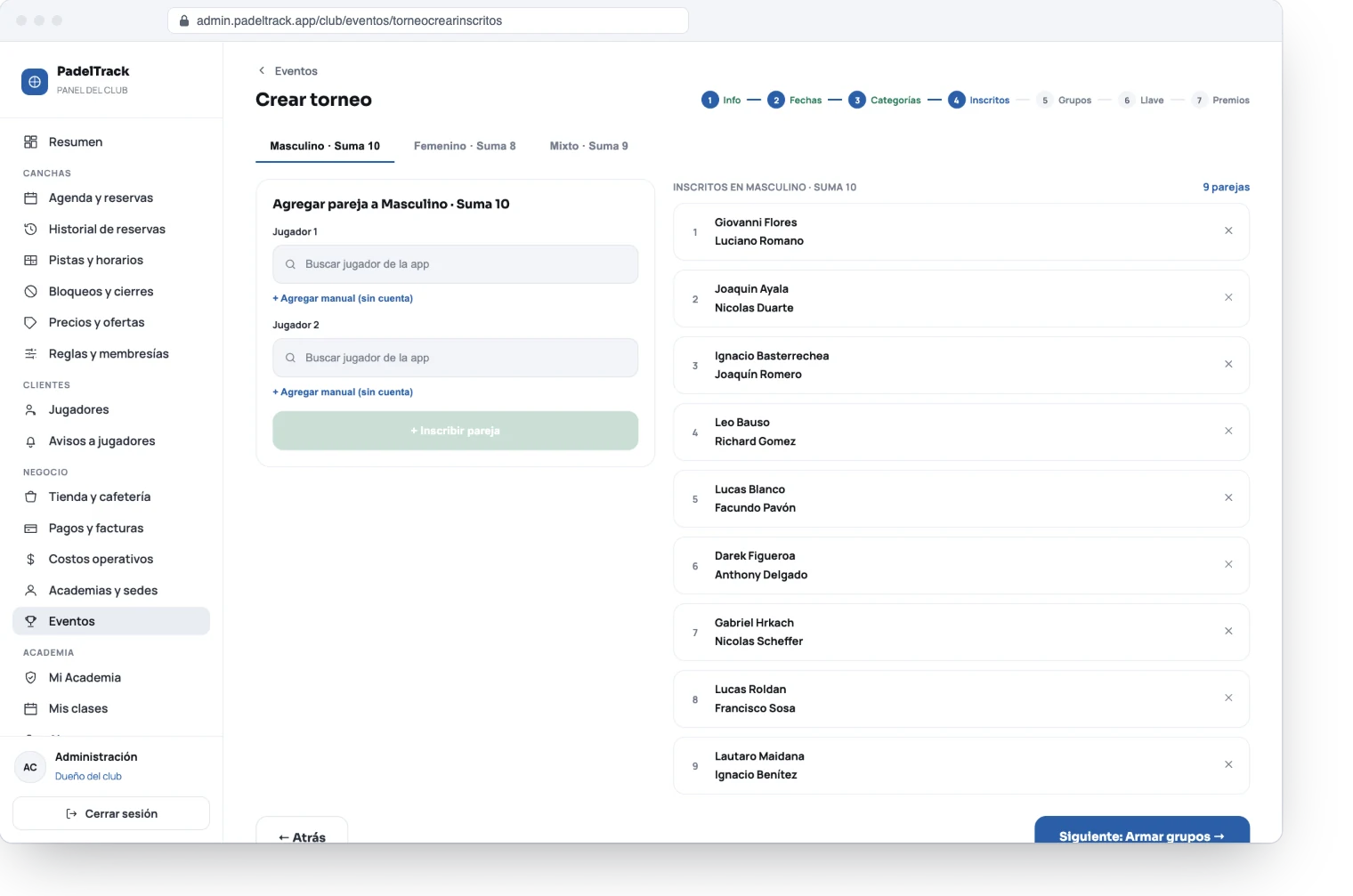
Review the pairs that signed up through the app or add them yourself.
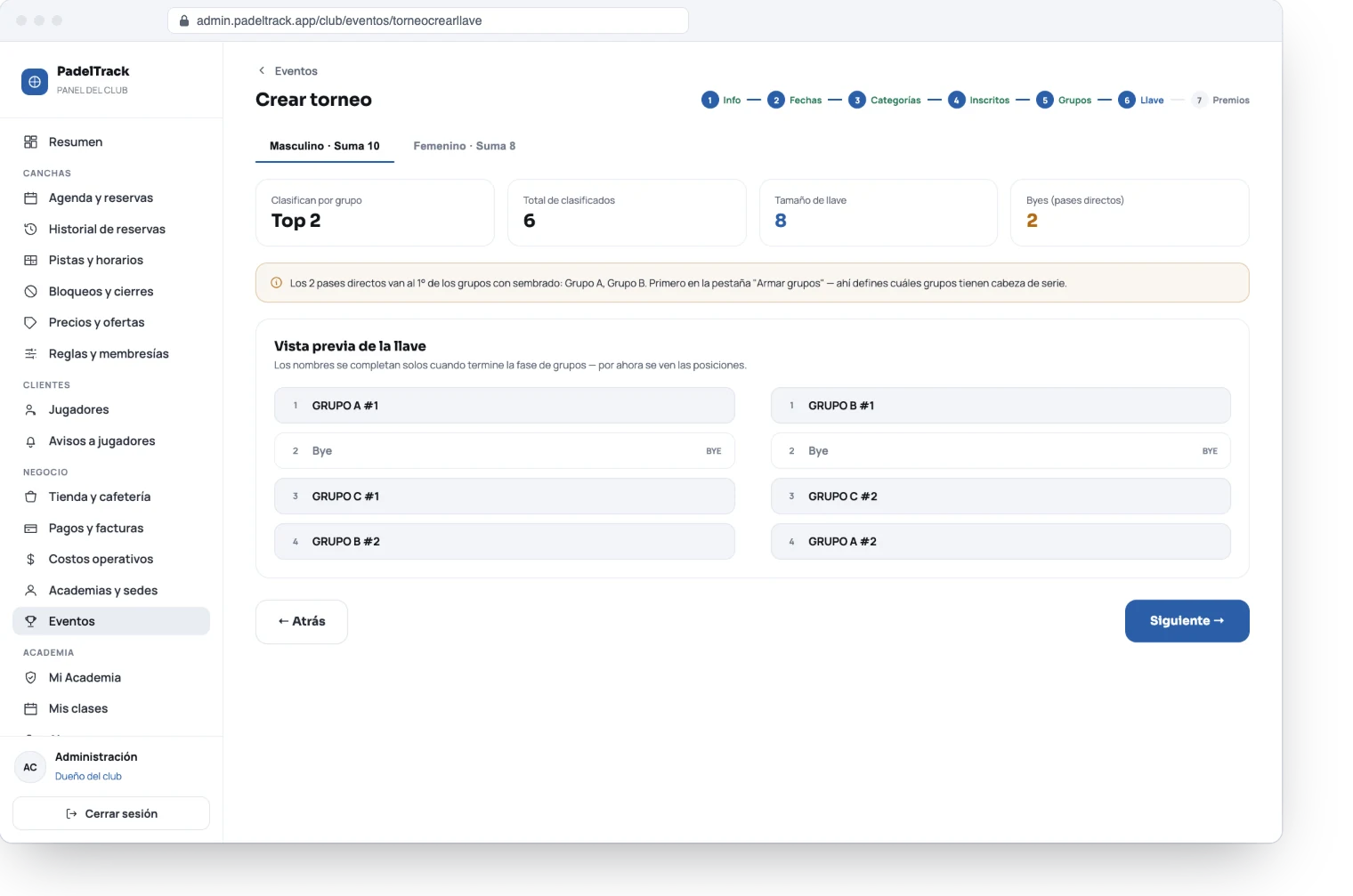
Build the groups and the final-stage bracket; you can check the preview before publishing.
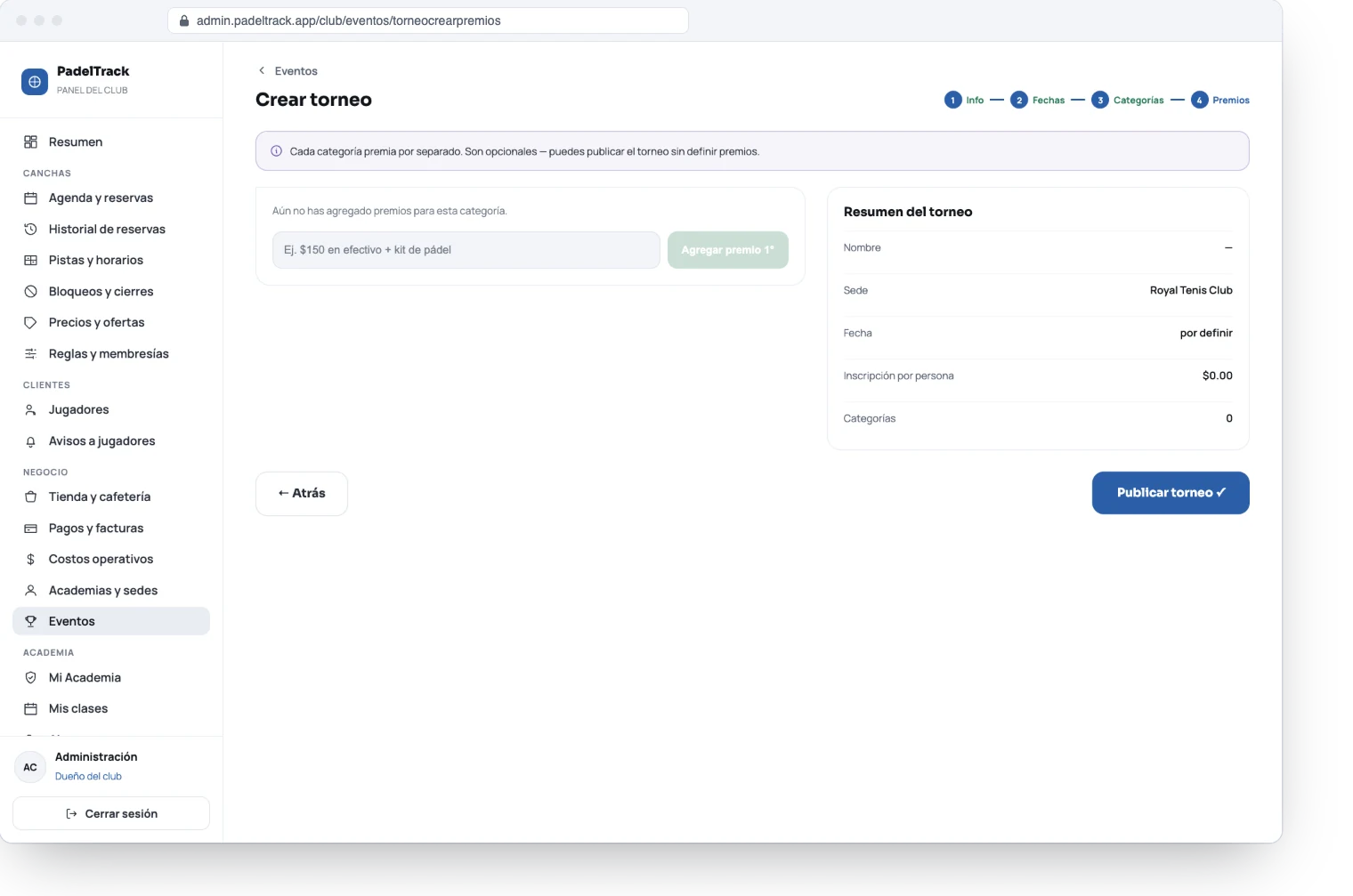
Set the prizes for each place: money, club ranking points or products.
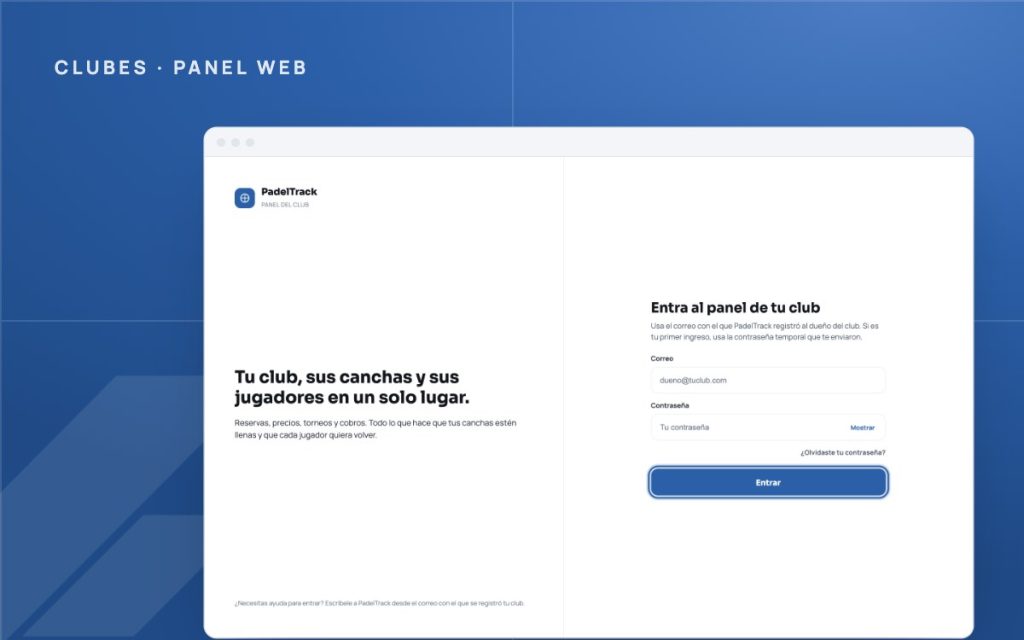 How to log in to your club dashboardOpen the web dashboard and understand your club's overview.View tutorial
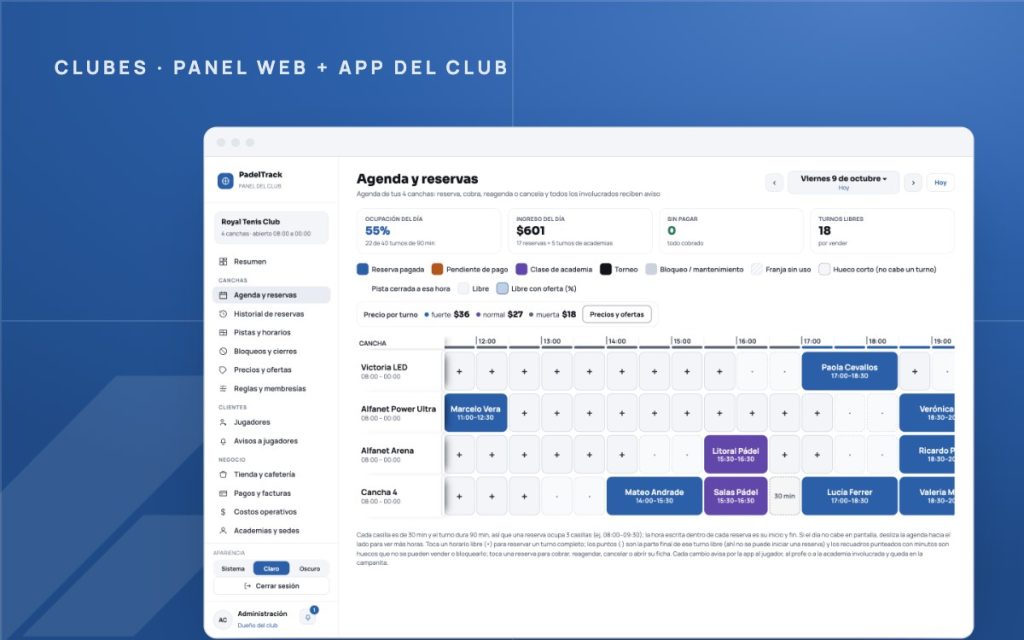 How to manage the schedule and bookingsBook, charge, reschedule or cancel from your courts' schedule.View tutorial
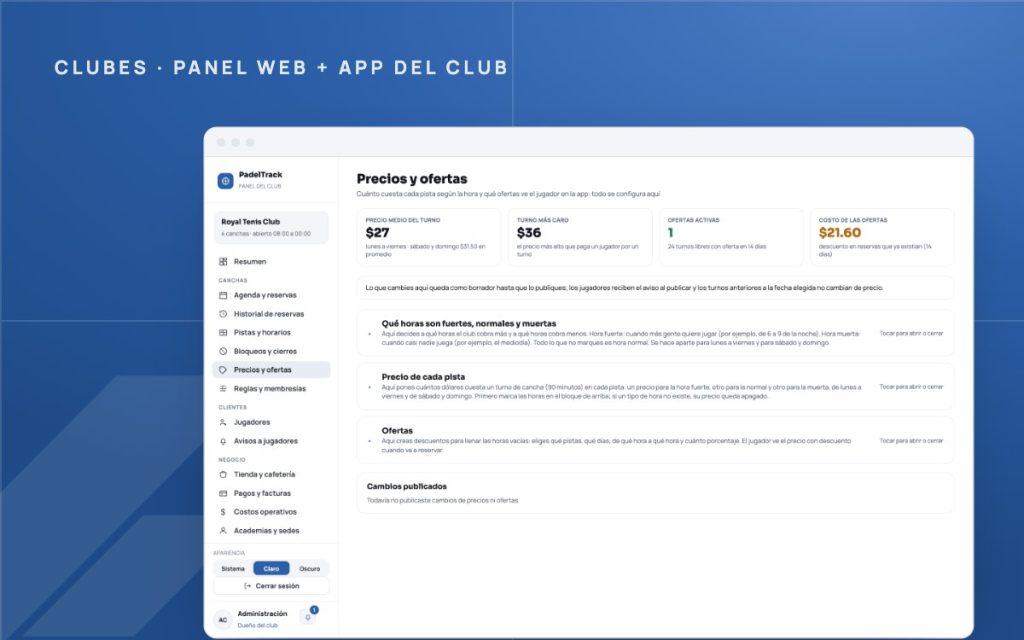 How to set up prices, blocks and rulesPeak and off-peak hours, offers, closures and cancellation policy.View tutorial