
Peak and off-peak hours, offers, closures and cancellation policy.
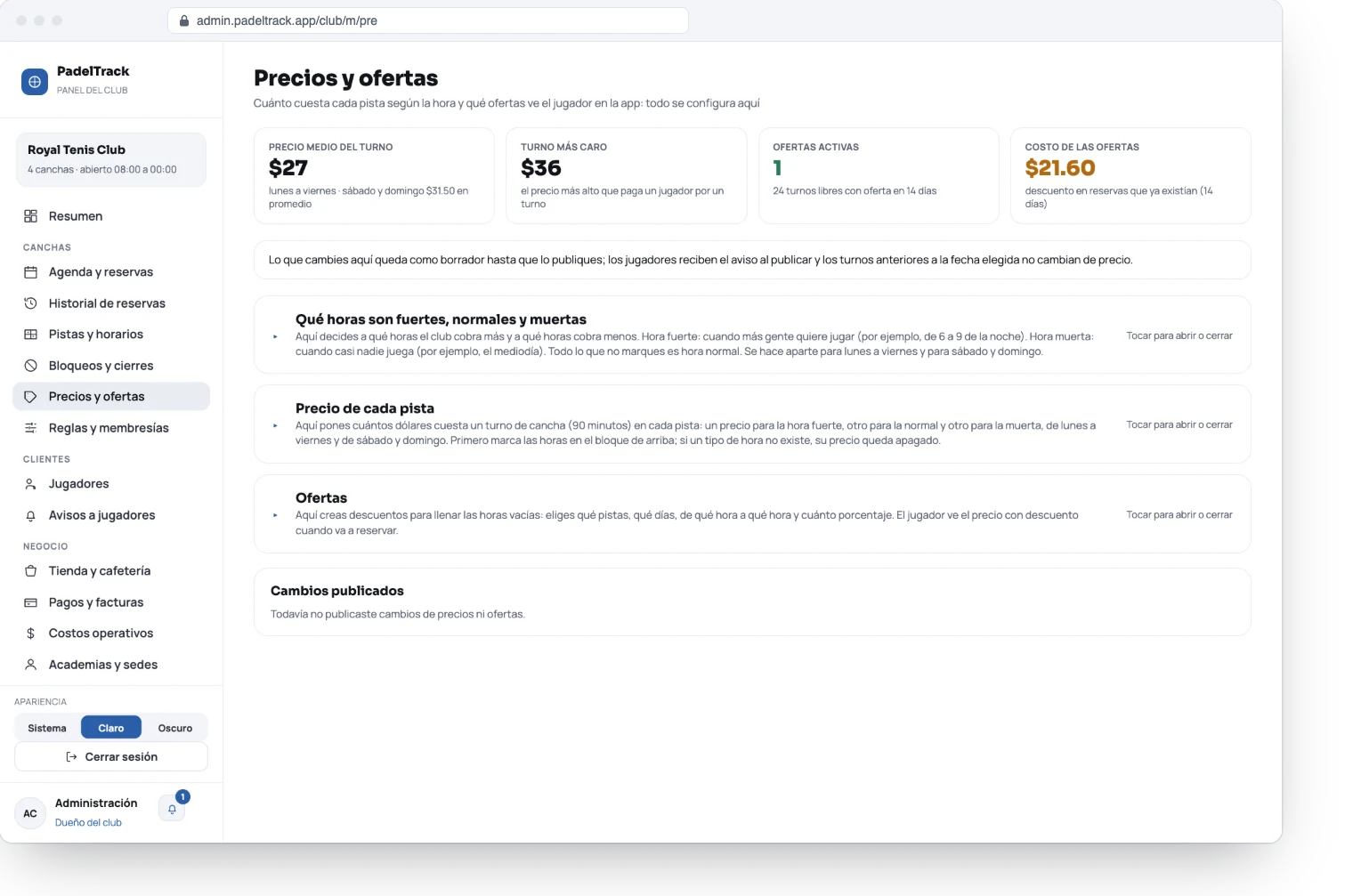
Set the price of each court by time of day (peak, regular and off-peak) and the offers players see. Changes stay as a draft until you publish them.
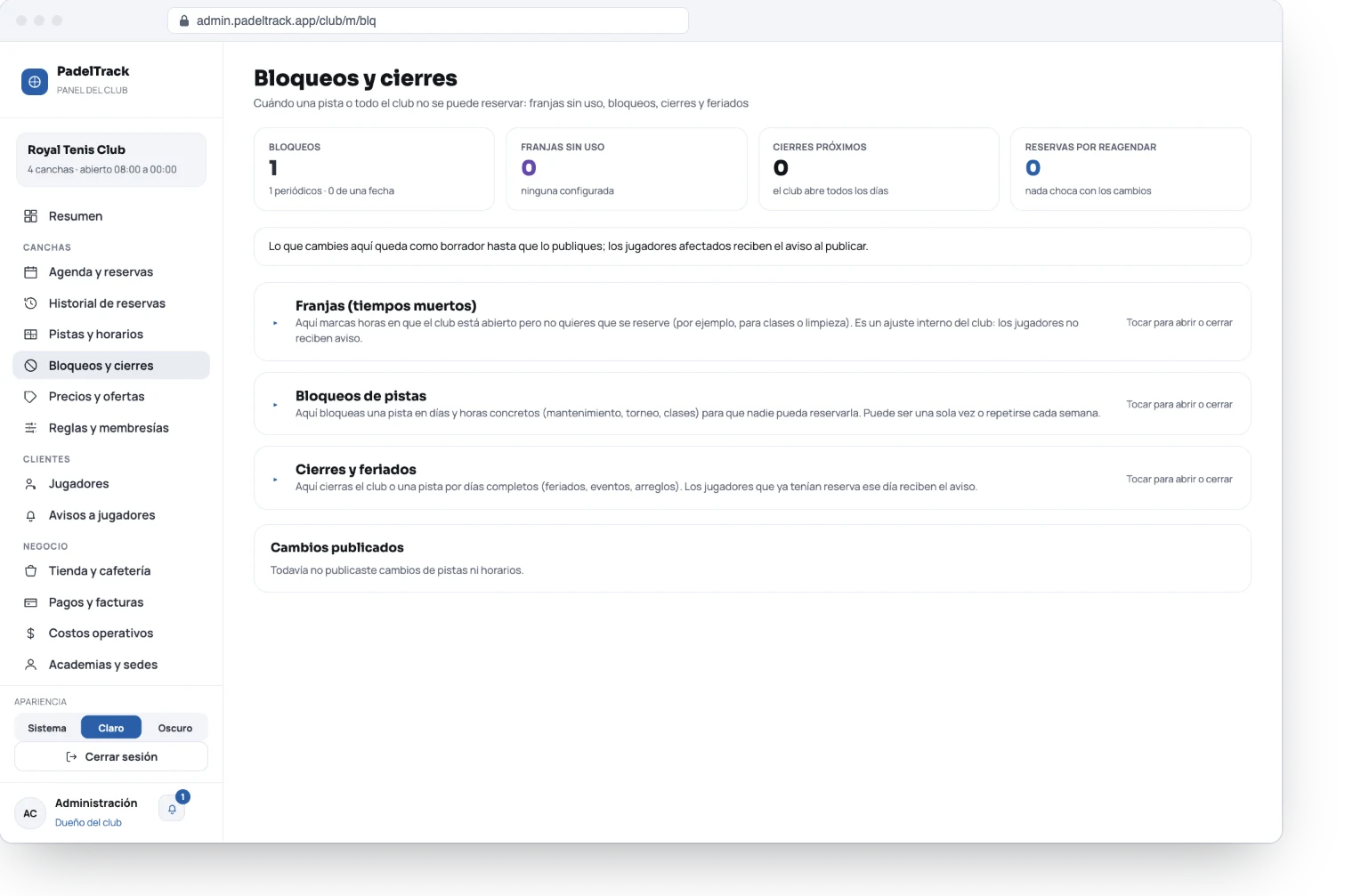
Mark when a court or the whole club can't be booked: unused slots, blocks, closures and holidays. When you publish, affected players are notified.
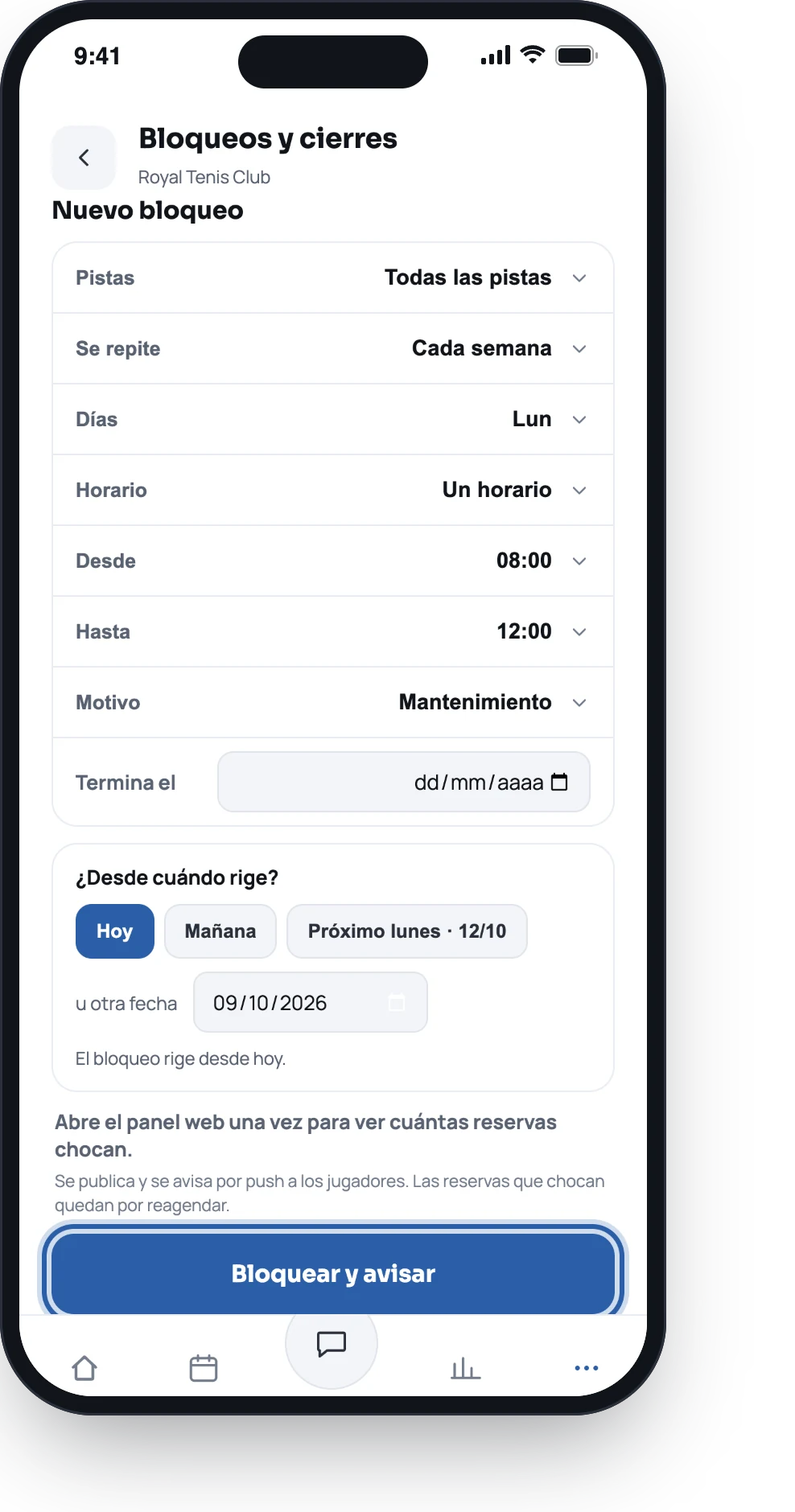
Create a block in seconds from the app: courts, days, time and reason. Bookings that clash are left to be rescheduled.
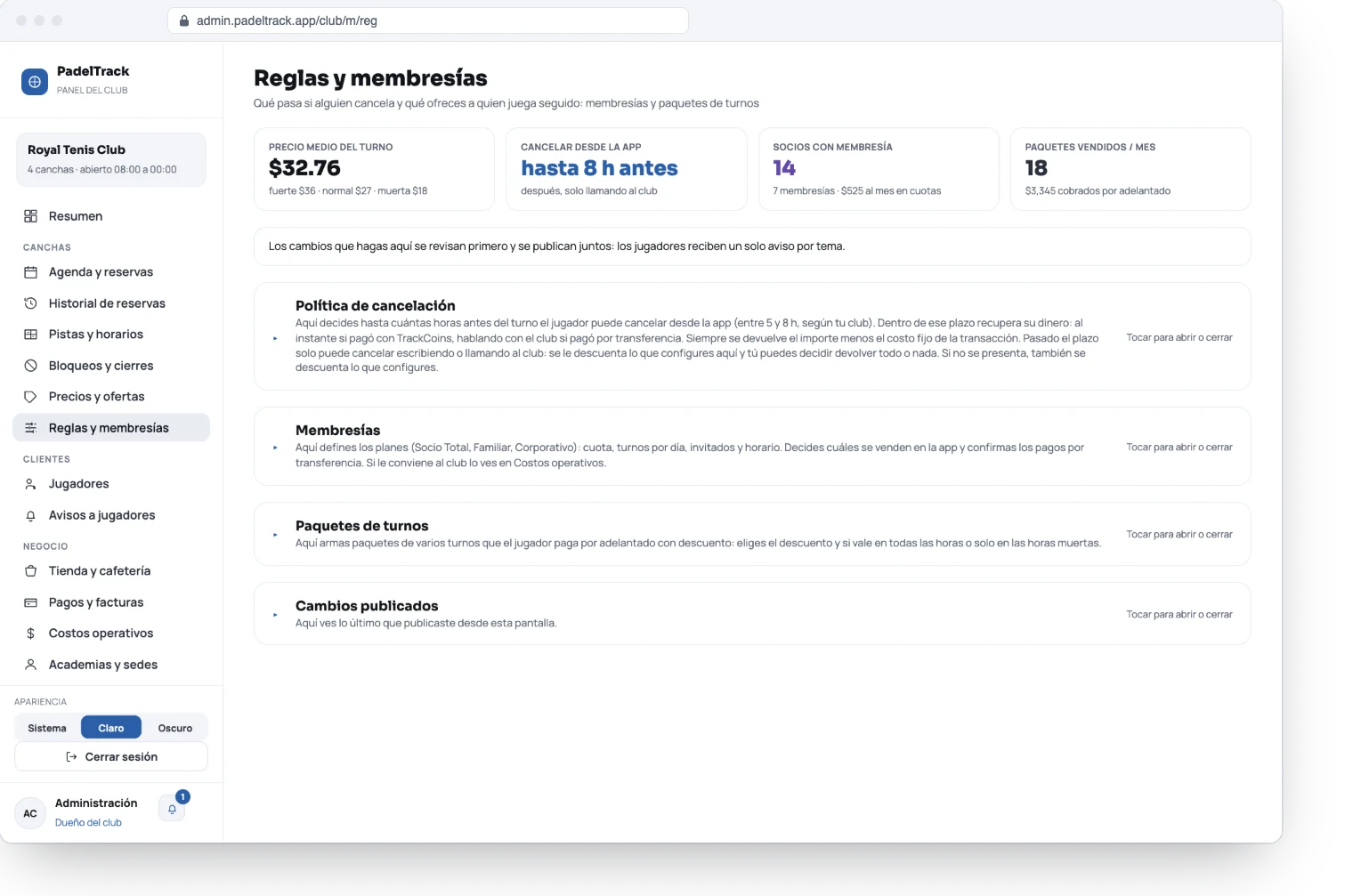
Decide how many hours in advance players can cancel from the app and create memberships and session packs for those who play often.
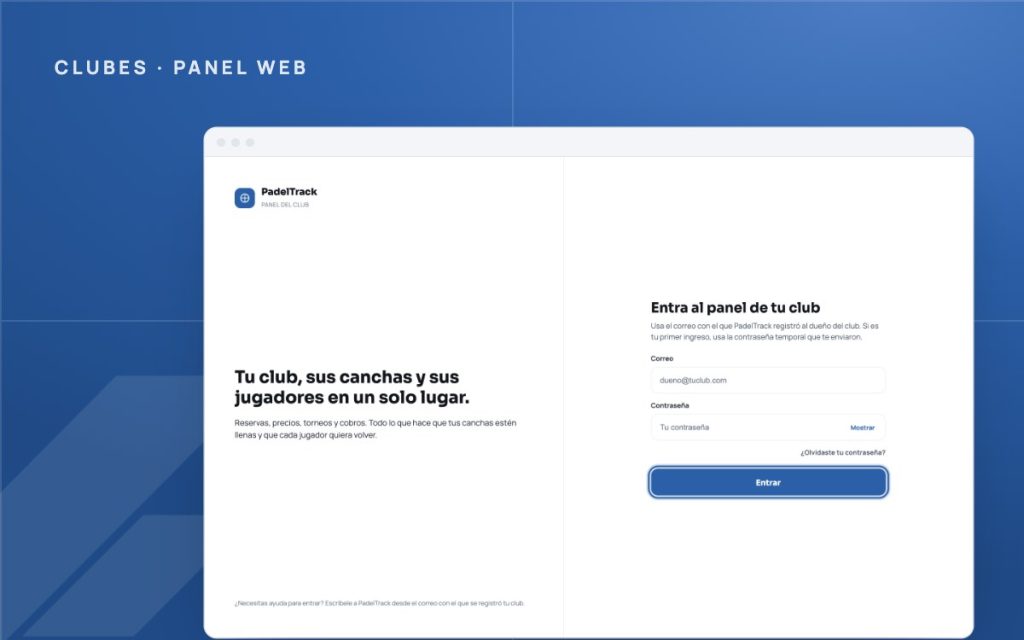 How to log in to your club dashboardOpen the web dashboard and understand your club's overview.View tutorial
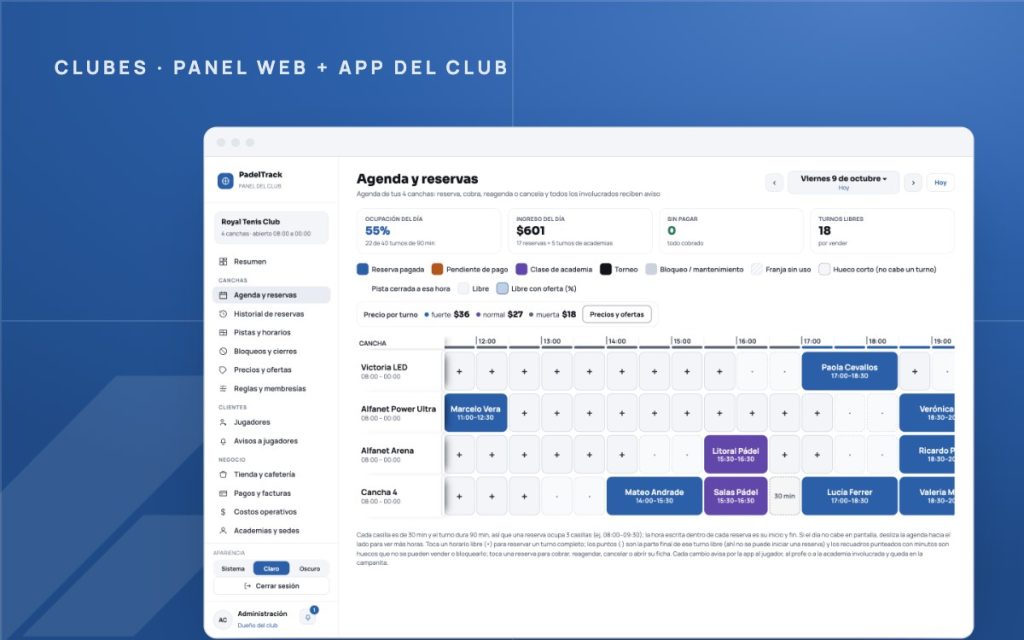 How to manage the schedule and bookingsBook, charge, reschedule or cancel from your courts' schedule.View tutorial
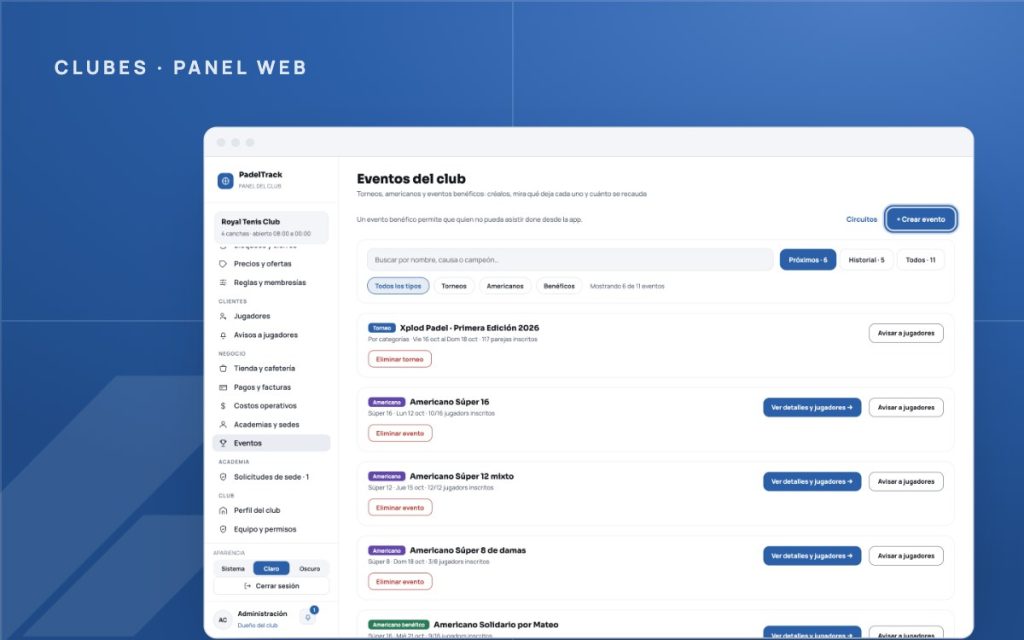 How to create a tournament at your clubInformation, dates, categories, entrants, bracket and prizes.View tutorial