
The day's transactions, the shift's cash register and what customers owe you.
What was collected today, what is still due and how much was paid through the app, with every transaction filterable by status, source and payment method.
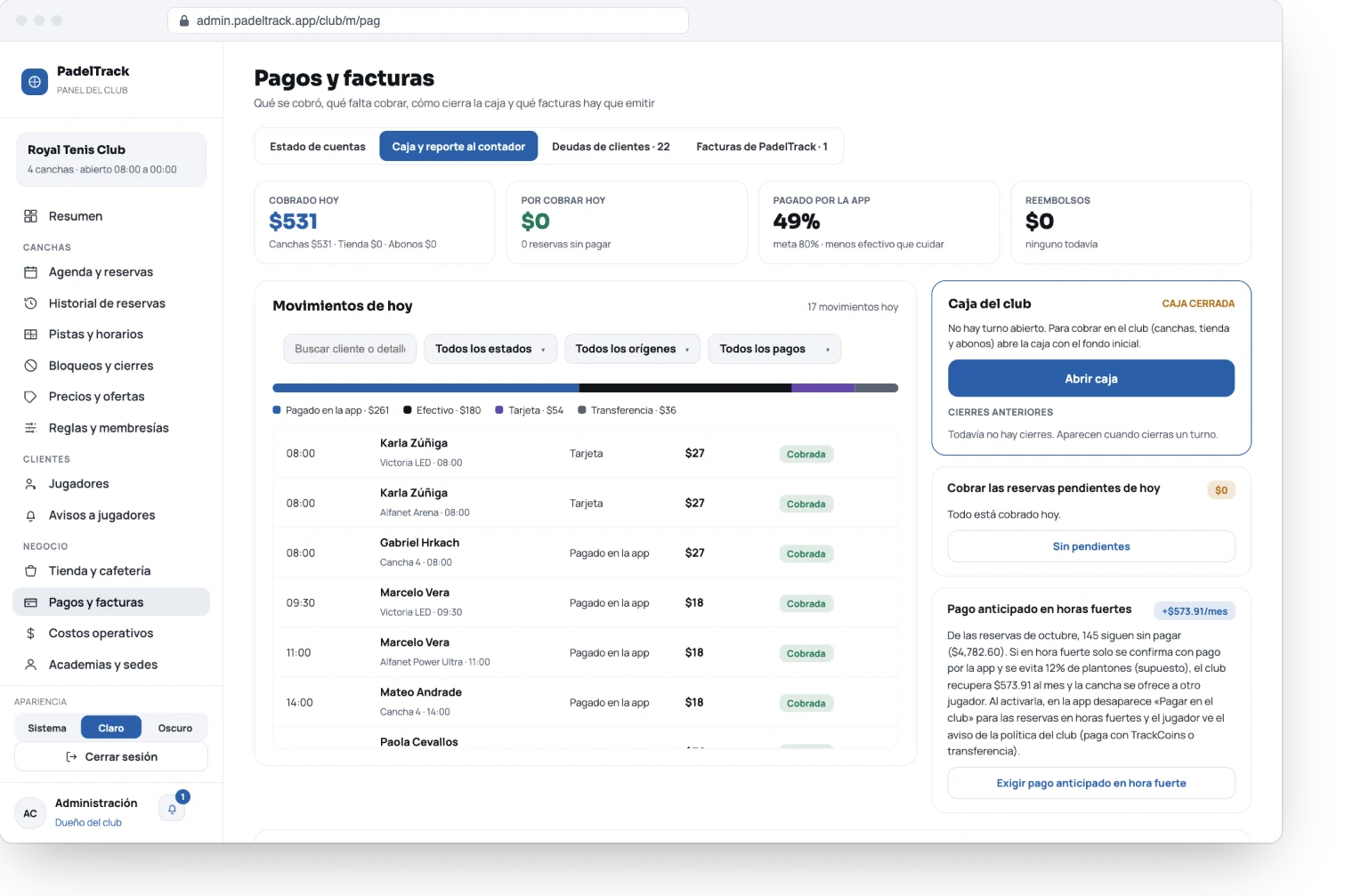
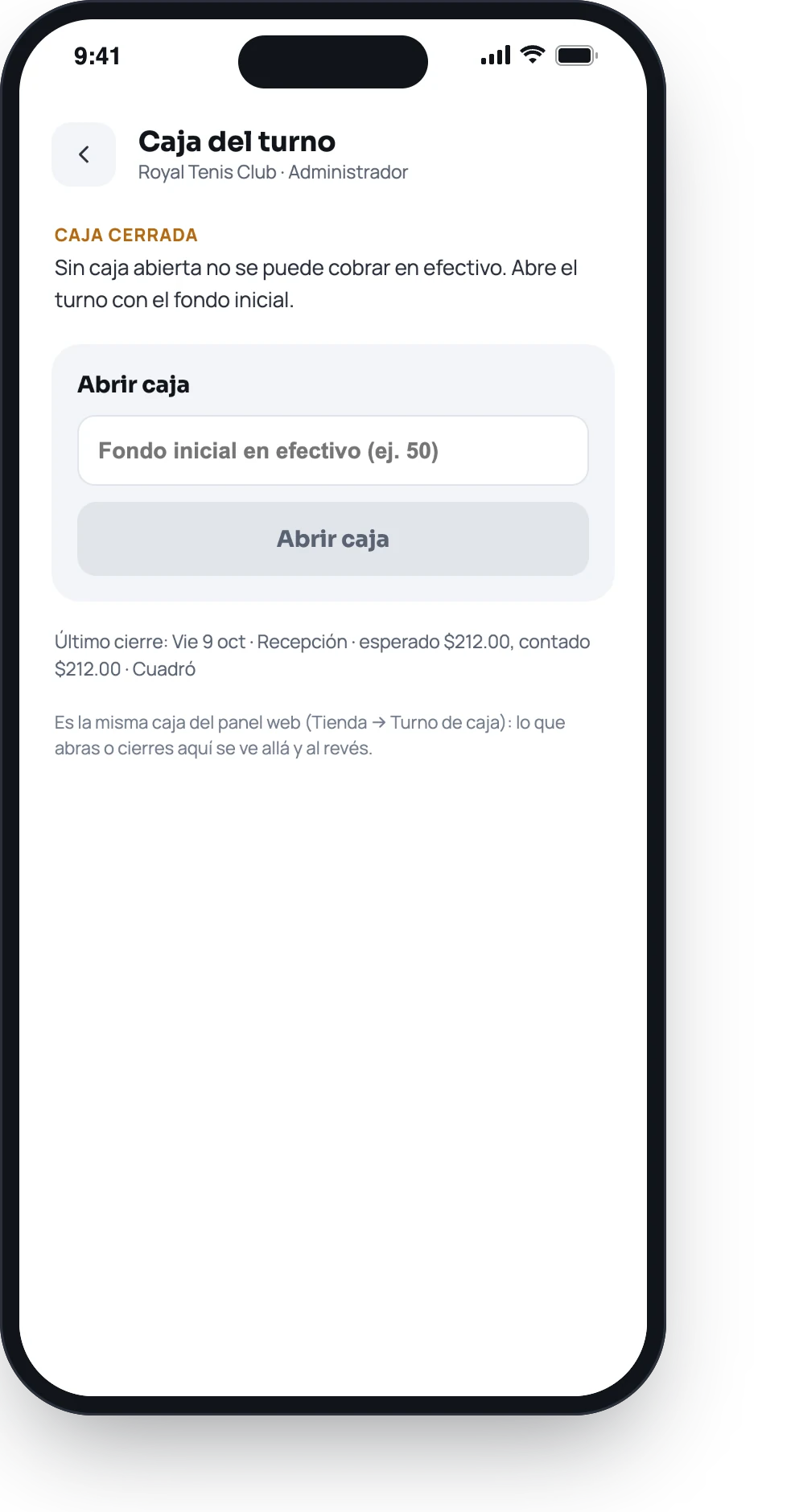
Open the register with the starting float to take cash payments and close it at the end of the shift. It's the same register as in the web dashboard.
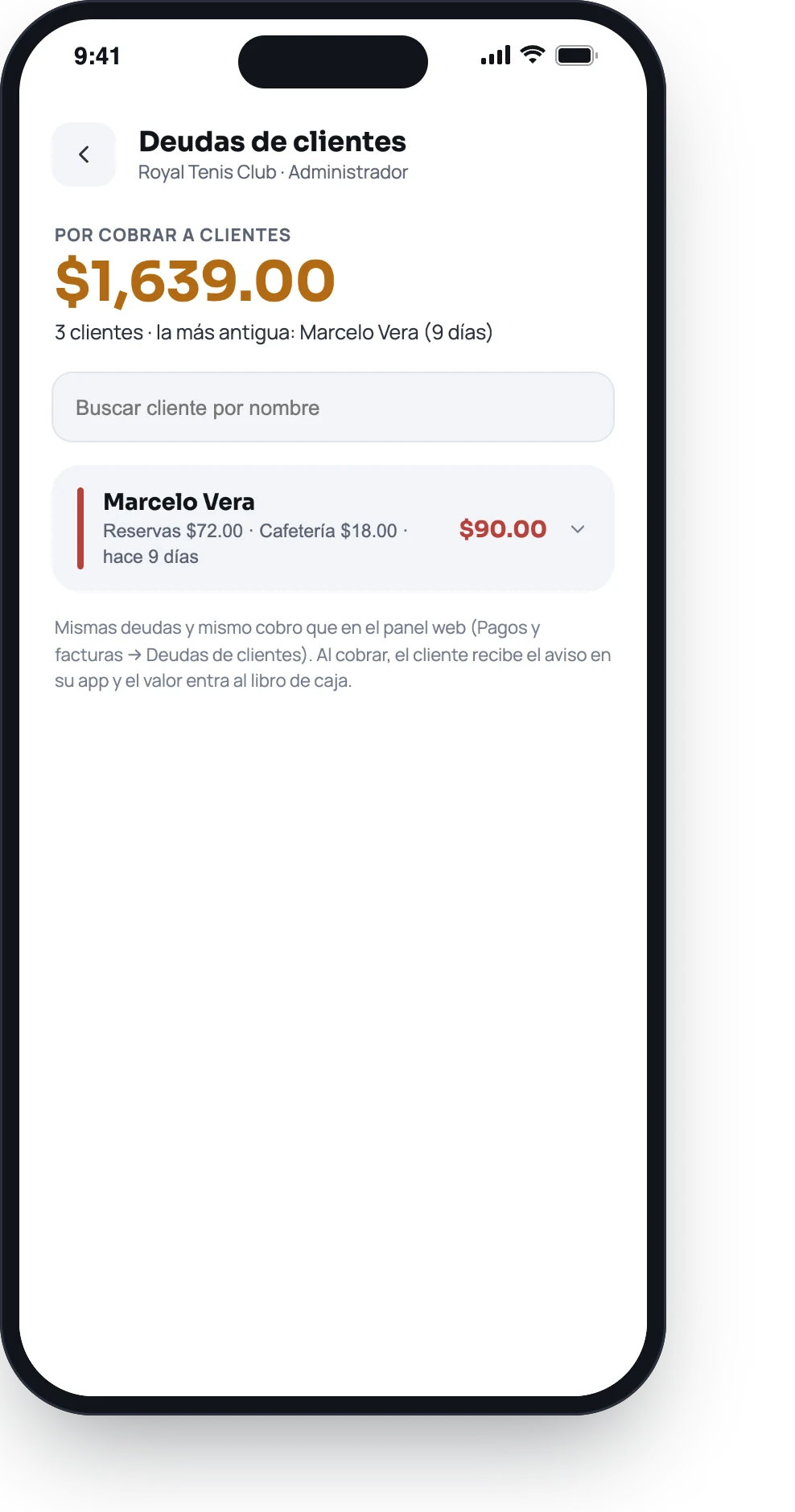
What each customer owes for bookings and the café. When you collect, the customer gets a notice in their app and the amount goes into the cash book.
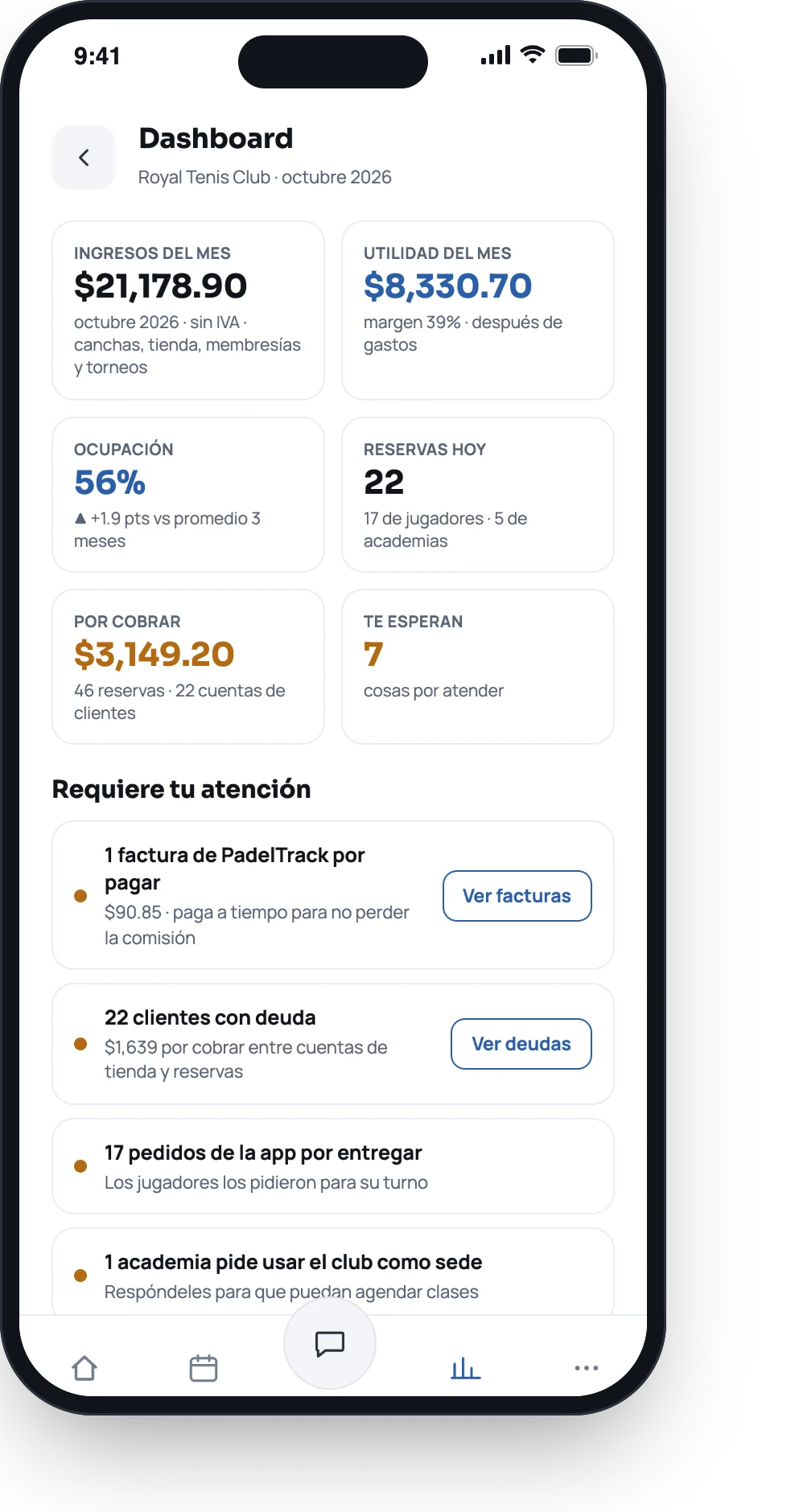
Revenue, profit, occupancy and what needs your attention, always at hand.
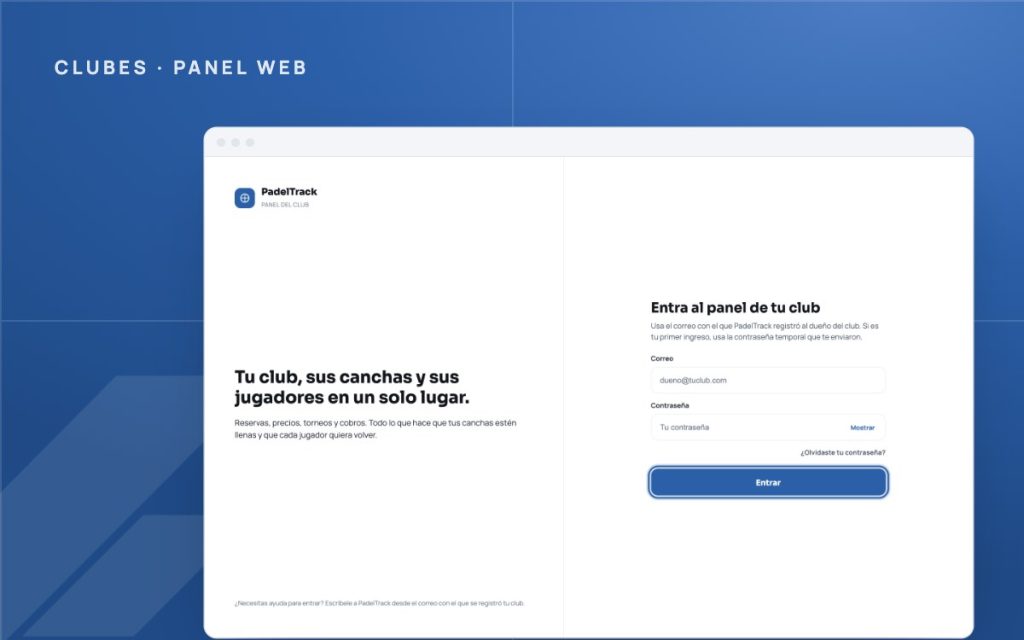 How to log in to your club dashboardOpen the web dashboard and understand your club's overview.View tutorial
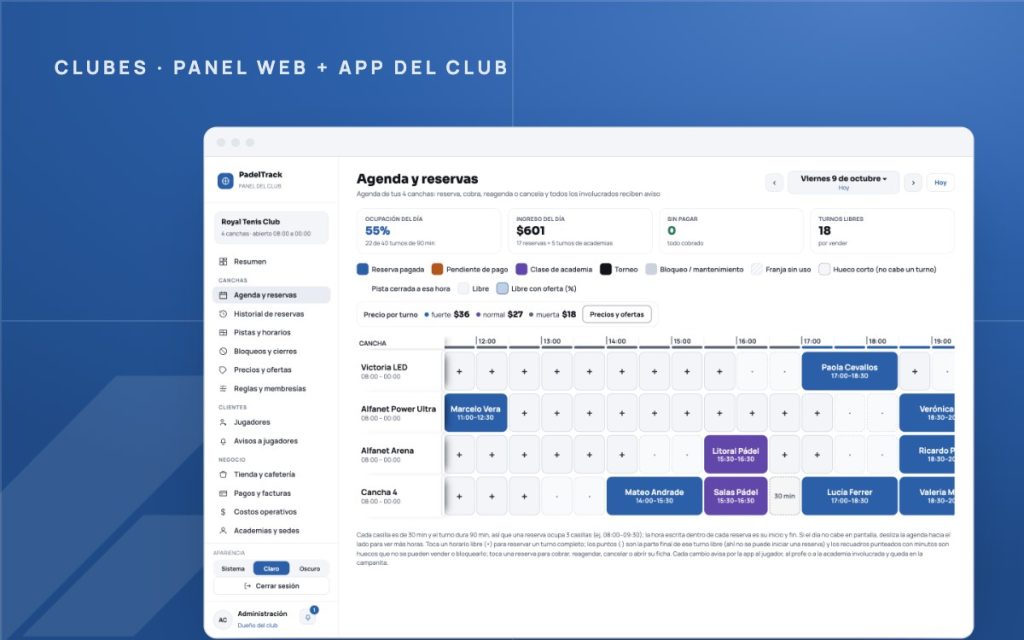 How to manage the schedule and bookingsBook, charge, reschedule or cancel from your courts' schedule.View tutorial
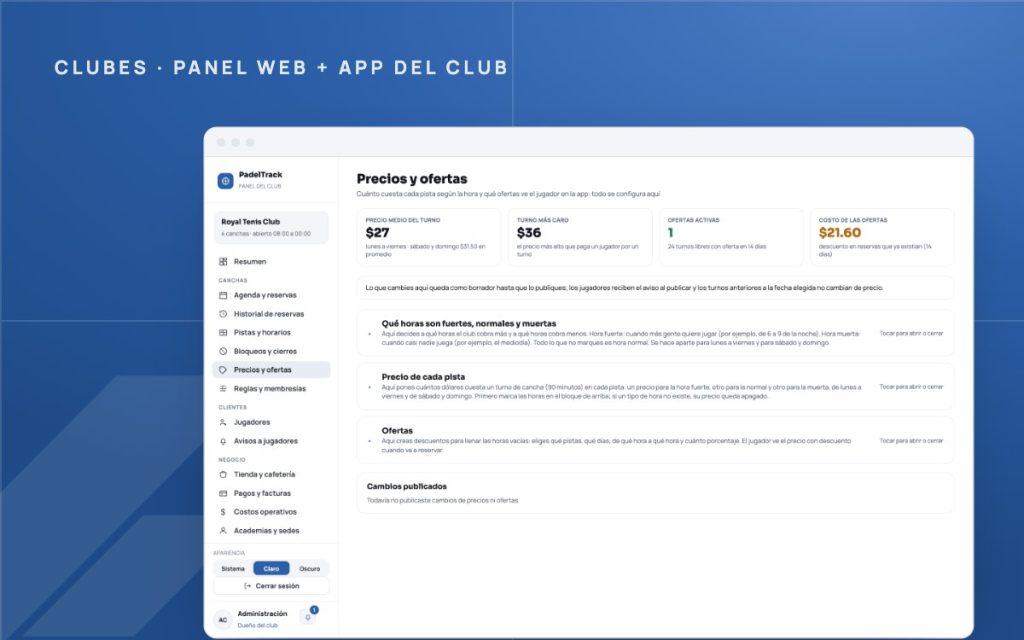 How to set up prices, blocks and rulesPeak and off-peak hours, offers, closures and cancellation policy.View tutorial