
Add products to your cart, pay and arrange delivery with the seller.
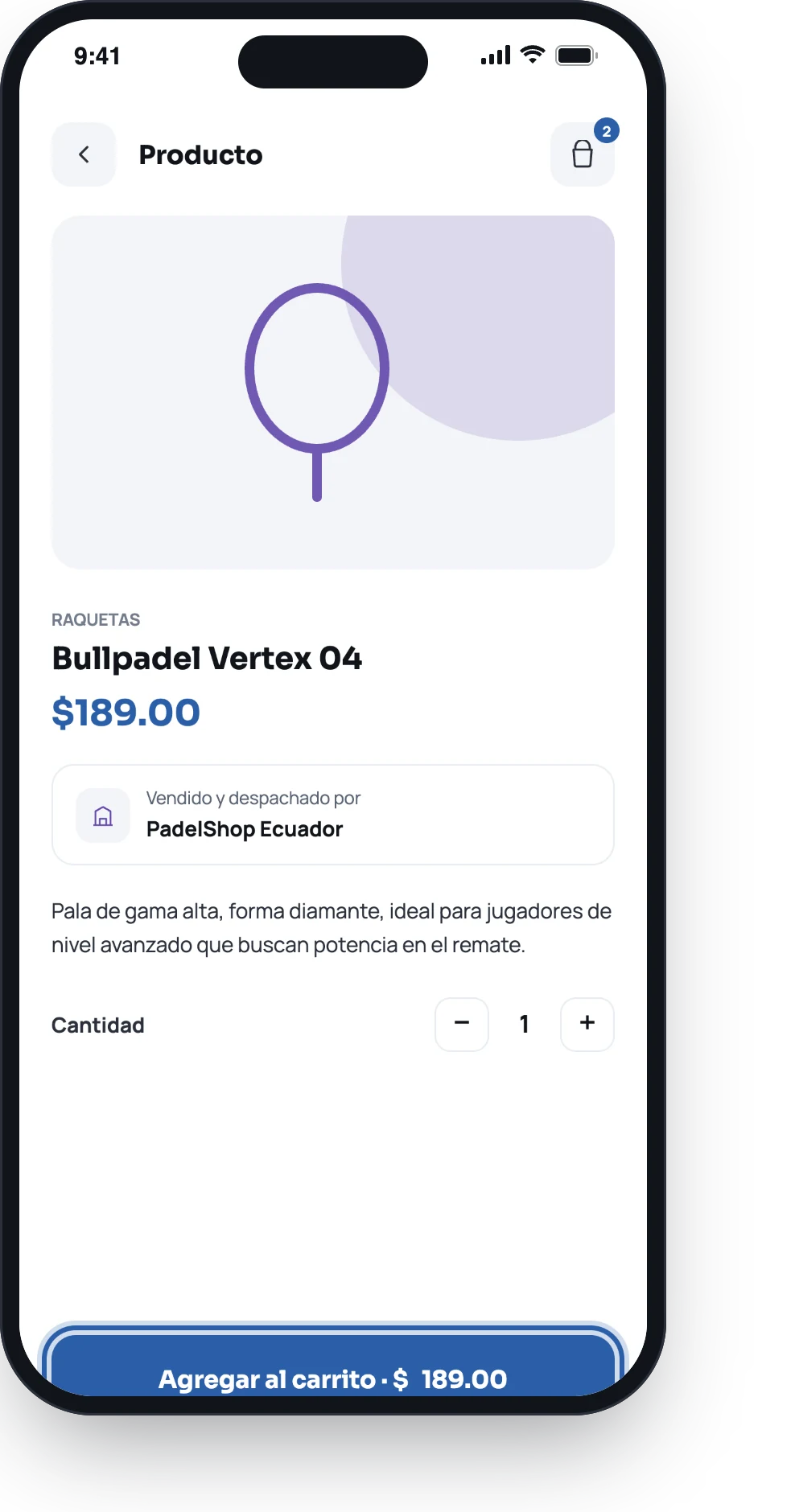
In Match Zone → Store choose a product and the quantity and tap Add to cart.
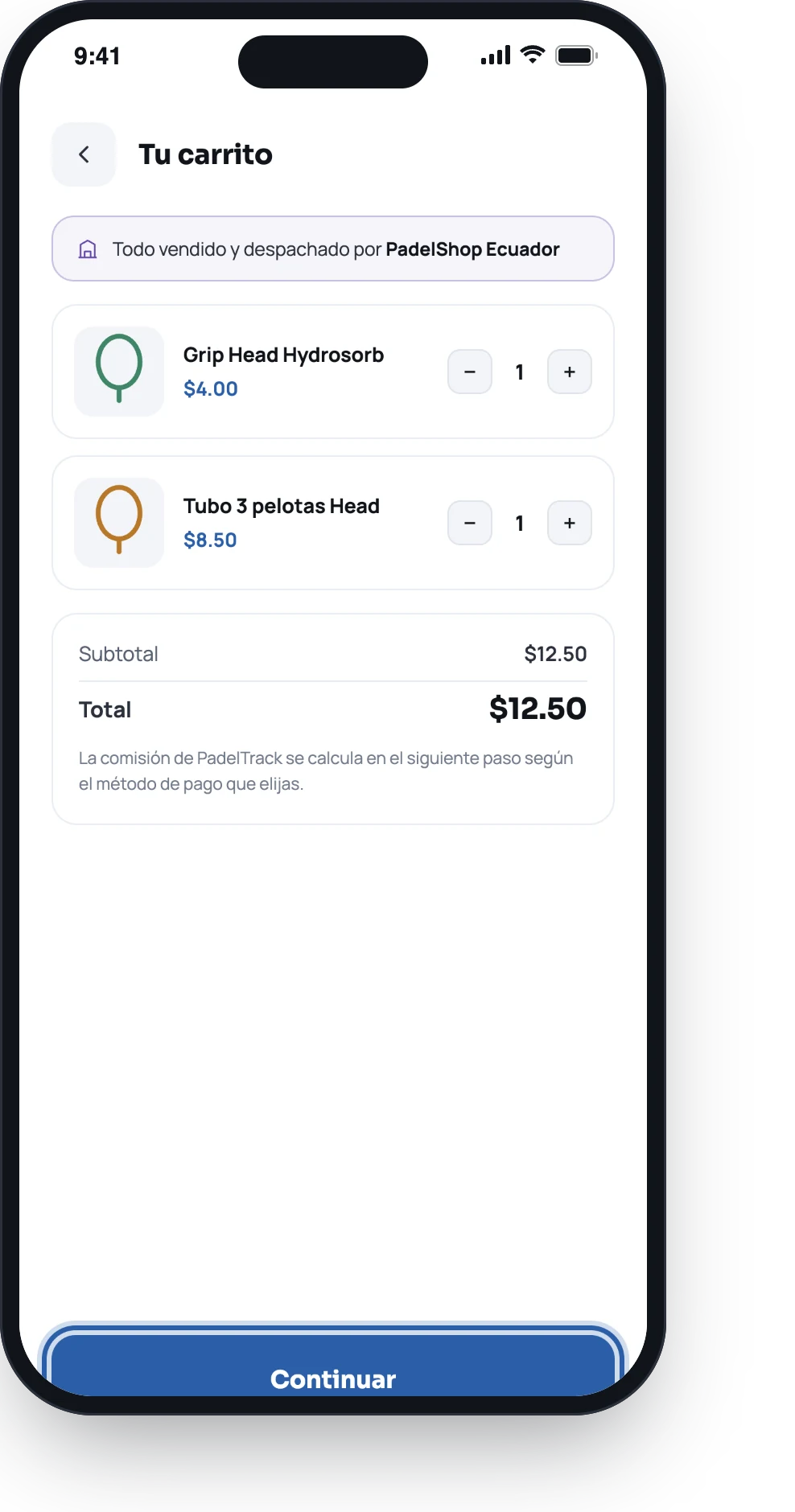
Adjust the quantities and continue. The fee is calculated in the next step according to the payment method.
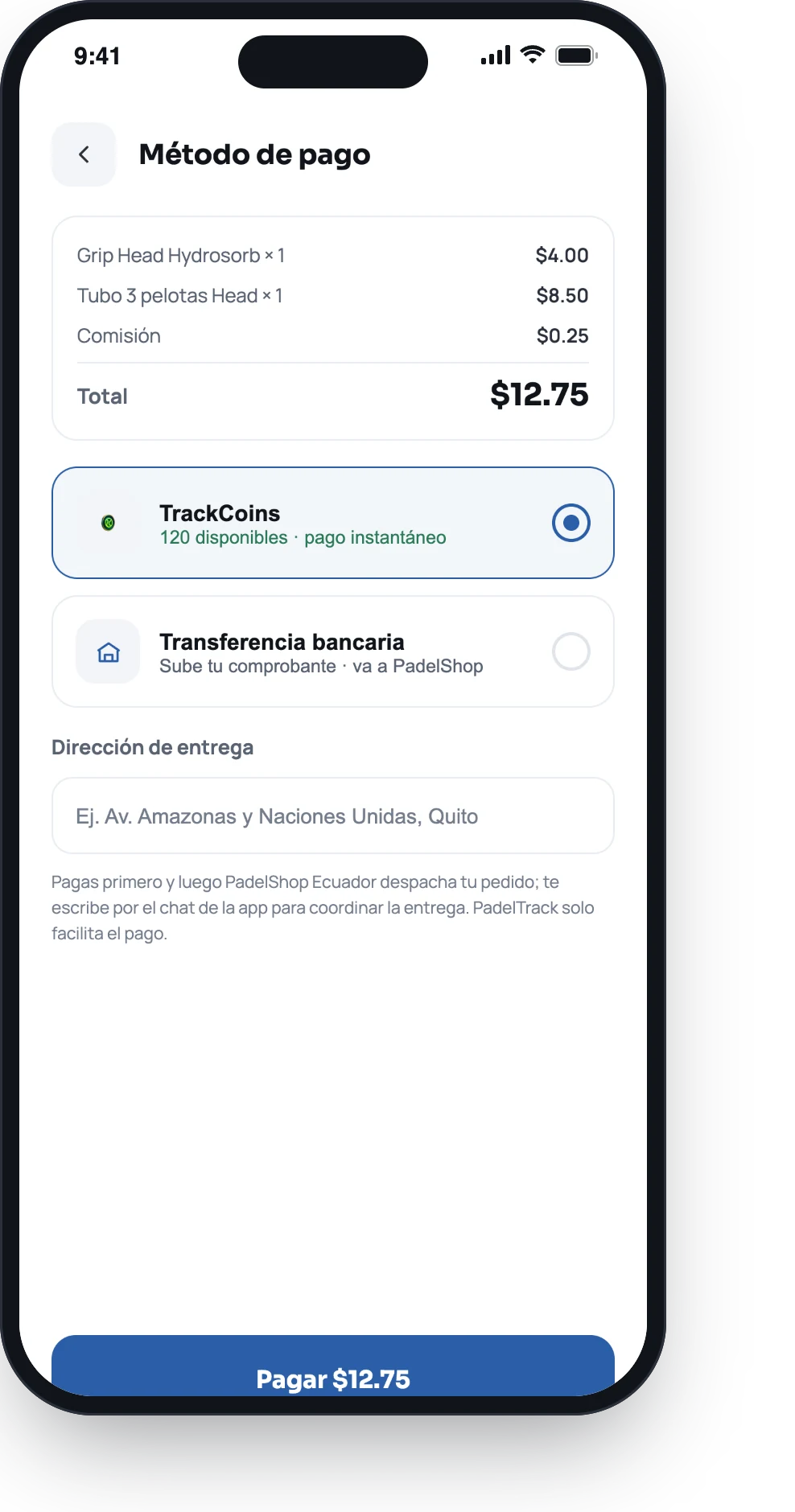
Pay with TrackCoins or bank transfer and enter the delivery address.
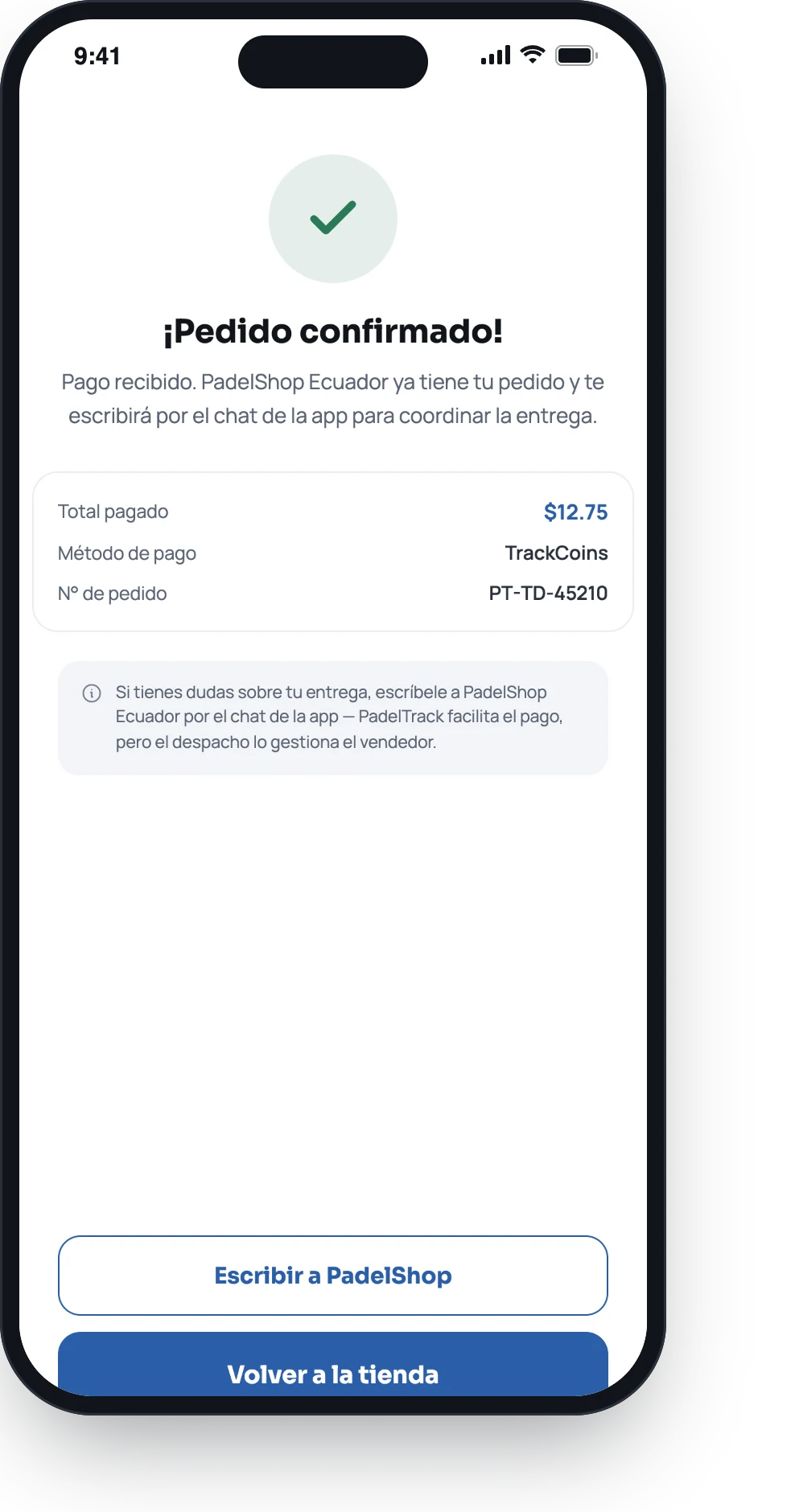
The seller receives your order and messages you through the app chat to arrange delivery.
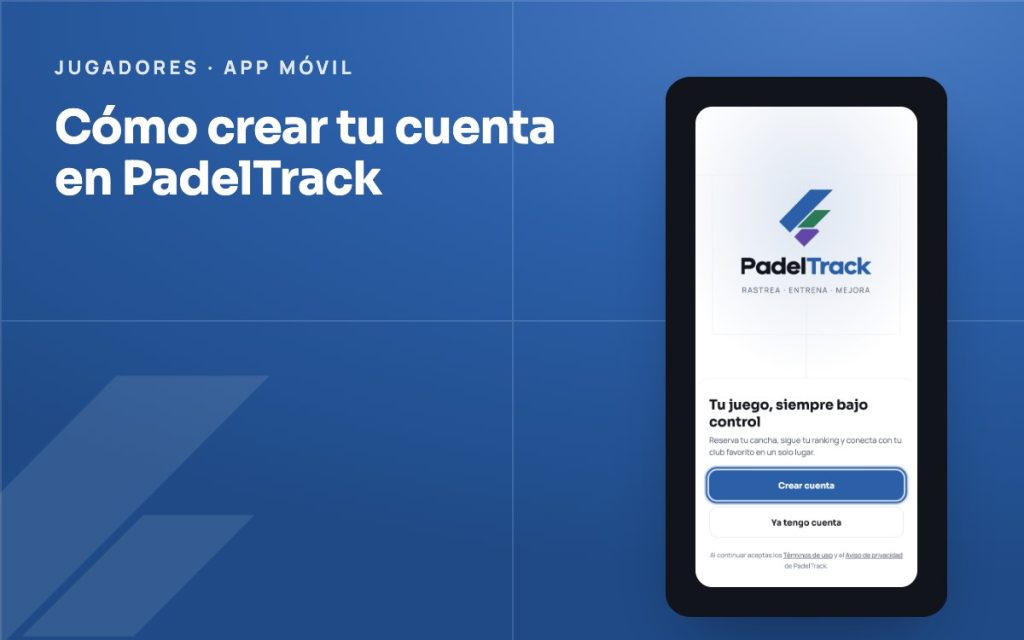 How to create your PadelTrack accountSign up, verify your email and choose your category in a few minutes.View tutorial
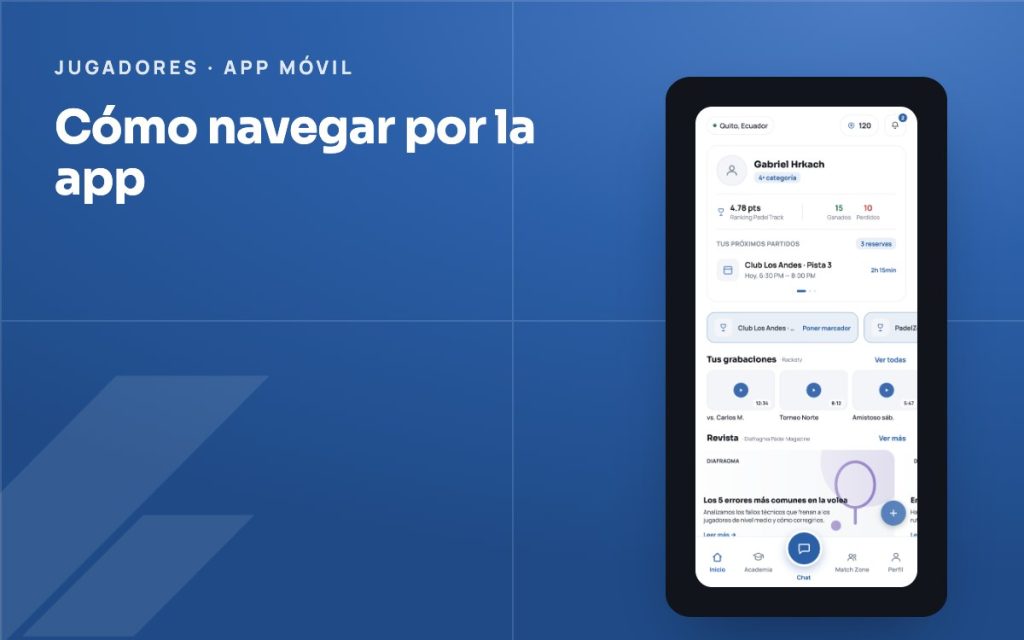 How to find your way around the appGet to know the home screen, the bottom menu, notifications and your profile.View tutorial
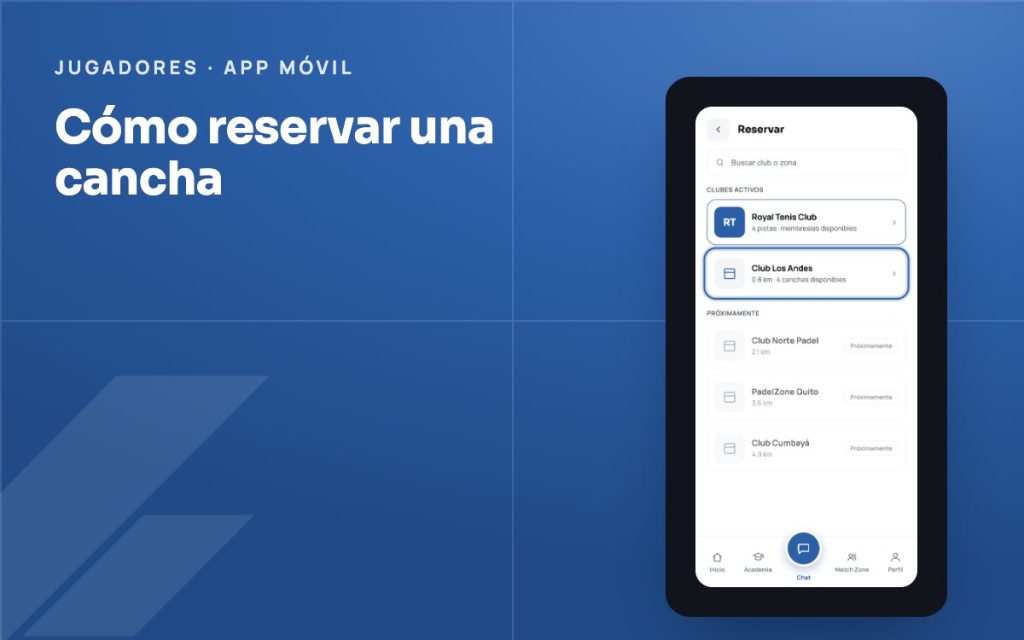 How to book a courtChoose the club, day, court and time, invite your partners and pay.View tutorial