
Sign up, verify your email and choose your category in a few minutes.
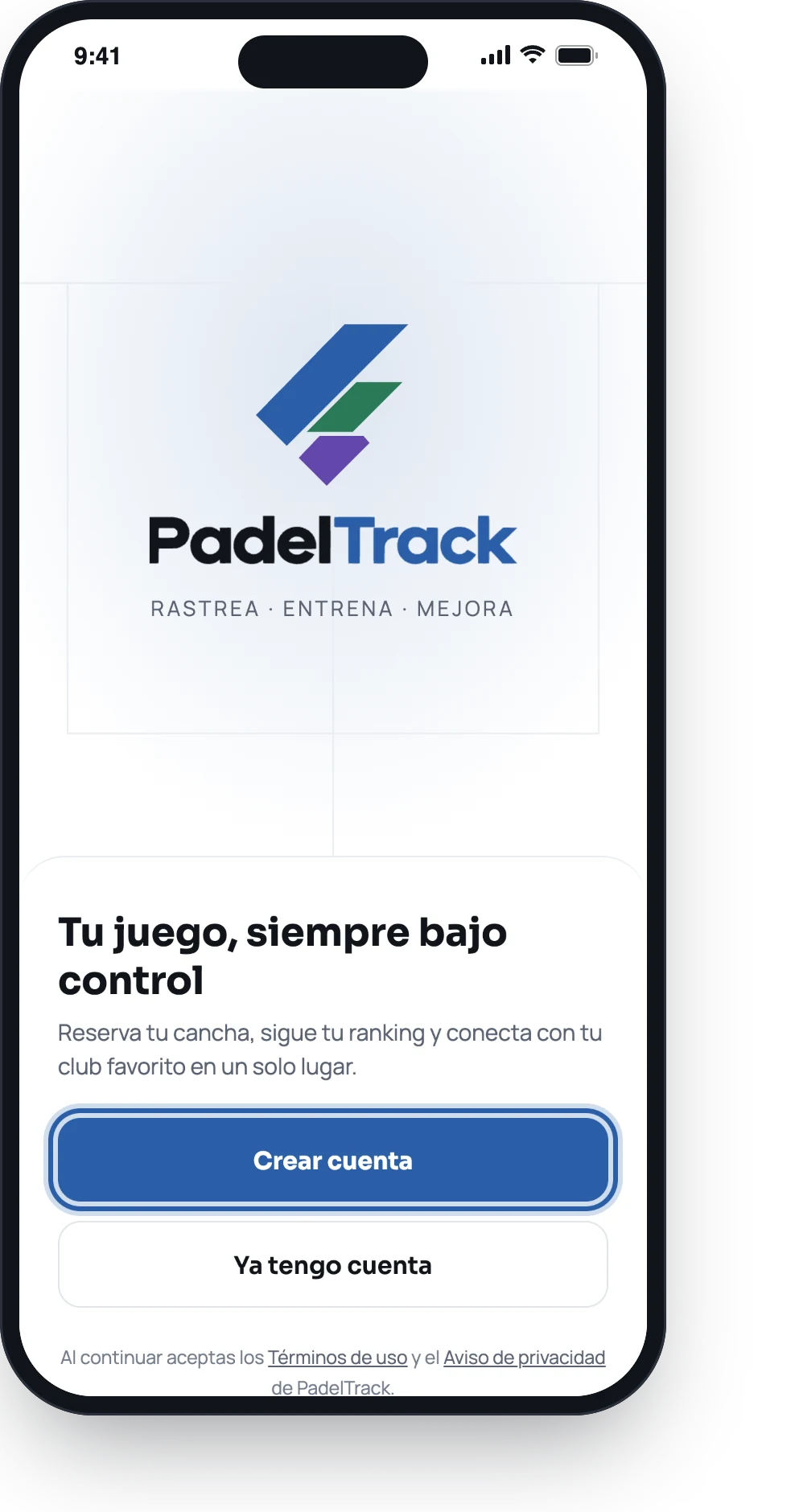
Download PadelTrack from Google Play or the App Store. On the welcome screen tap Create account. If you already have one, use I already have an account.
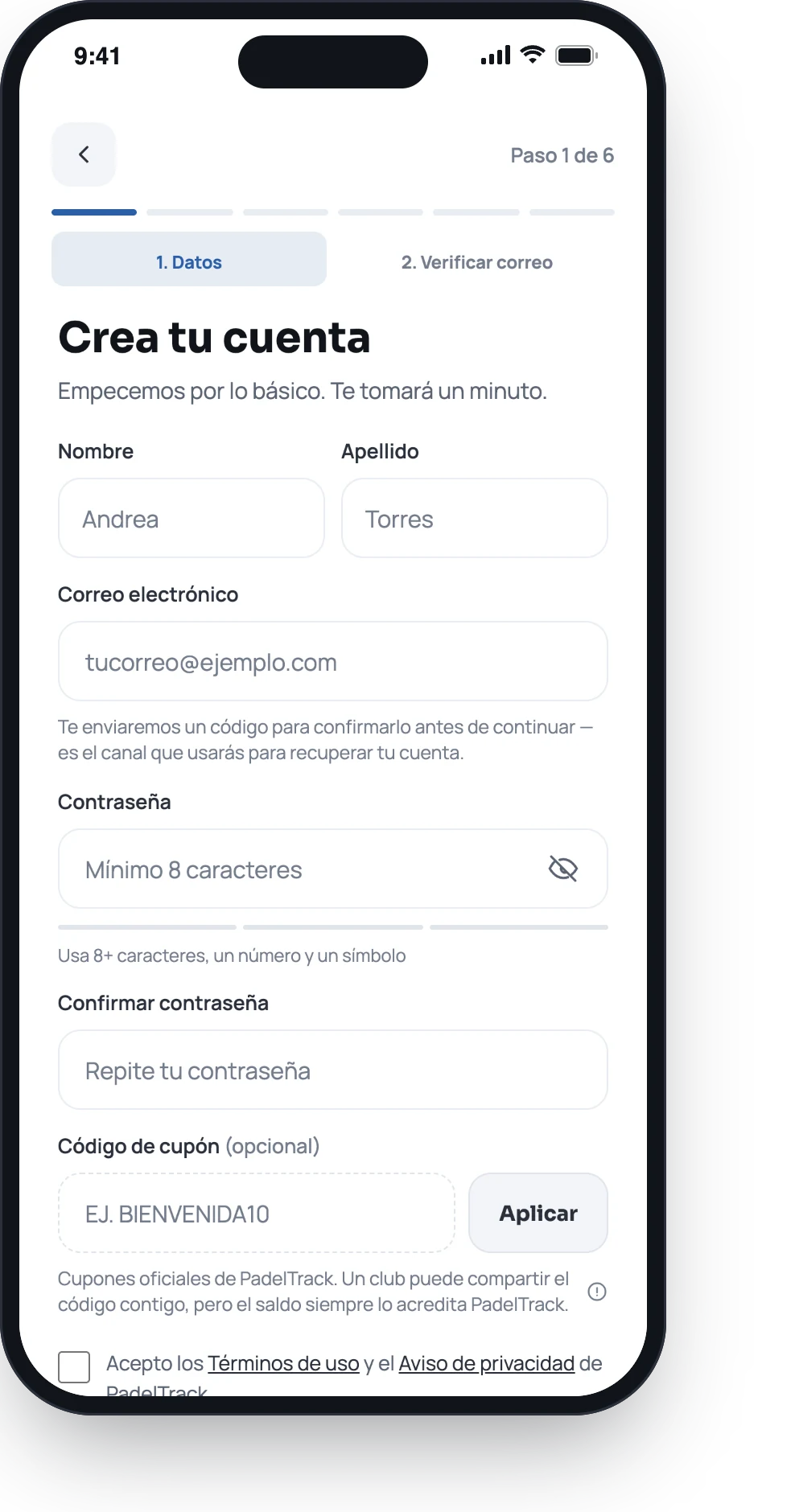
Enter your first name, last name, email and a password of at least 8 characters with a number and a symbol. If a club gave you a coupon code, add it here. Accept the terms and continue.
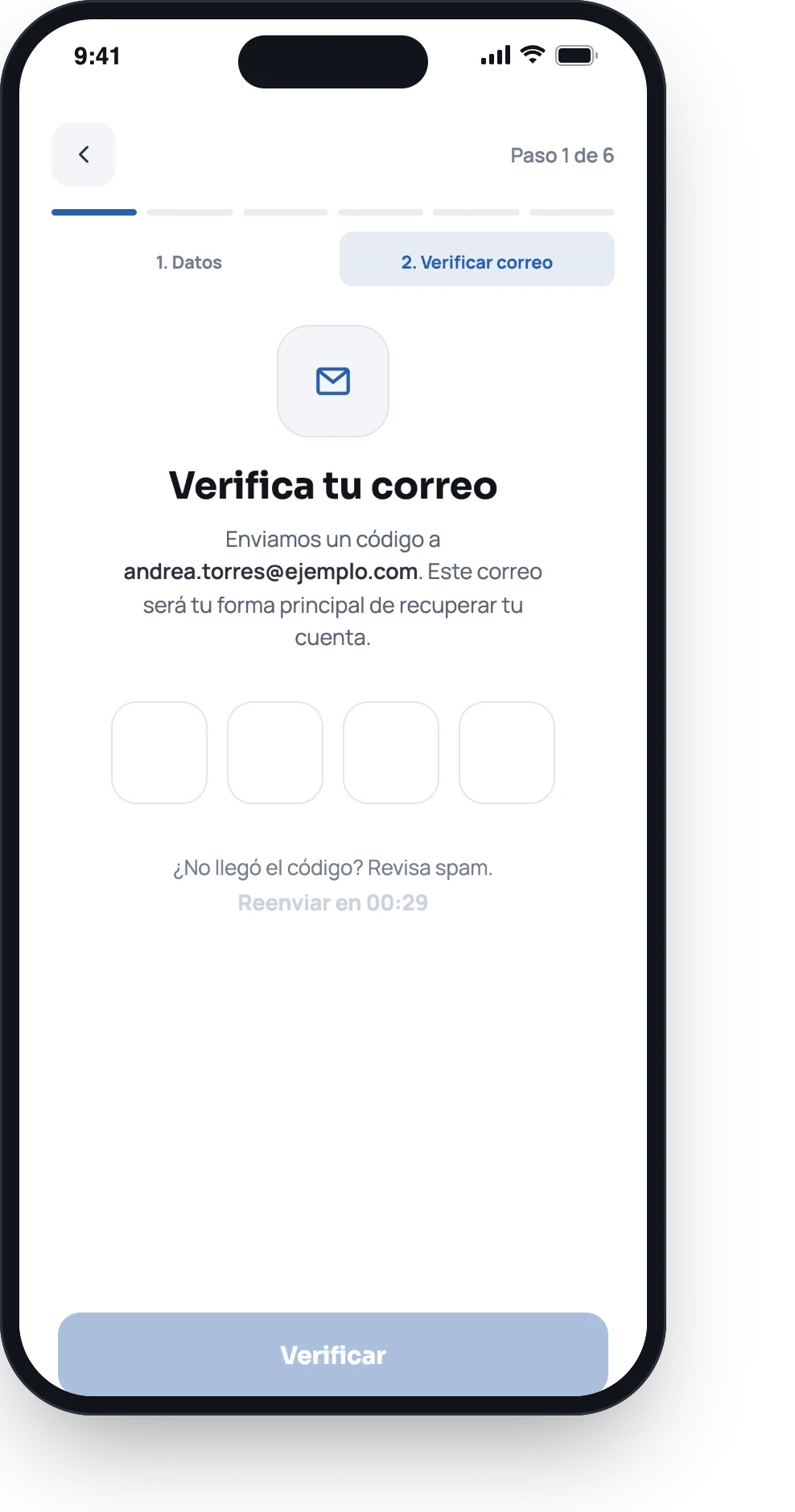
We send a code to your email. Enter it and tap Verify. This email will be your main way to recover your account. Didn't get it? Check your spam folder or ask us to resend it.
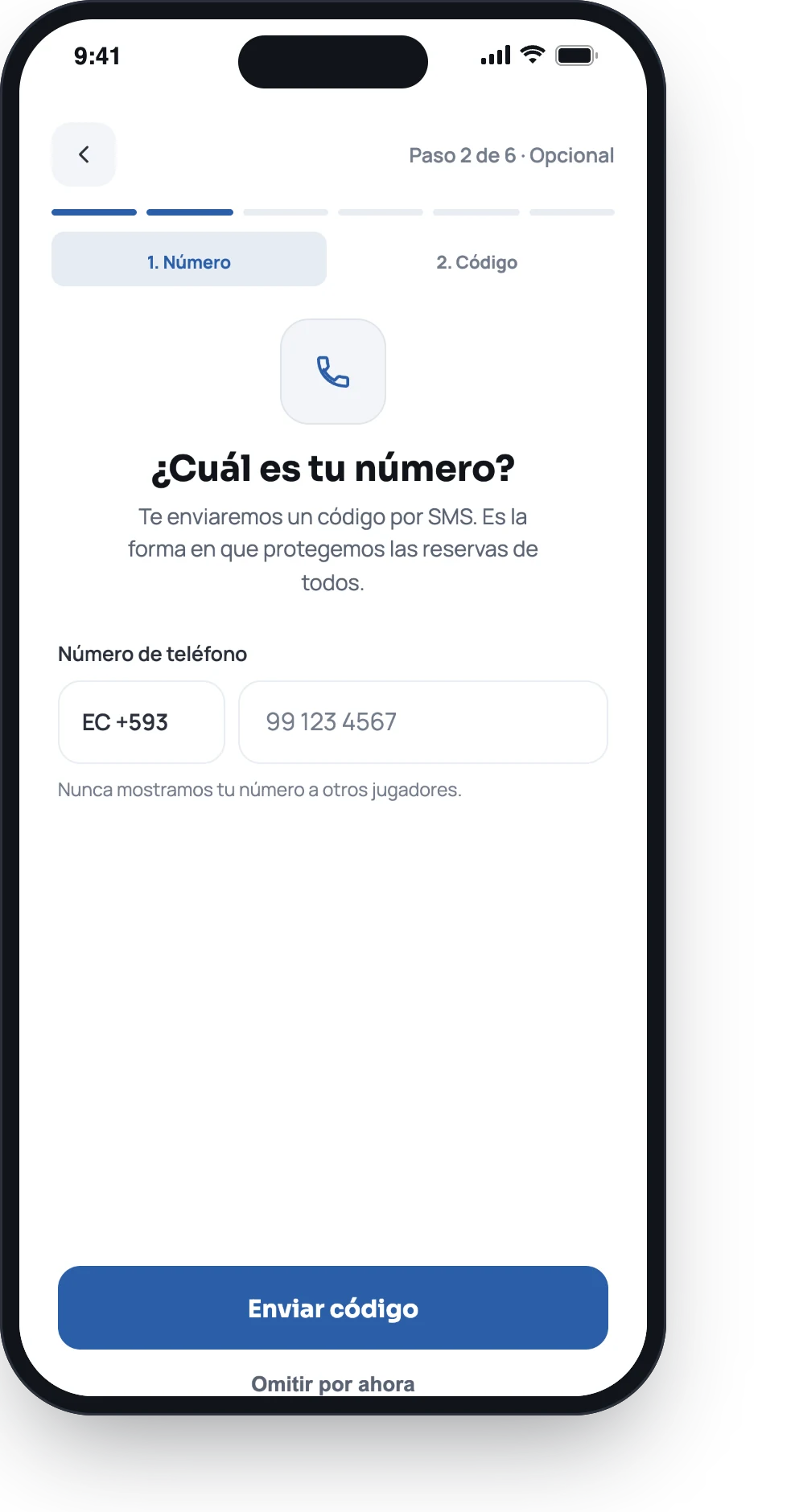
Enter your number to receive a code by SMS. You can skip it for now, but you'll need it to book courts. Your number is never shown to other players.
With location on, we let you know about games and available courts wherever you are. Also choose your home city for your profile.
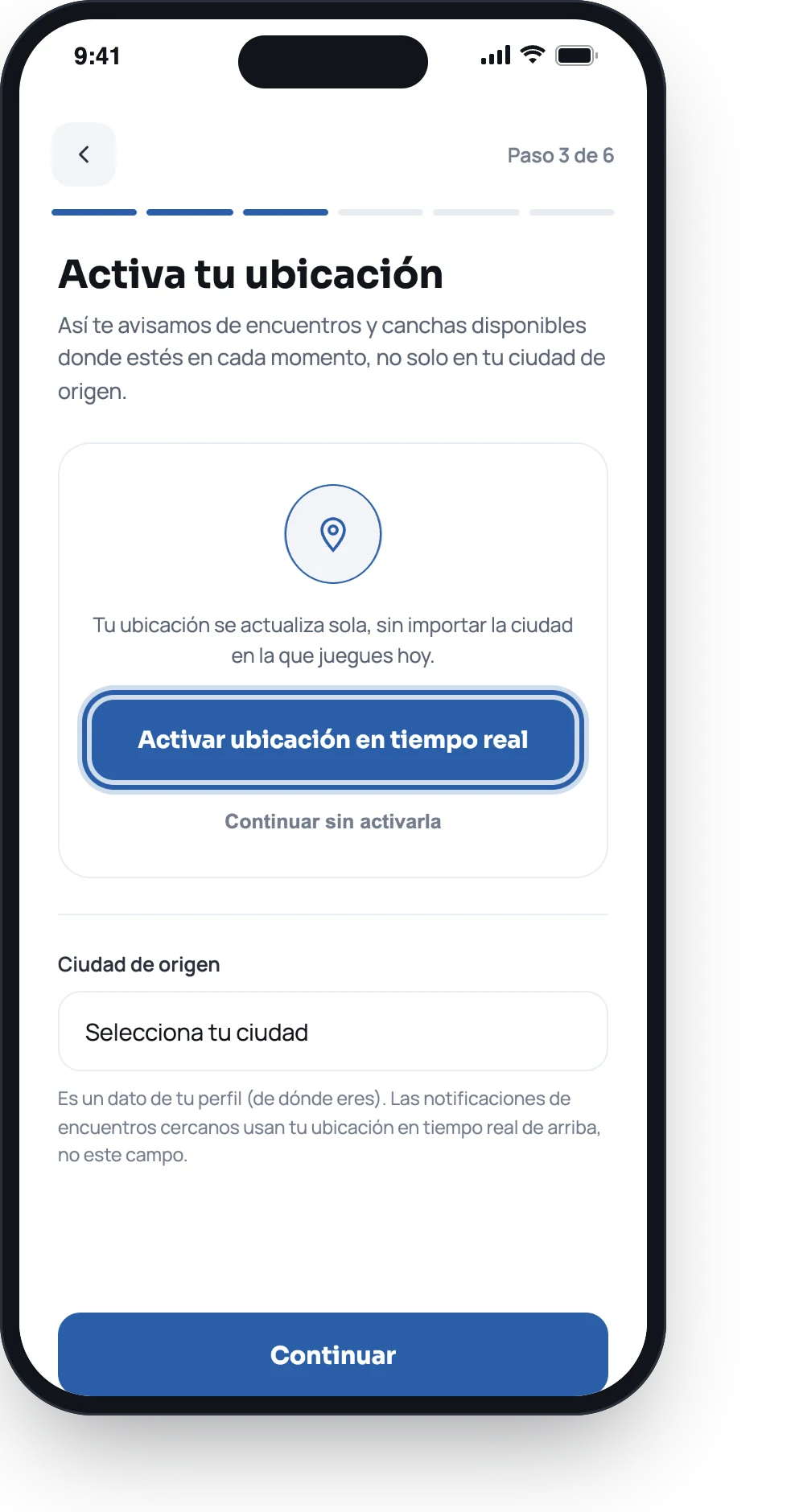
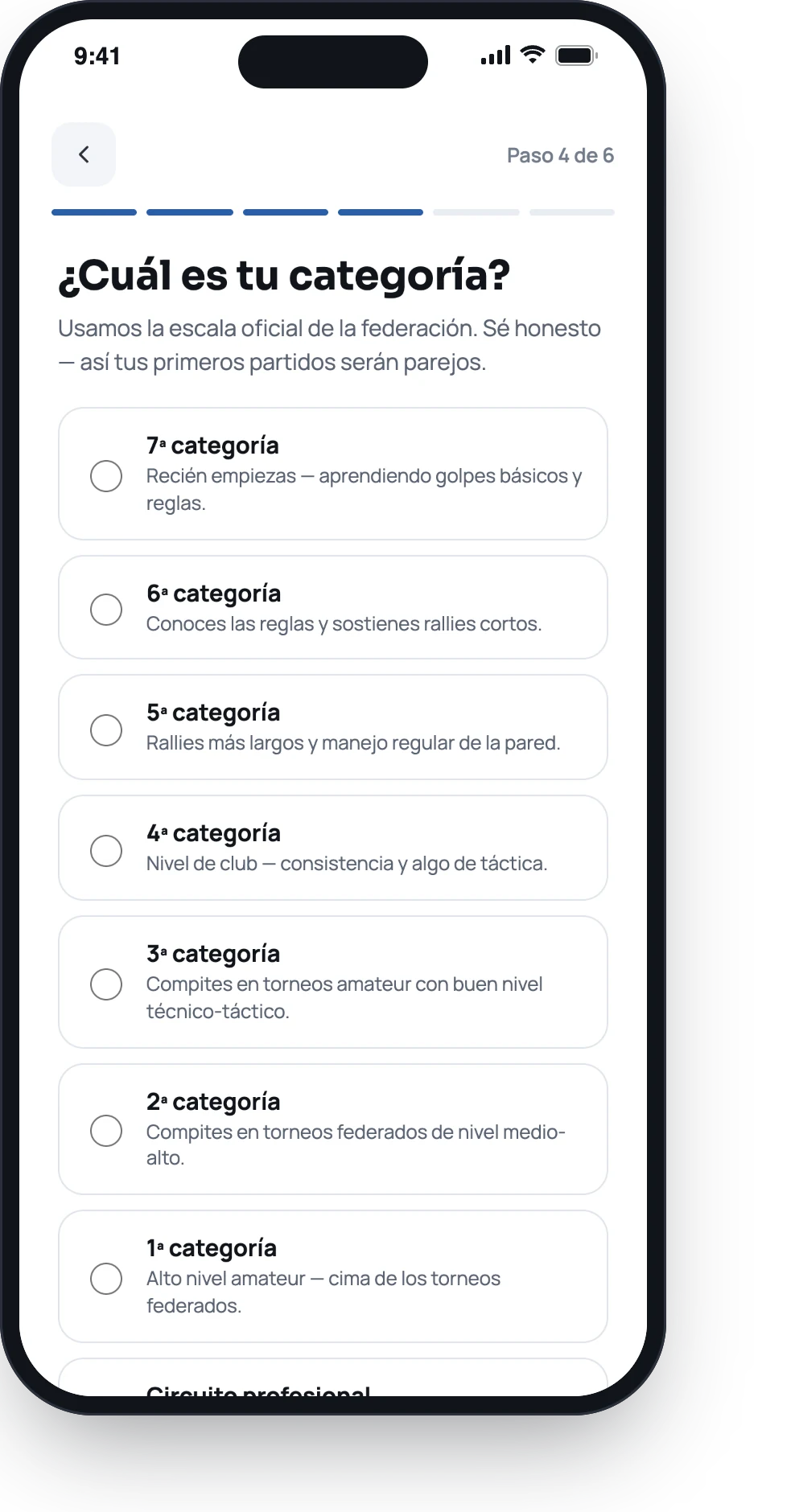
We use the federation's official scale, from 7th category to the professional circuit. Be honest: that way your first matches will be even. Your ranking is provisional until you've played 5 recorded matches.
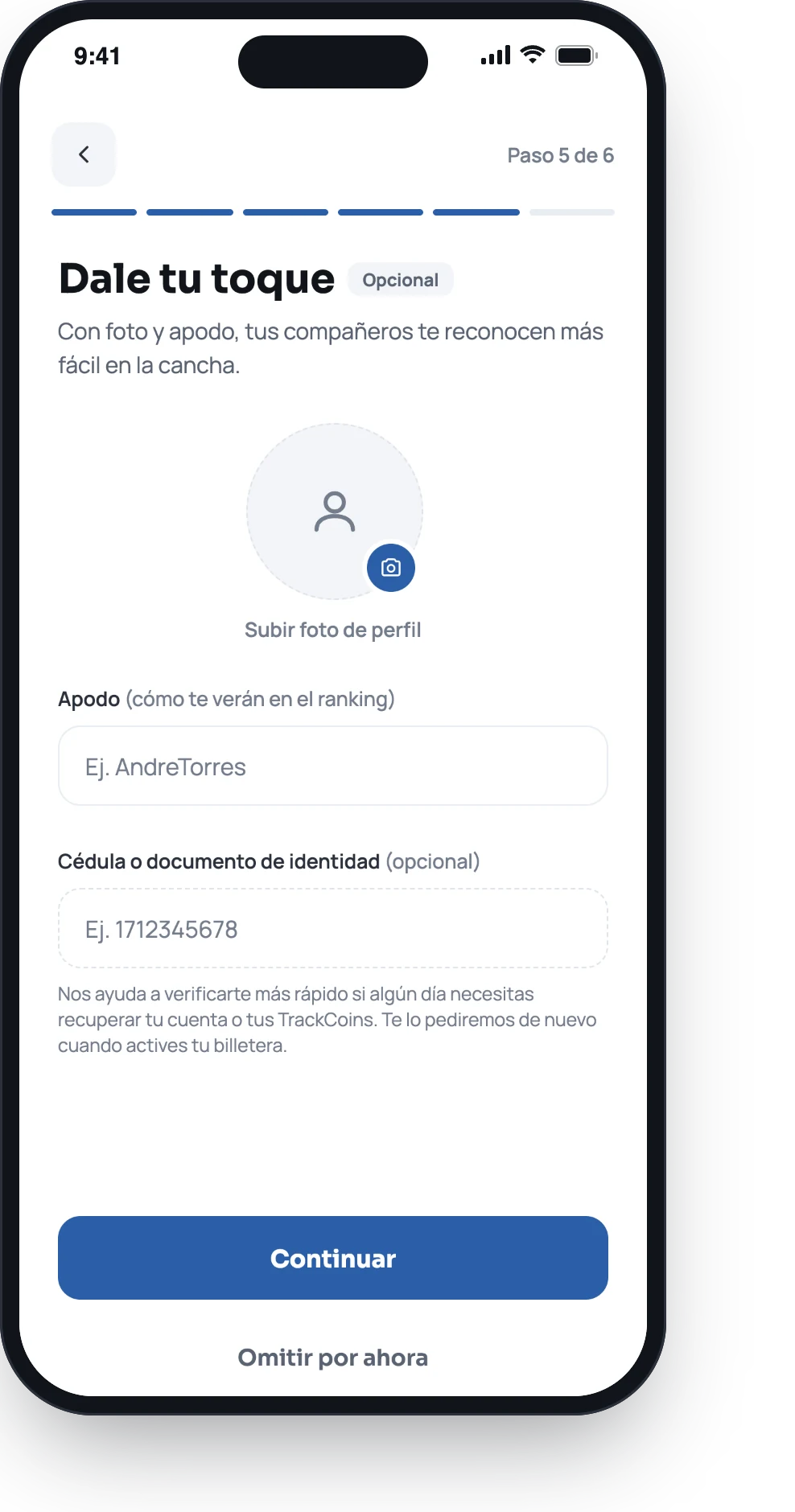
Upload a photo and choose a nickname: it's the name others will see in the ranking. You can complete it later from your profile.
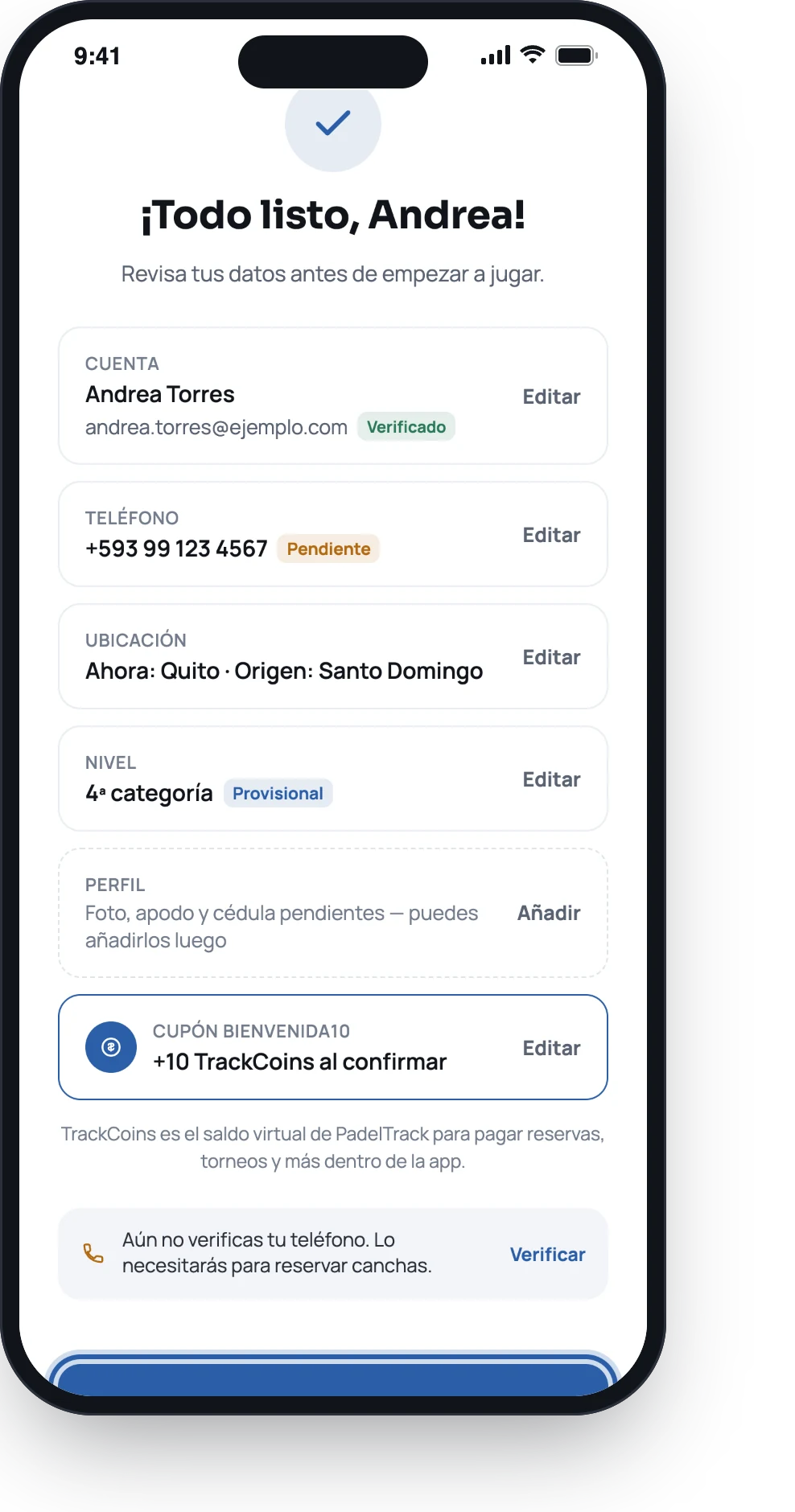
Review your details and tap Start playing. If you used the welcome coupon, the TrackCoins are credited when you confirm.
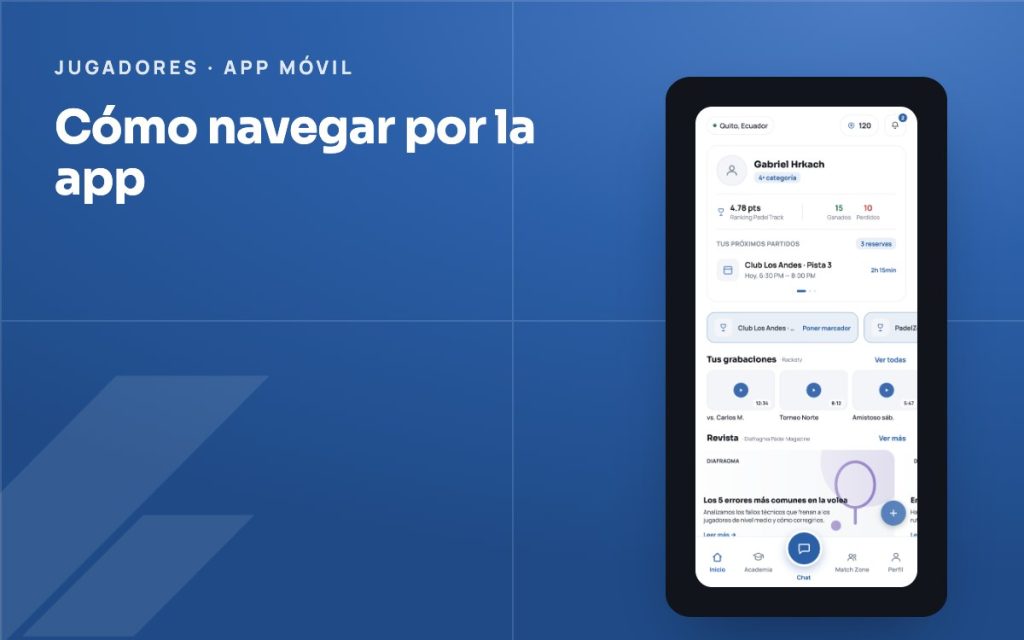 How to find your way around the appGet to know the home screen, the bottom menu, notifications and your profile.View tutorial
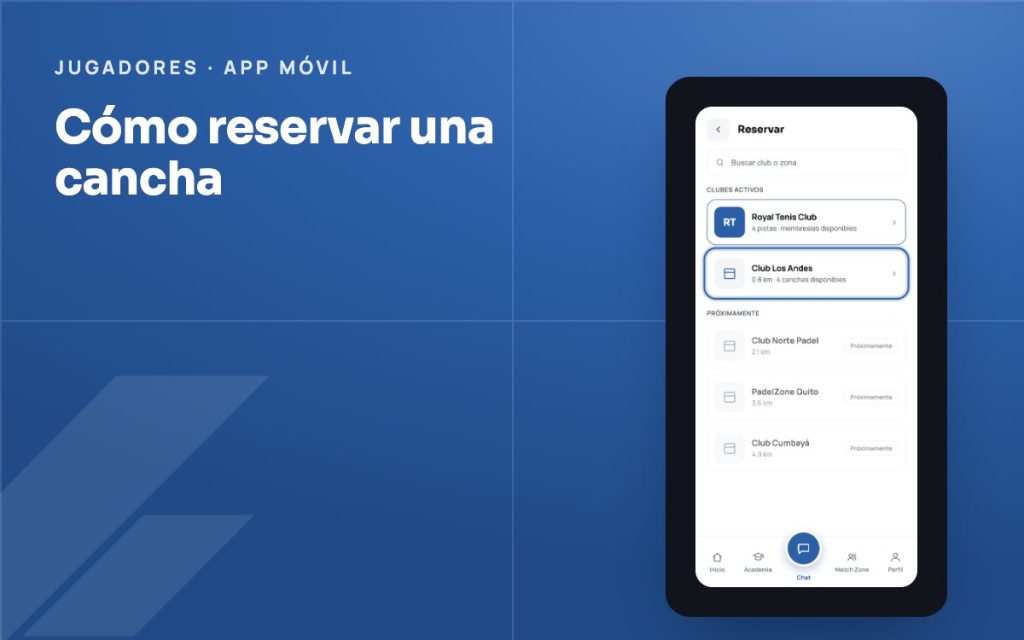 How to book a courtChoose the club, day, court and time, invite your partners and pay.View tutorial
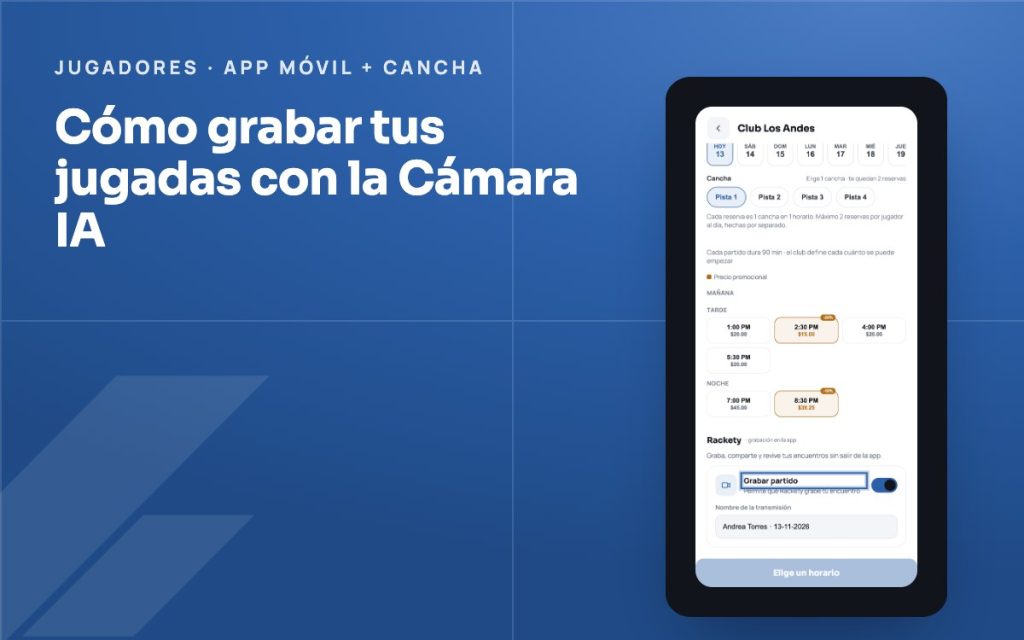 How to record your plays with the AI CameraTurn on recording, make the triangle gesture and watch your videos.View tutorial