
Get to know the home screen, the bottom menu, notifications and your profile.
At the top you see your city, your TrackCoins and notifications. Then your card with ranking points, matches won and lost, and the list of your upcoming matches.
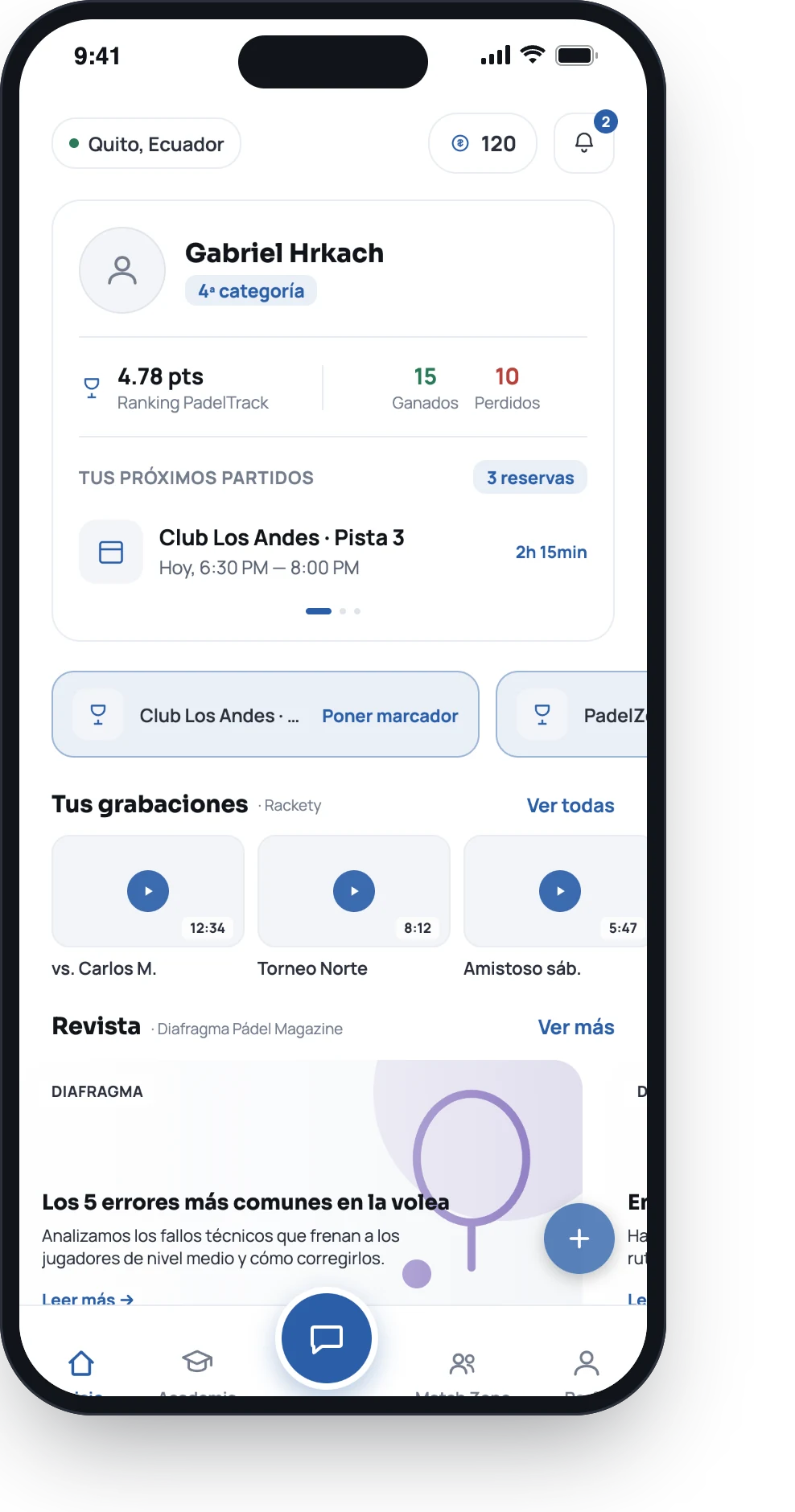
Further down are your recordings from the AI camera and the magazine with padel stories. Tap See all to open all your videos.
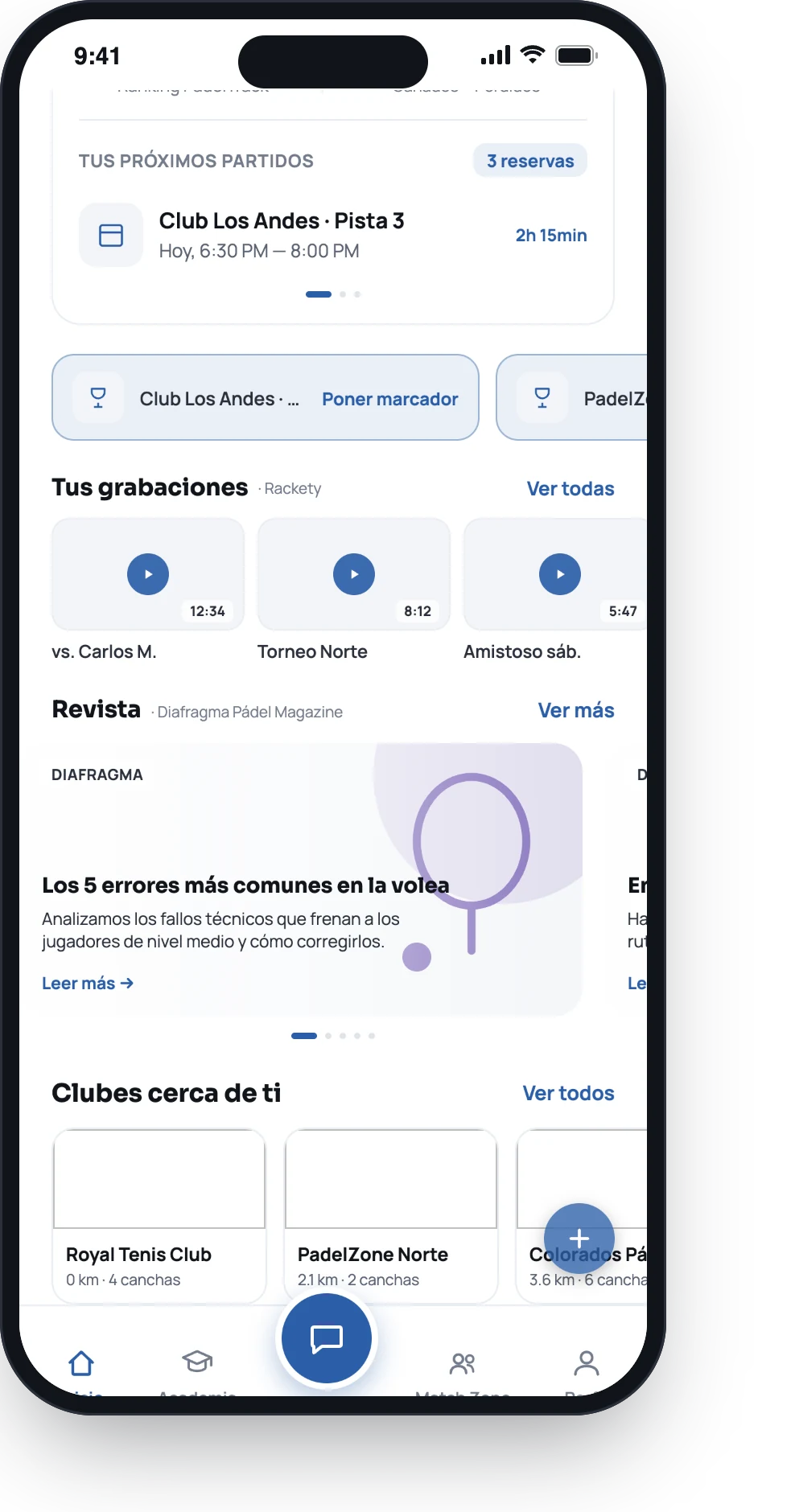
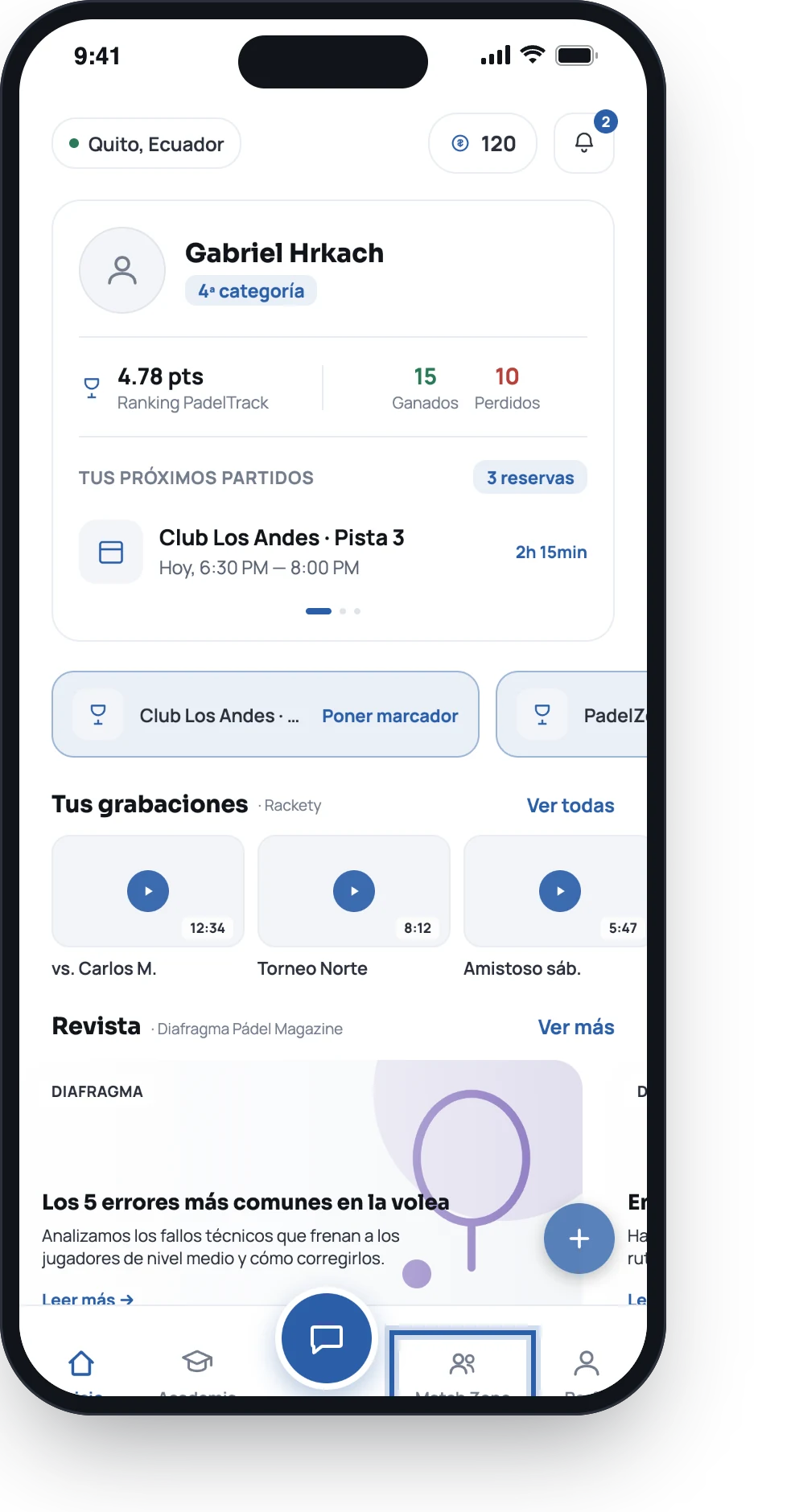
From the bottom bar you go to Home, Academy (classes and coaches), Chat, Match Zone (matches, ranking, tournaments and store) and your Profile.
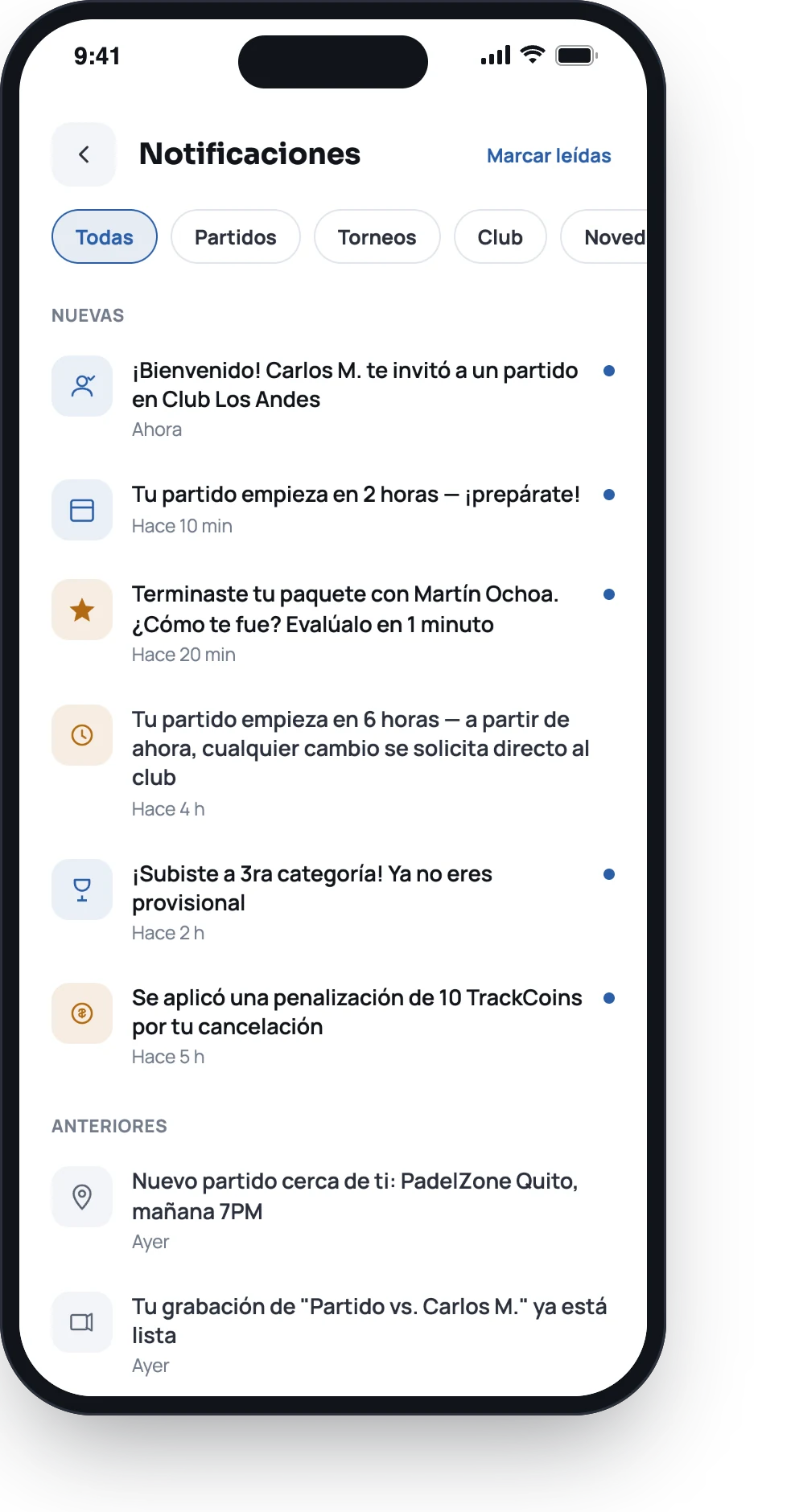
Match invitations, reminders, category changes and announcements from your clubs arrive here. Filter them by Matches, Tournaments, Club or News.
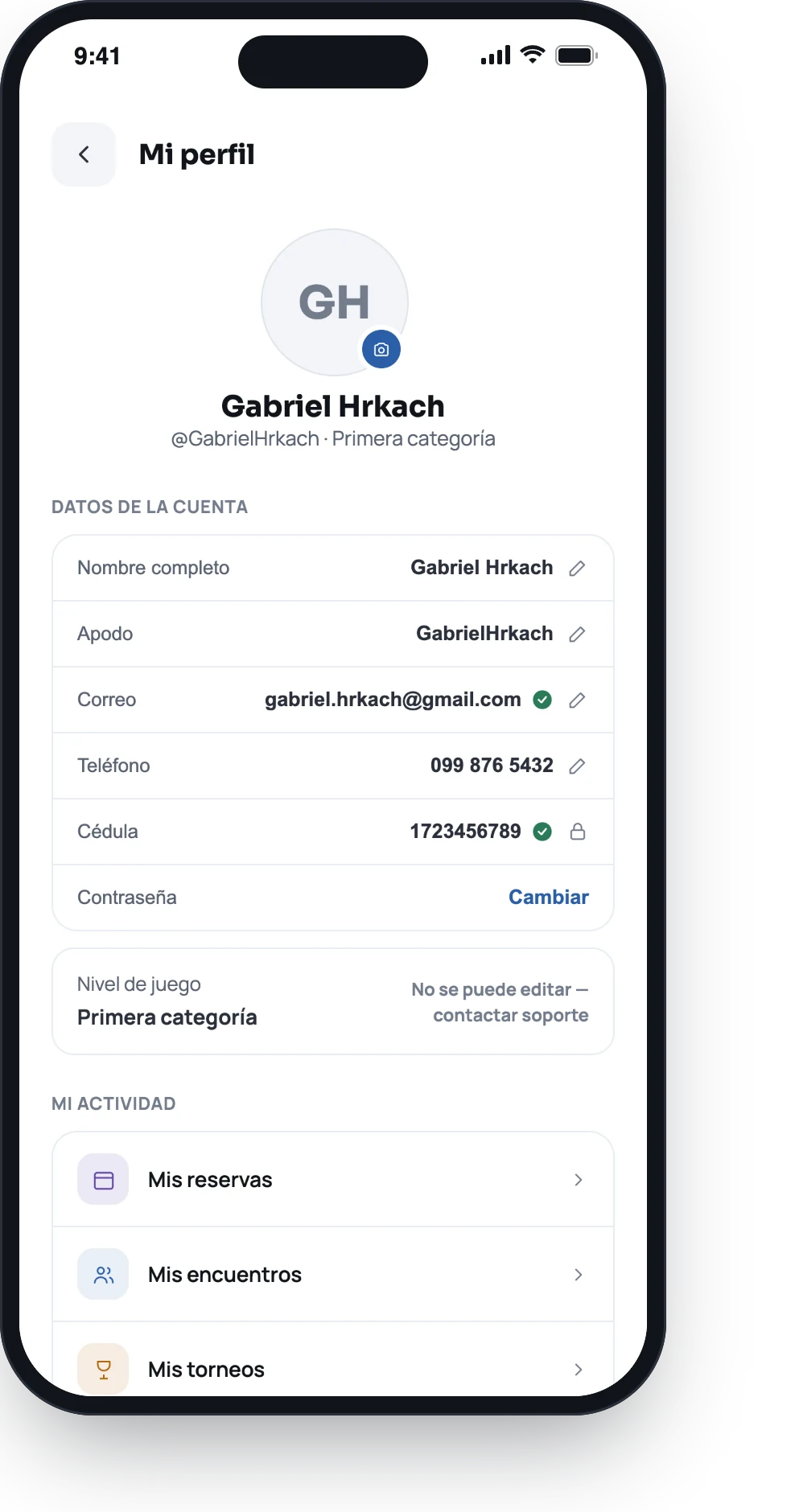
Check your details, bookings, games, tournaments, classes, wallet and recordings. This is also where you change the appearance (light or dark) and contact support.
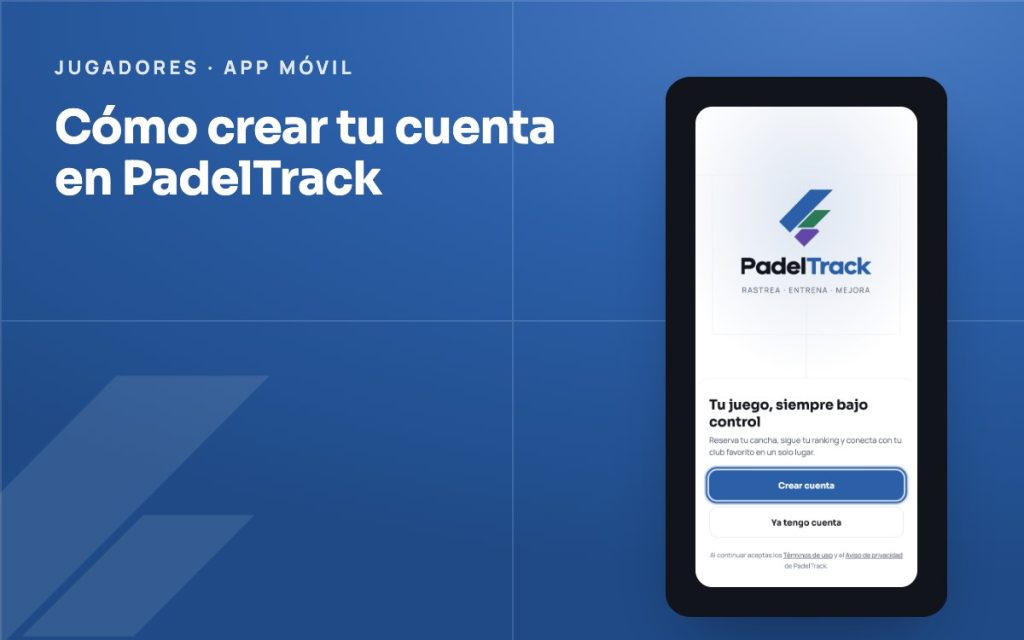 How to create your PadelTrack accountSign up, verify your email and choose your category in a few minutes.View tutorial
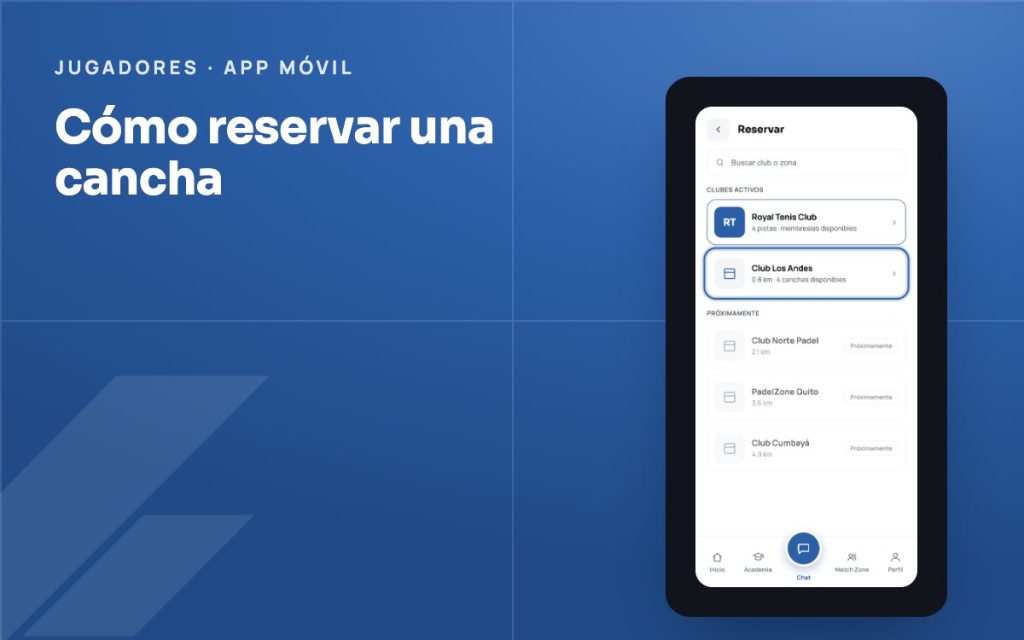 How to book a courtChoose the club, day, court and time, invite your partners and pay.View tutorial
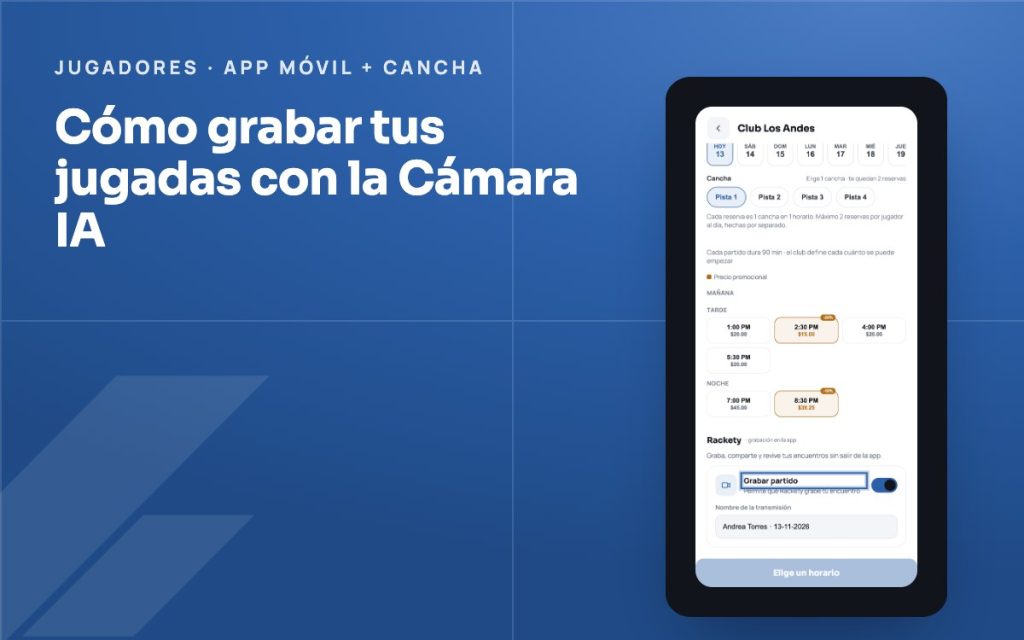 How to record your plays with the AI CameraTurn on recording, make the triangle gesture and watch your videos.View tutorial