
Turn on recording, make the triangle gesture and watch your videos.
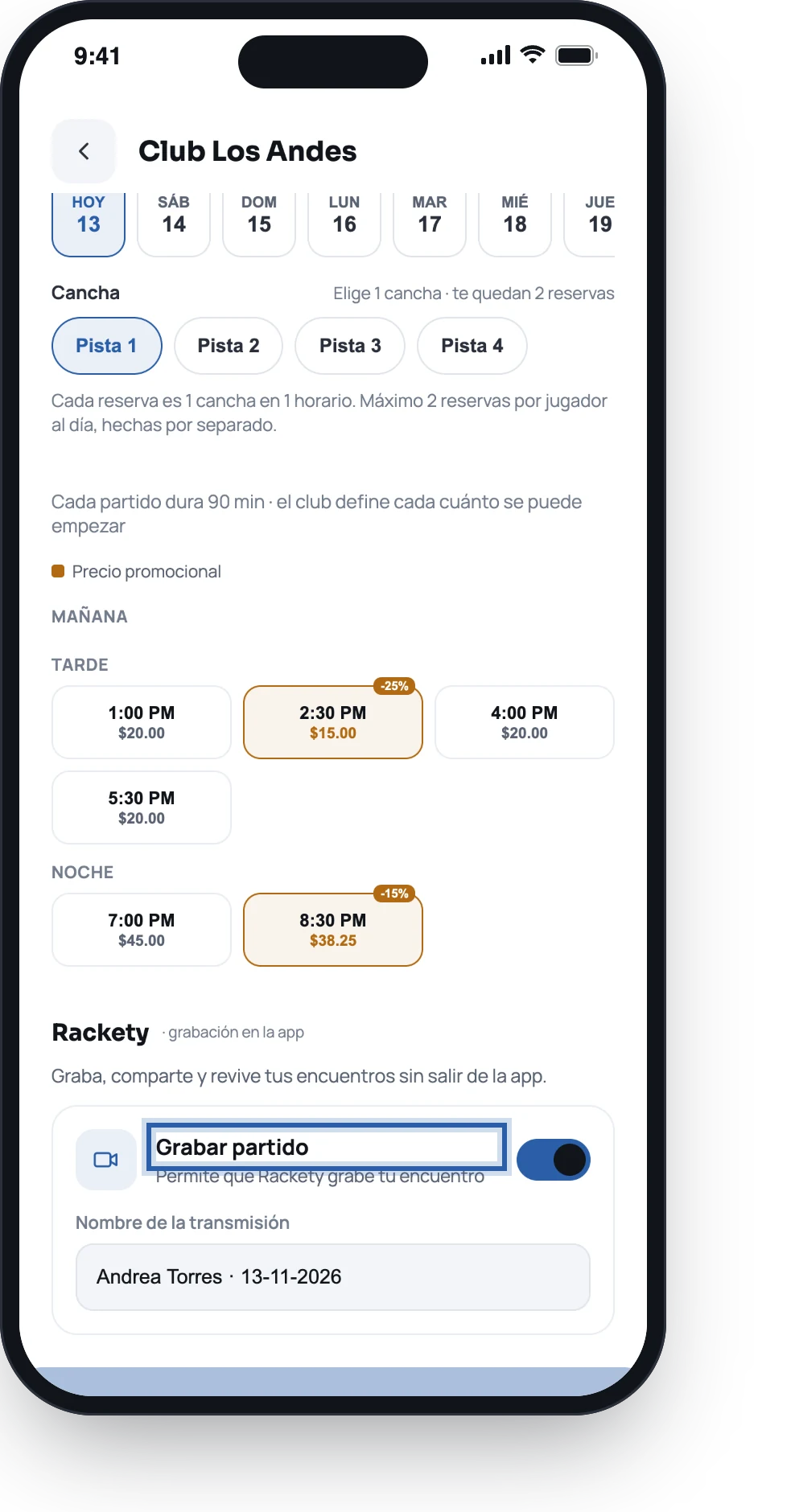
When booking at a club with Rackety cameras, turn on Record match. That way your game is linked to your booking.
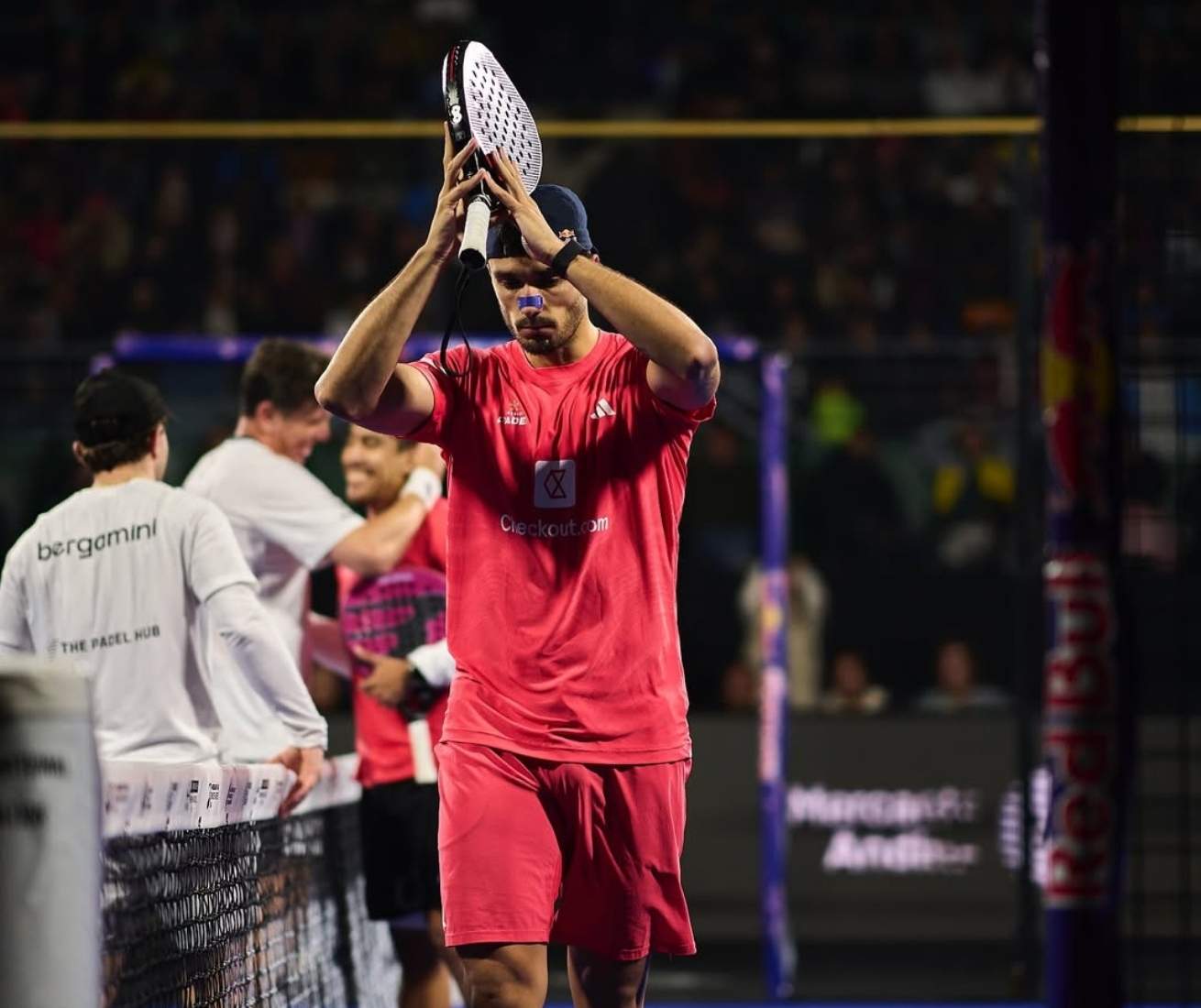
During the match, whenever you want to save a play, bring your arms together over your head to form a triangle and hold it for about 2 seconds. The camera saves the previous 20 seconds: no play is ever lost.
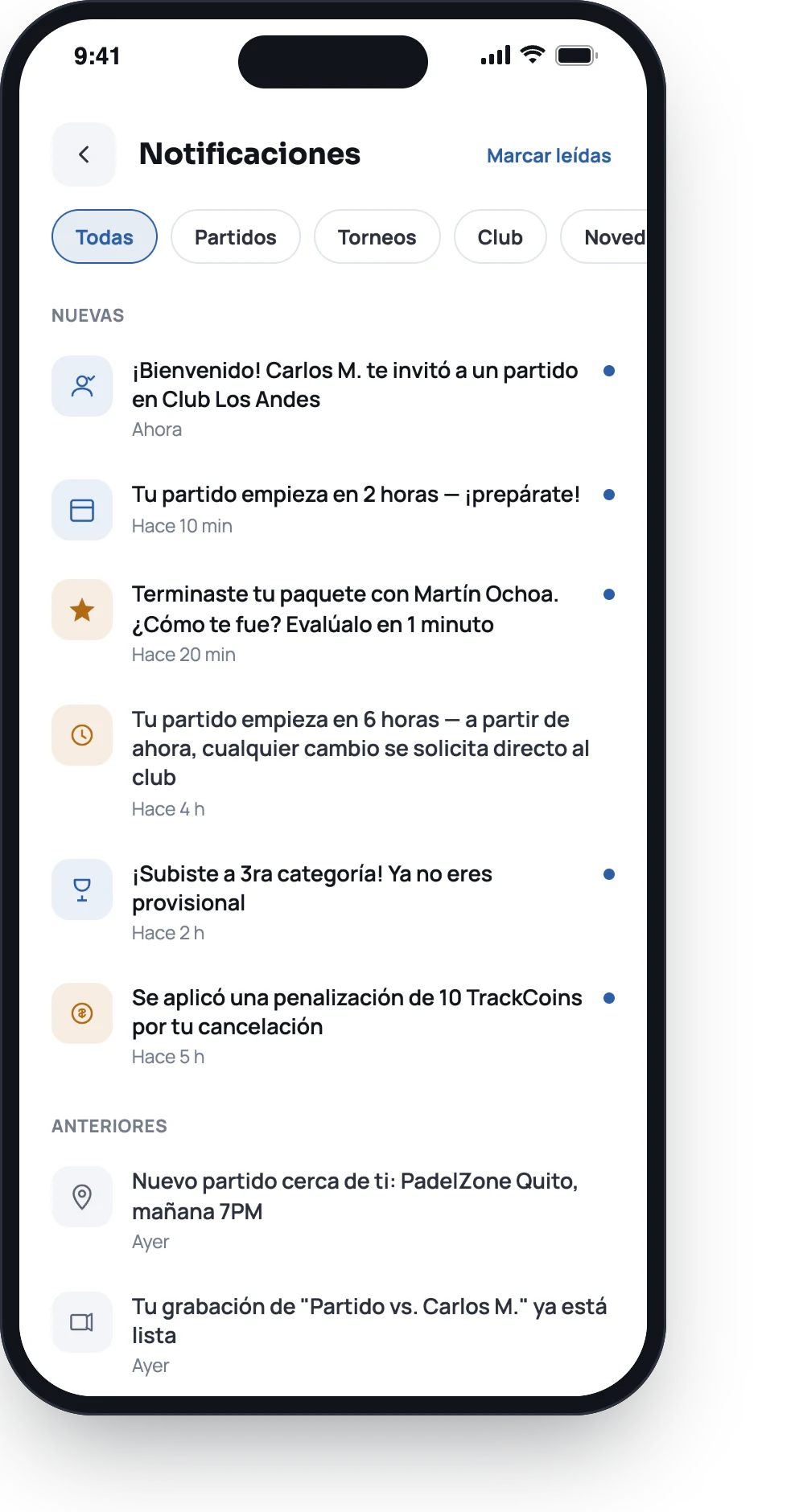
When you finish, the AI generates the highlight video and you get a notification: “Your recording is ready”.
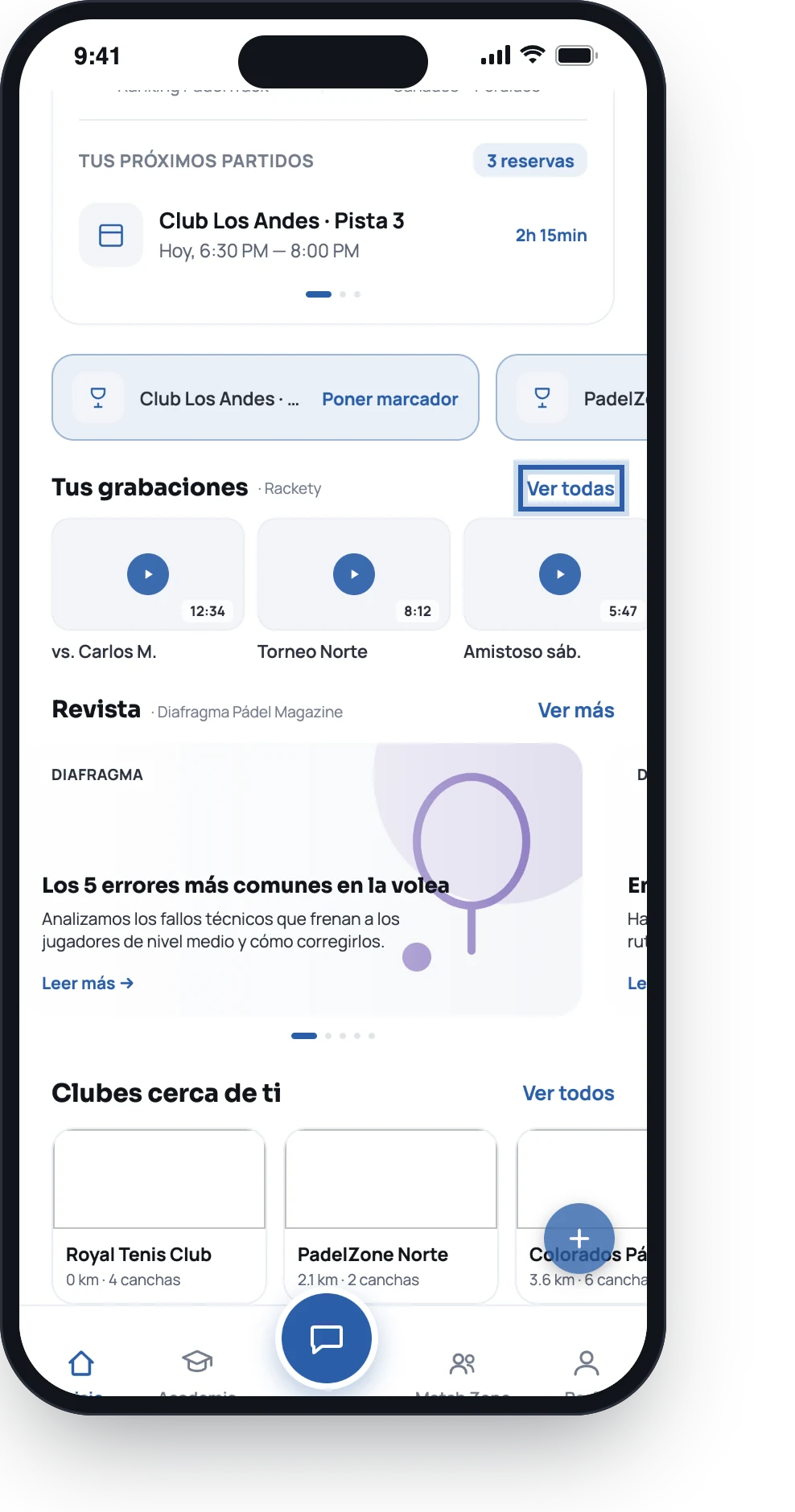
Your videos appear in Your recordings on the home screen. Tap one to watch it or See all for your full history.
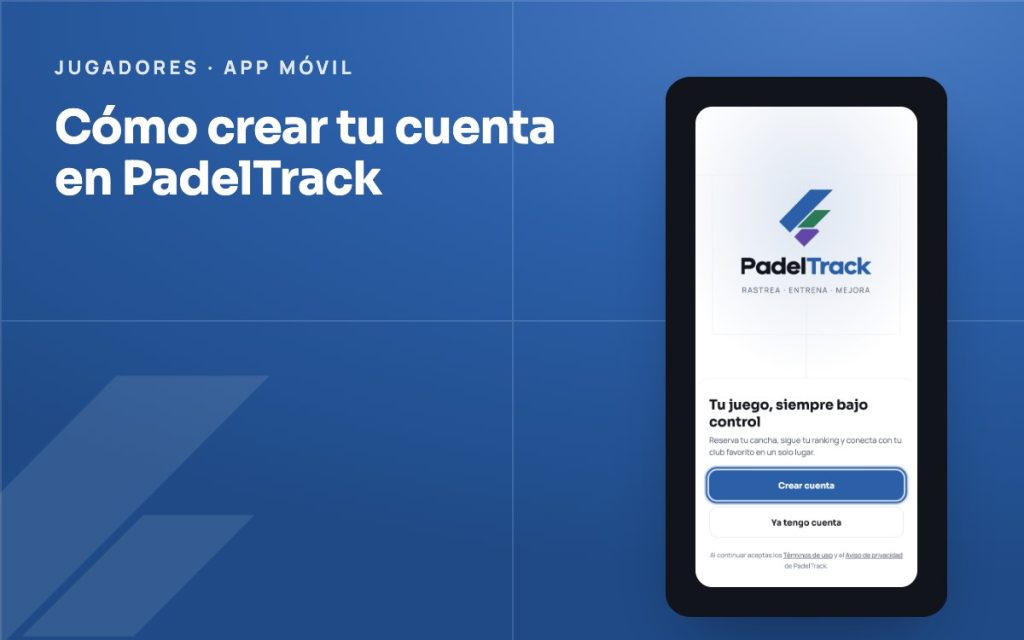 How to create your PadelTrack accountSign up, verify your email and choose your category in a few minutes.View tutorial
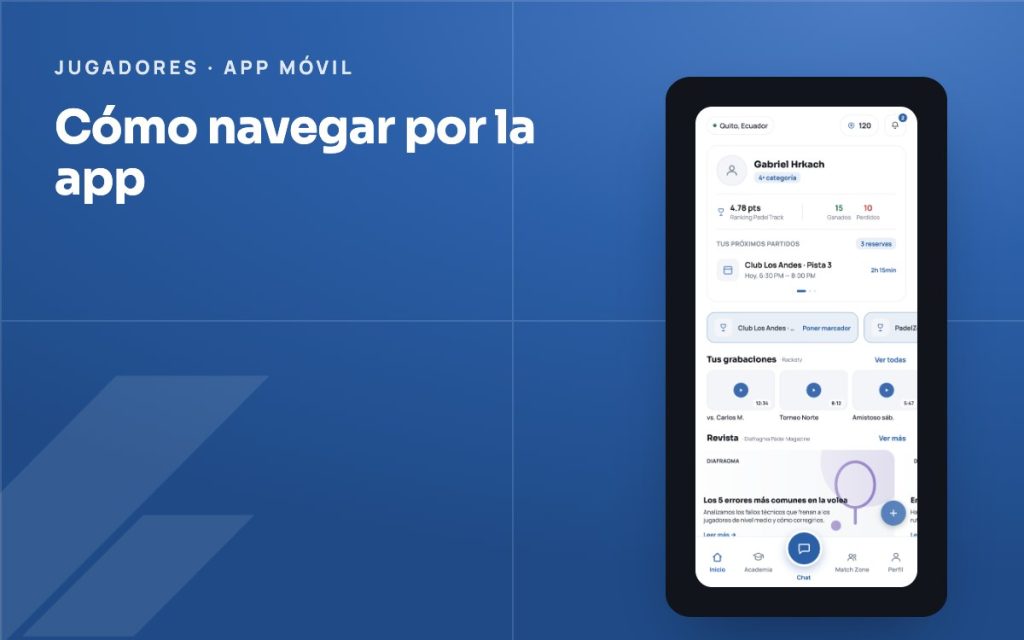 How to find your way around the appGet to know the home screen, the bottom menu, notifications and your profile.View tutorial
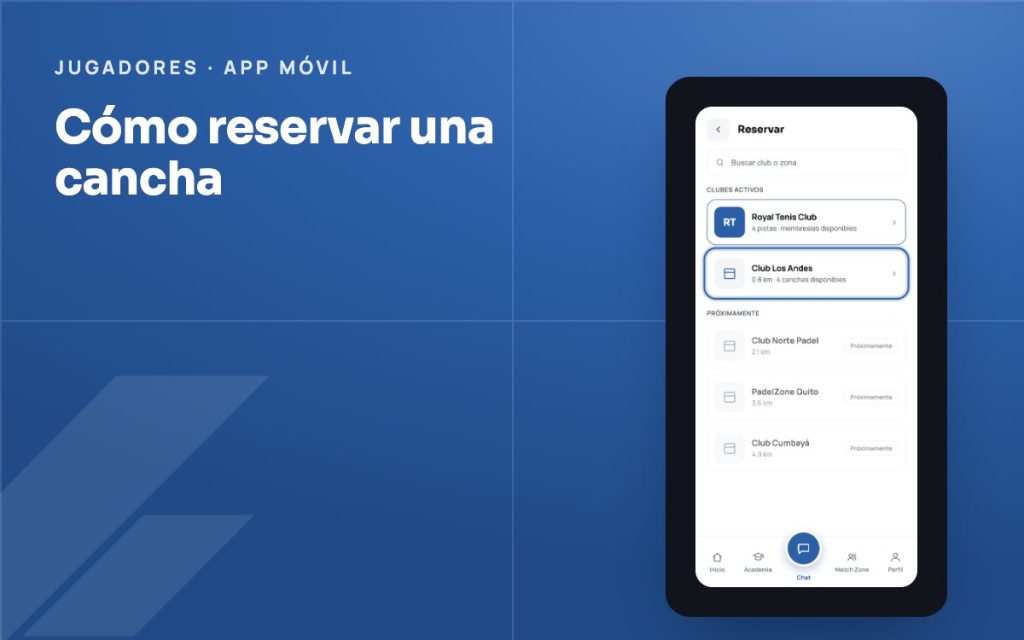 How to book a courtChoose the club, day, court and time, invite your partners and pay.View tutorial