
Set up a match, find players at your level and earn ranking points.
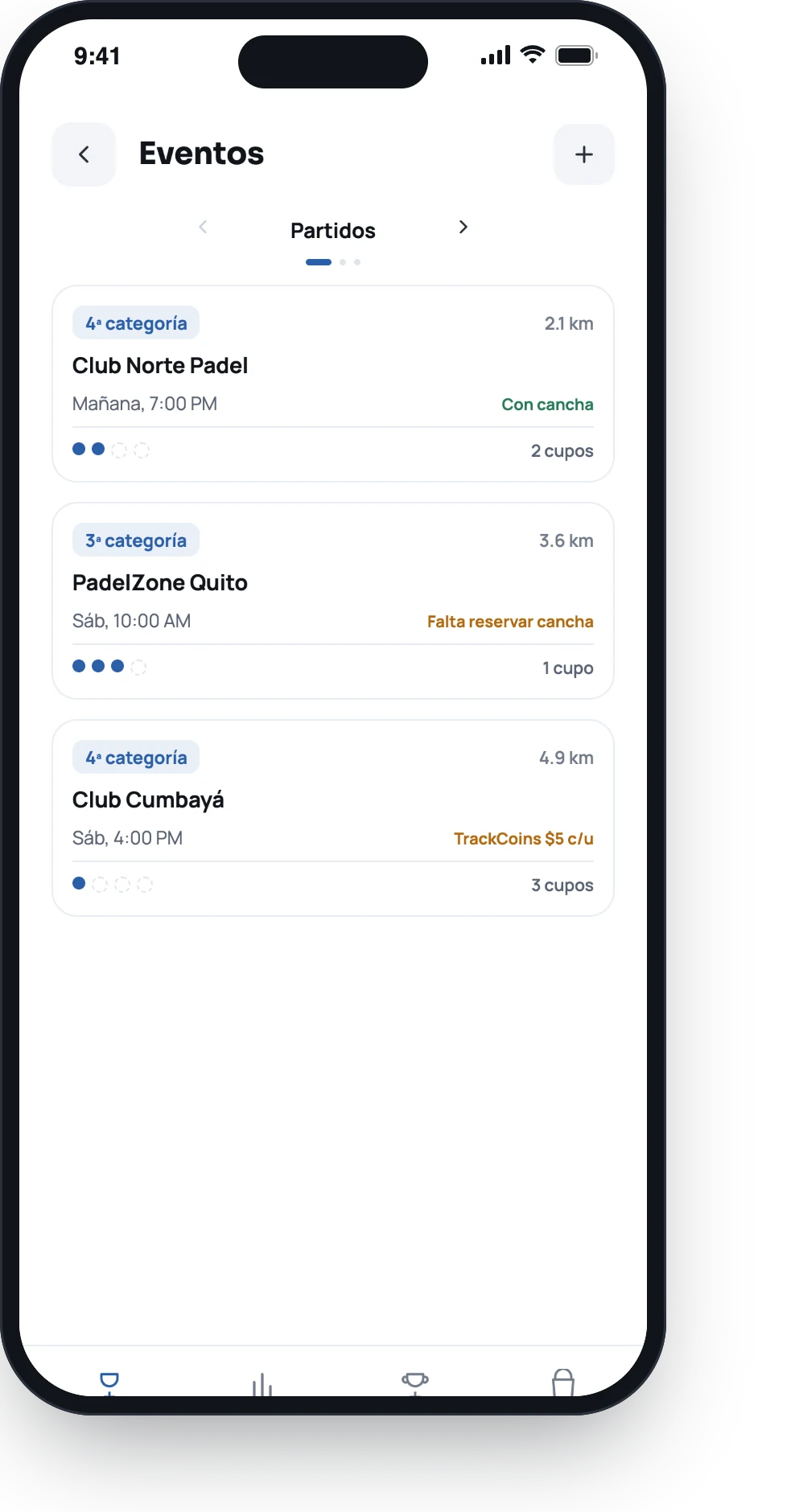
In Match Zone you see the open matches near you, with their category, club, time and free spots. Tap one to join or create your own.
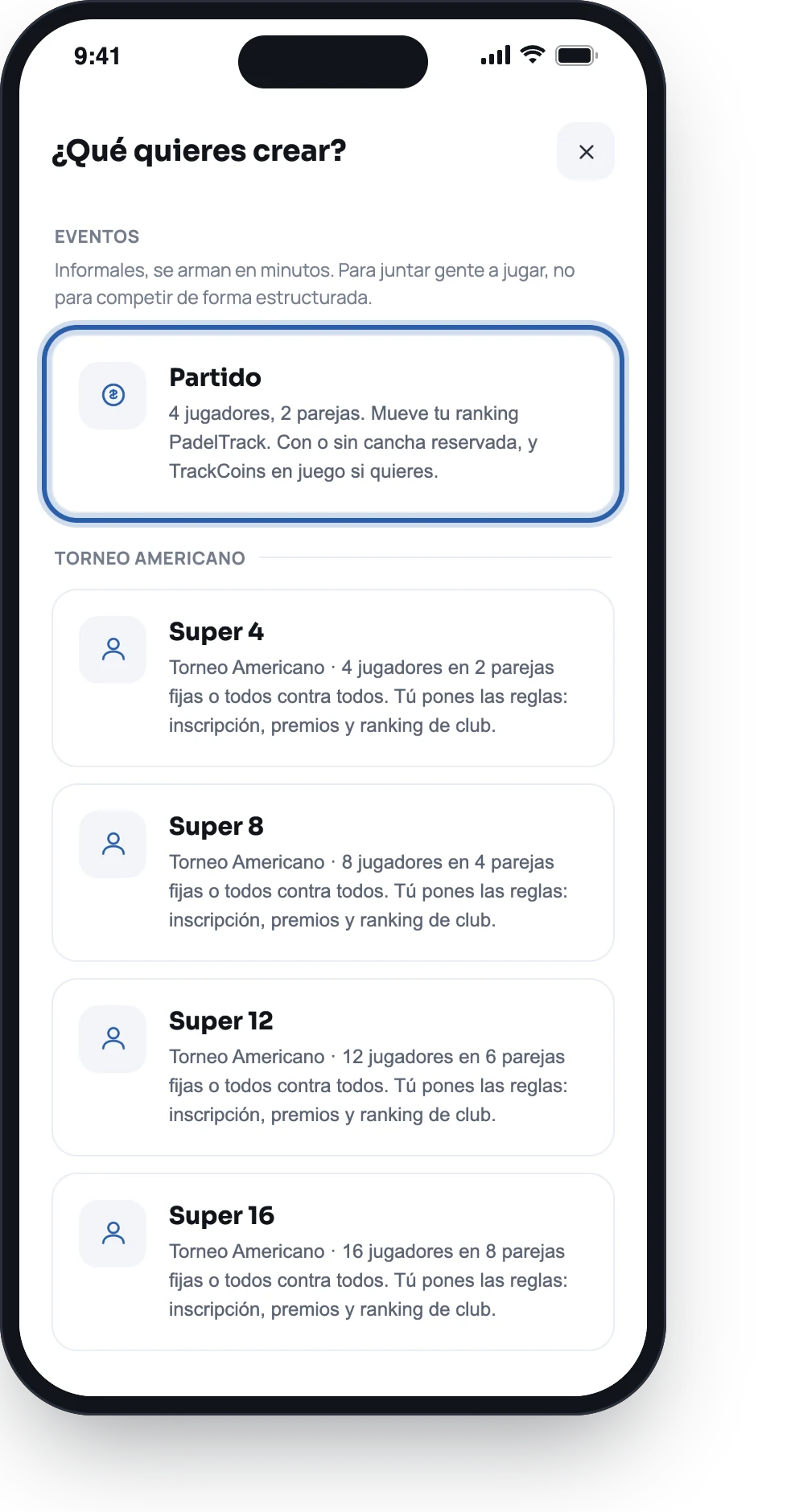
A Match has 4 players in 2 pairs and moves your PadelTrack ranking. You can also set up an Americano Tournament (Super 4, 8, 12 or 16) with your own rules.
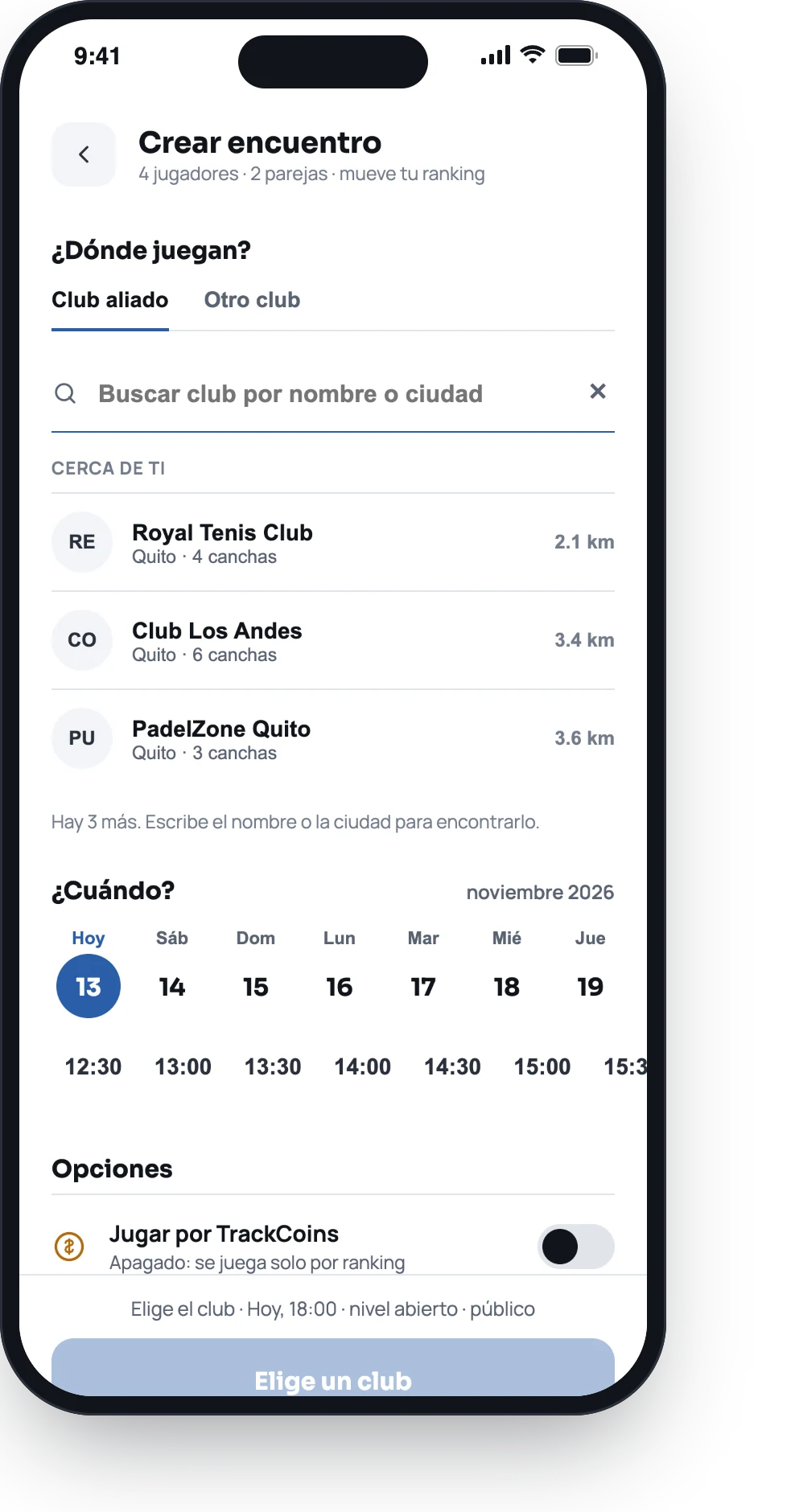
Choose a partner club or another club, the day and the time. In the options you can put TrackCoins at stake if you want.
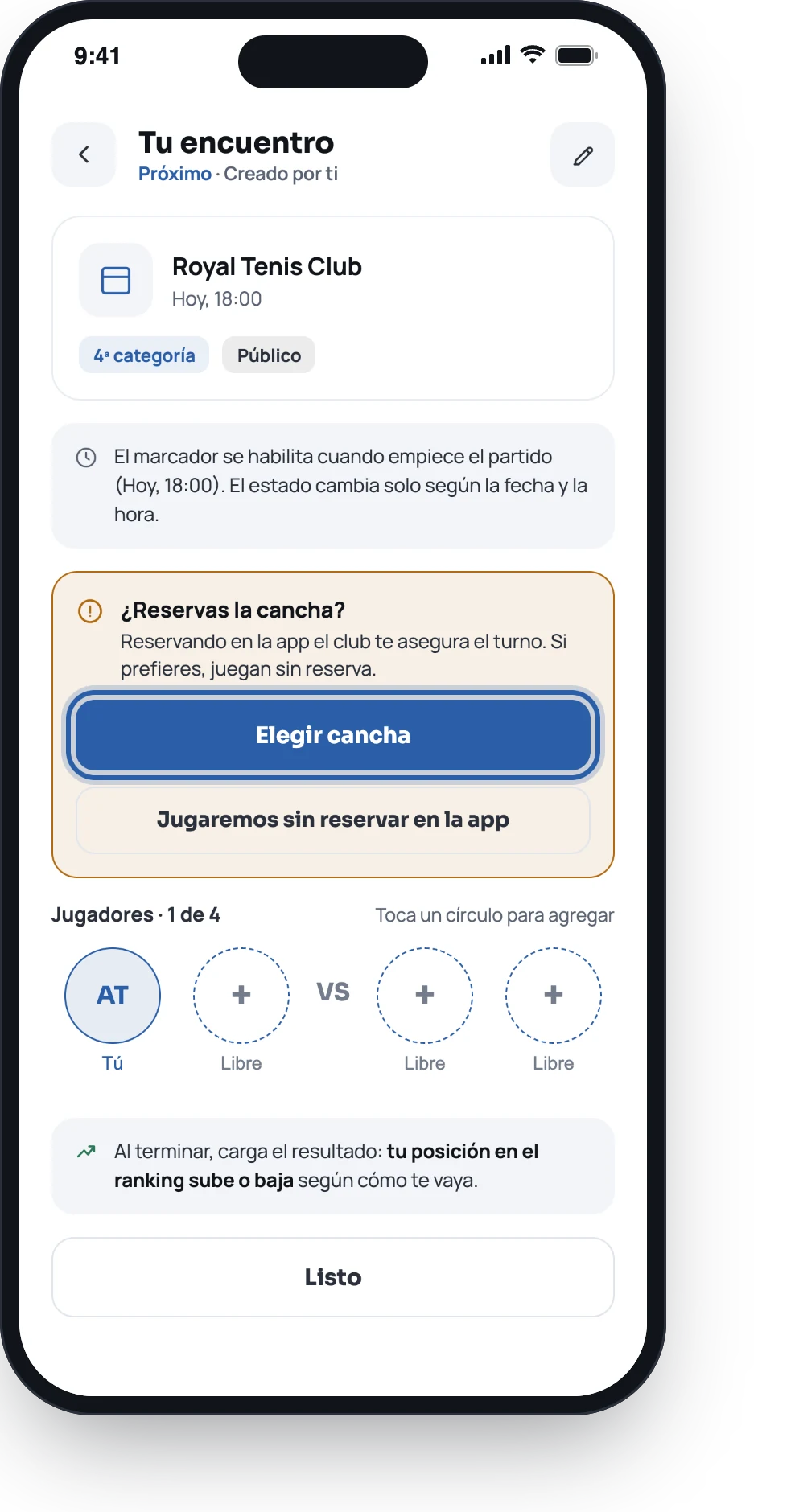
Your game is created. Tap Choose court so the club secures your slot, and add players by tapping the empty circles.
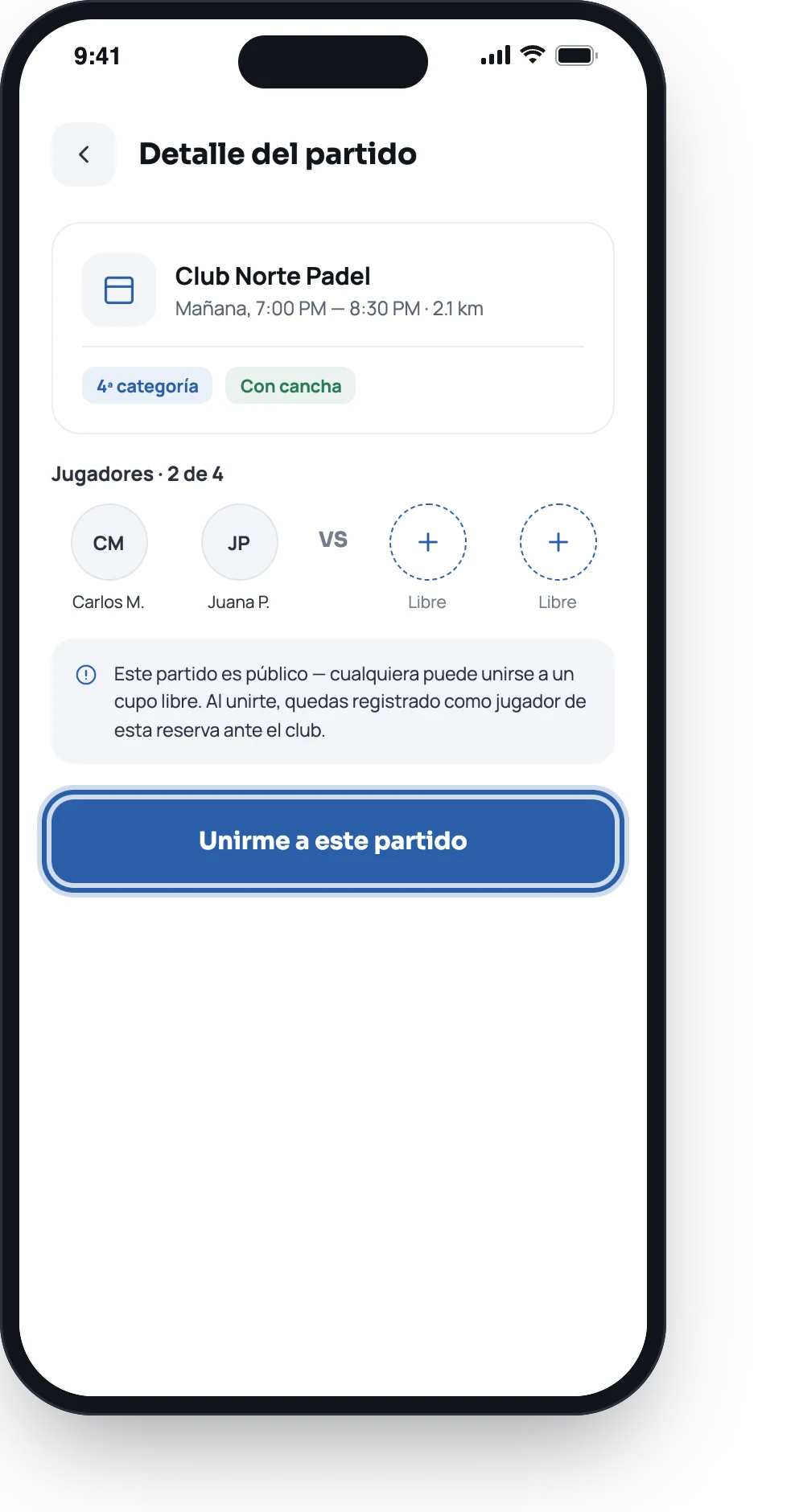
In a public match you can take a free spot with Join this match. You're registered with the club as a player in that booking.
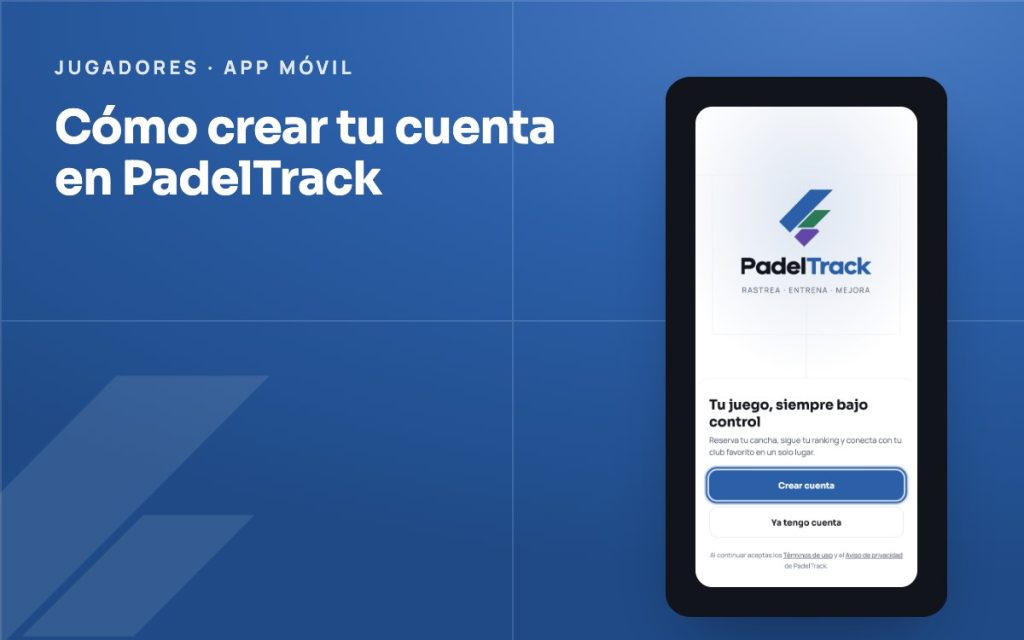 How to create your PadelTrack accountSign up, verify your email and choose your category in a few minutes.View tutorial
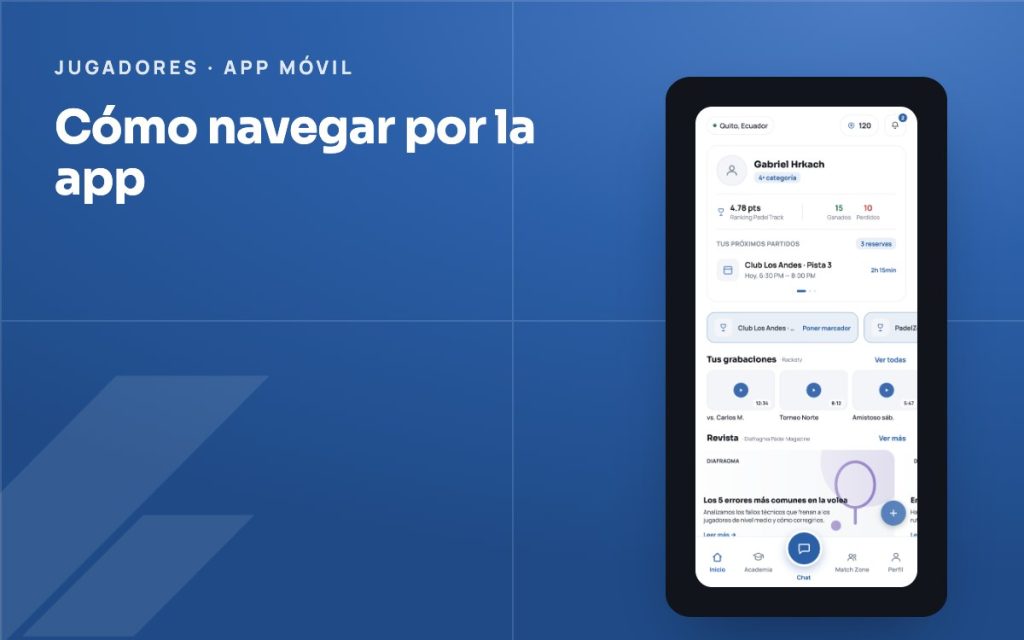 How to find your way around the appGet to know the home screen, the bottom menu, notifications and your profile.View tutorial
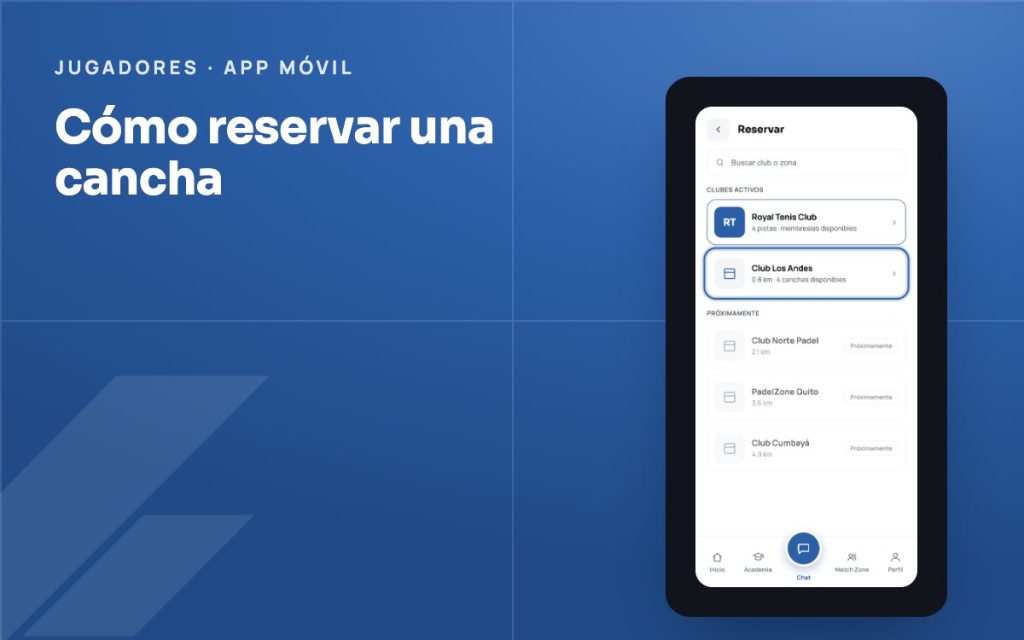 How to book a courtChoose the club, day, court and time, invite your partners and pay.View tutorial